SRE – Sweep a Rectangular Profile / RHS in 3D (Free AutoCAD LISP)

11th August 2026

FREE AUTOCAD LISP

SRE — RHS profiles in 3D, faster than SWEEP will ever be

SRE sweeps a rectangular hollow section along your path from a simple dialog — width, height, wall thickness — and out comes the 3D profile. The steel-detailing companion to XPIPE.

Written by Stefan M., inspired by the classic ASMI tools family.

SRE free AutoCAD LISP sweeping rectangular hollow sections in 3D

How to use it

  1. Unzip, then load the .vlx with APPLOAD (loads exactly like a .lsp).
  2. Type SRE.
  3. Set the profile in the dialog, pick the path.

Good to know

Output 3D swept rectangular / RHS profiles
Input Dialog box – profile dimensions, then the path
File type Compiled .vlx – load it like any .lsp
Command SRE
Credit Written by Stefan M. – thank you, Stefan

From the same workshop — watch what the paid add-ons do
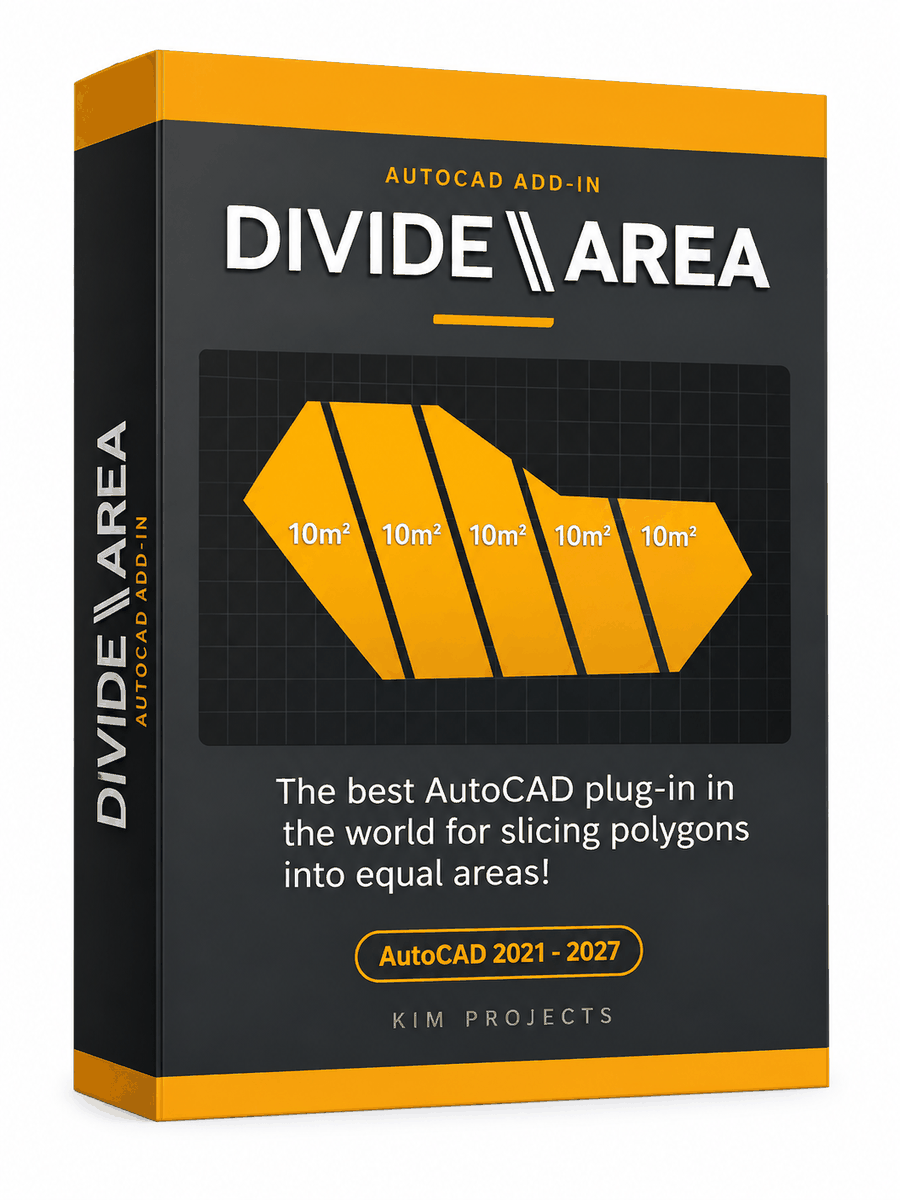
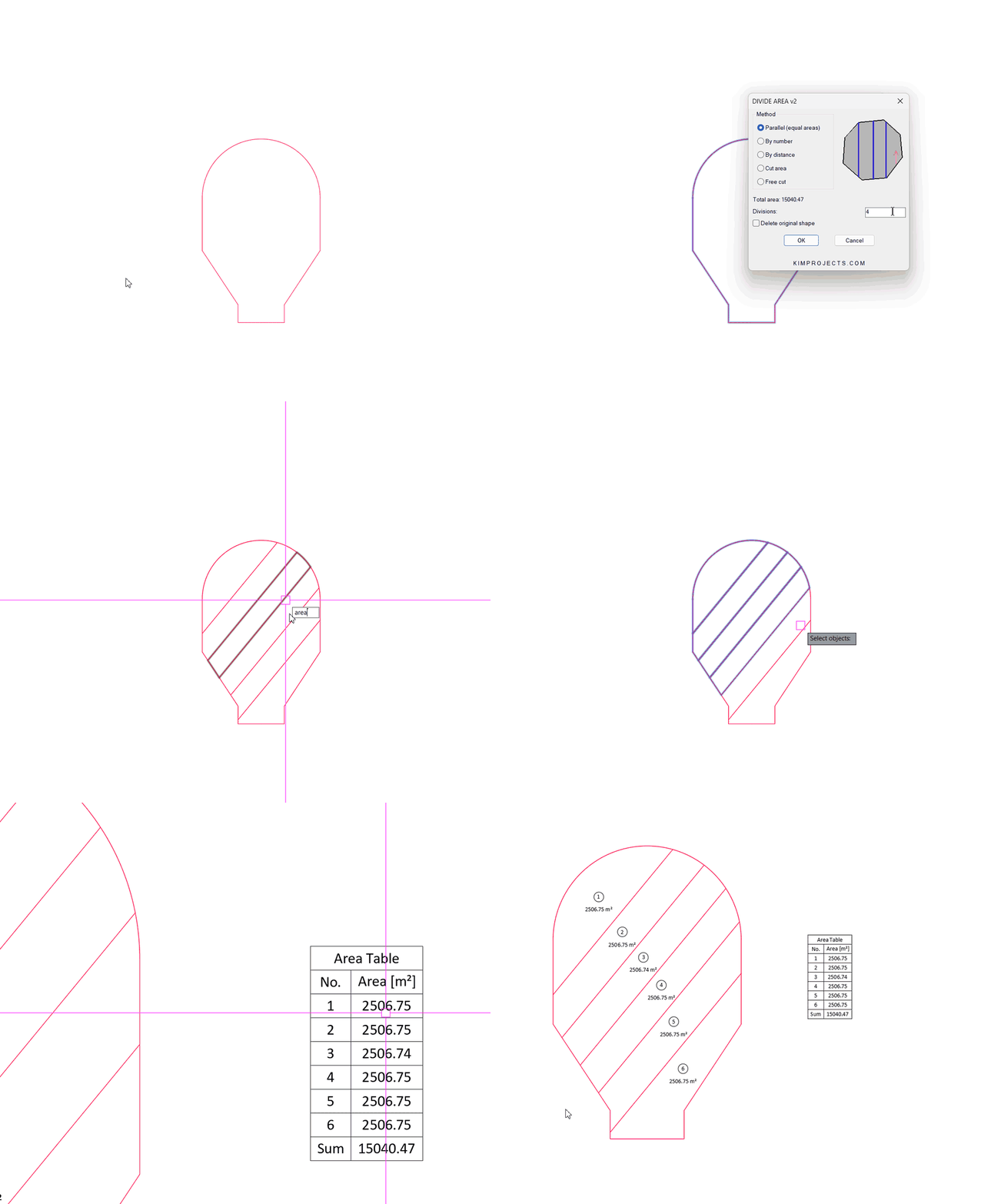
Divide Area for AutoCAD - product boxDivide Area add-on slicing an AutoCAD shape into equal strips

Divide Area
Split any closed shape into pieces of equal area – by number, by distance, a set area or a free cut.

See Divide Area$21.90

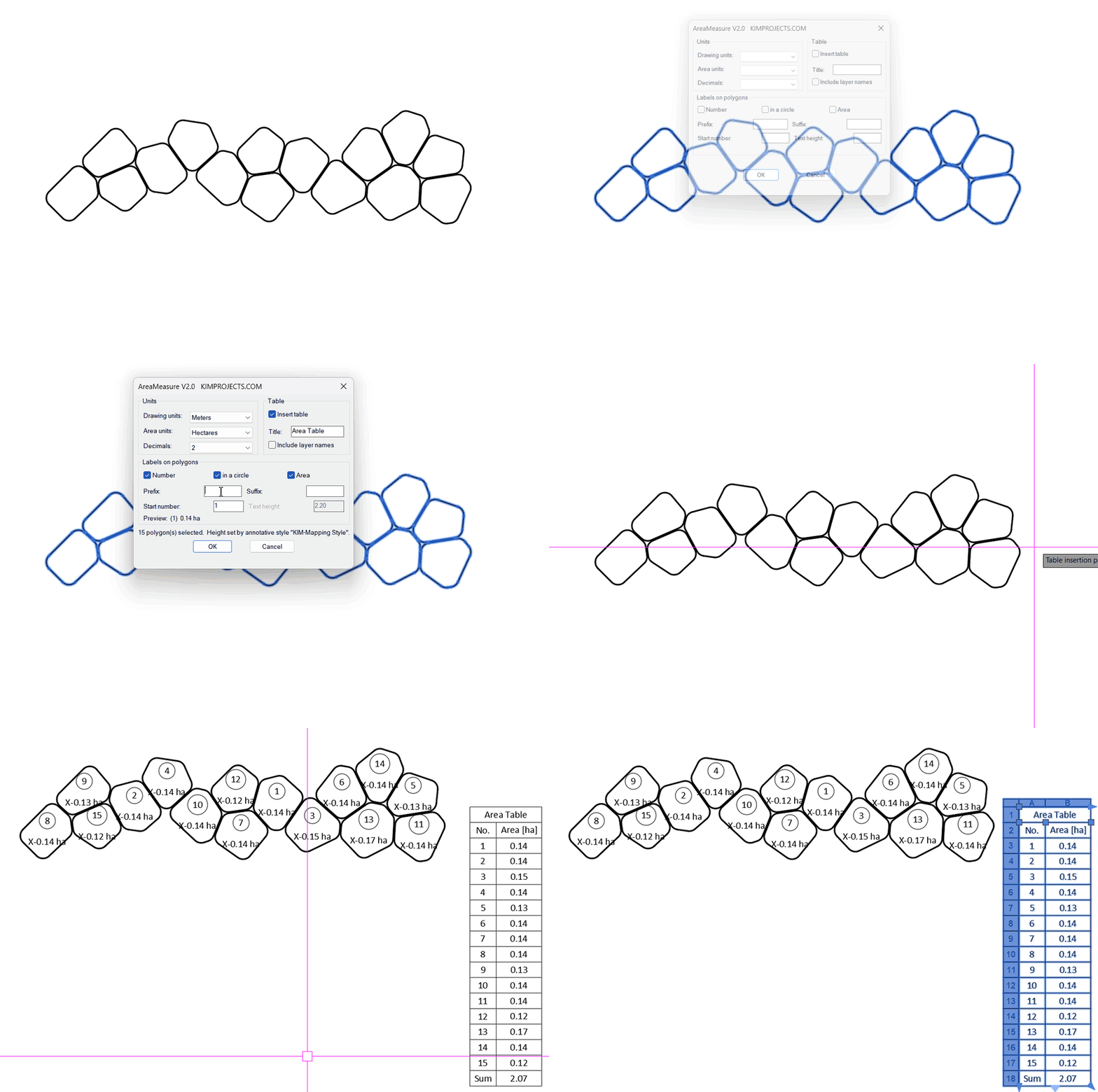
Area Measure for AutoCAD - product boxArea Measure add-on numbering AutoCAD polygons and inserting a totalled area table

Area Measure
Measure closed shapes in any unit, number them, and get a totalled area table – annotative text supported.

See Area Measure$21.90

PlotData for AutoCAD - product boxPlotData numbering parcel corners in AutoCAD and inserting the coordinate table

PlotData
Number every parcel corner, label every side length and azimuth, and insert the coordinate table – one selection.

See PlotData$19.90

Voronoi Generator for AutoCAD - product boxVoronoi Generator filling a closed AutoCAD polyline with organic cells

Voronoi Generator
Fill any closed polyline with Voronoi cells – exact spacing, edge distance and rounding, live preview.

See Voronoi Generator$24.90

AUTODIM for AutoCAD - product box
Automatic Dimension — AutoCAD Add-in
AUTODIM
Length on every line, polyline and arc you select – as a real dimension or as text, with the layer name above it. Break at turns, at crossings, or total a whole object including its bends.

See AUTODIM$29

Contour Generator turning Google Earth ground into survey contour lines, a 3D terrain model and a printed contour sheet
WEB TOOL — NOTHING TO INSTALL
KIM Contour Generator
Draw a field in your browser, or import a KML from Google Earth, and get survey contours in a minute — scaled PDF, DXF in real UTM, plus STEP and STL of the terrain.

See Contour Generator$60

This tool is part of our free AutoCAD LISP collection — 20+ routines, all free, all tested on real projects.