

SS – A Better Select Similar (Free AutoCAD LISP)
SS – A Better Select Similar (Free AutoCAD LISP)
11th August 2026
FREE AUTOCAD LISP
SS — Select Similar, the way it should have worked
Like AutoCAD’s SELECTSIMILAR, but sharper: SS filters by object type, layer, colour and linetype together, works only inside the area you specify instead of the whole drawing, and — the killer feature — runs transparently in the middle of another command: type ’ss while ERASE or COPY is asking for objects.
It’s a family: SSL selects by layer only, SST matches the same text string, SSD grabs dimensions, SSB grabs blocks.

Download SS (free, .rar)
No sign-up.
How to use it
- Unzip, then load the .lsp with
APPLOAD. - Type
SS(or ‘ss transparently inside another command). - Pick the source object, then window the area to search.
Good to know
| Filters | Object type + layer + colour + linetype (SS); layer only (SSL); same text (SST); dimensions (SSD); blocks (SSB) |
| Transparent | Yes – ‘ss works during ERASE, MOVE, COPY and friends |
| Scope | The area you window, never the whole drawing |
| Commands | SS, SSL, SST, SSD, SSB |
From the same workshop — watch what the paid add-ons do
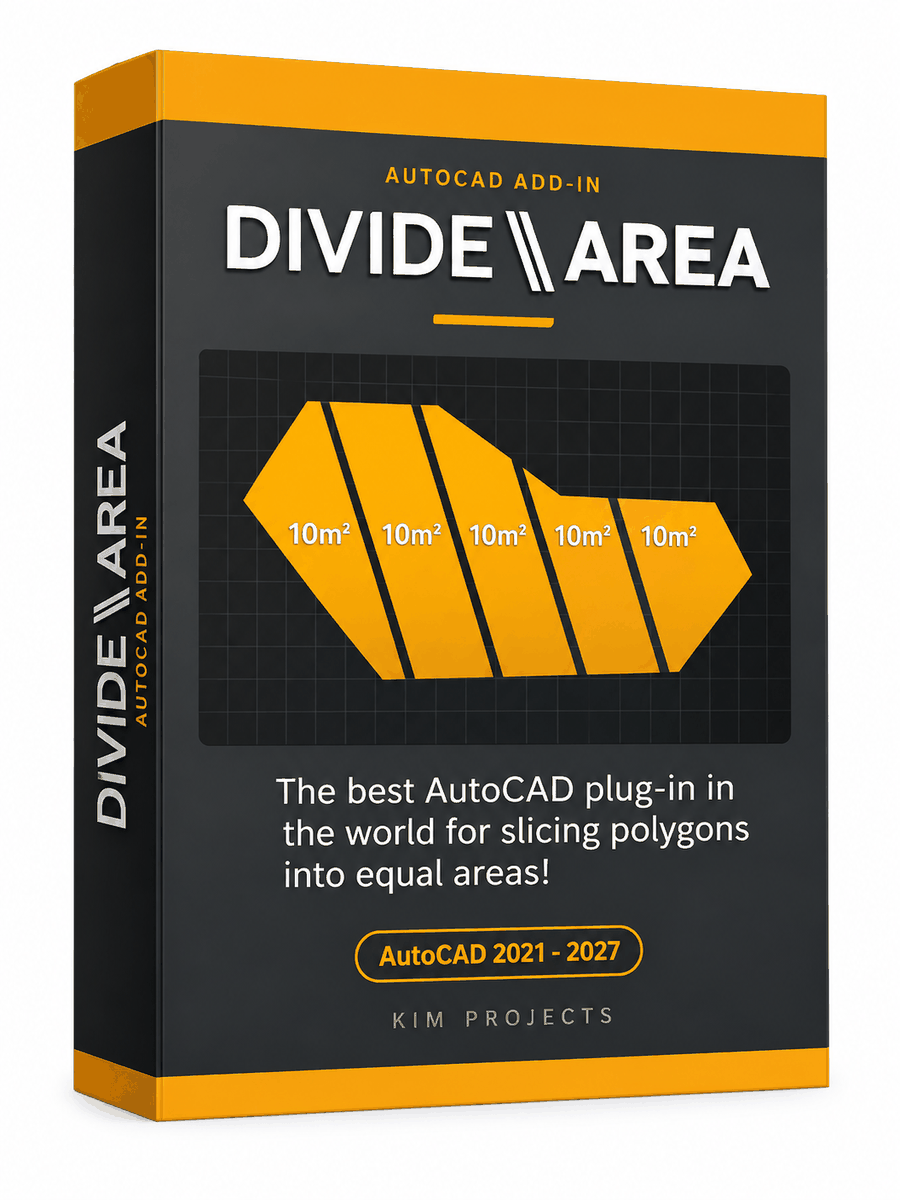

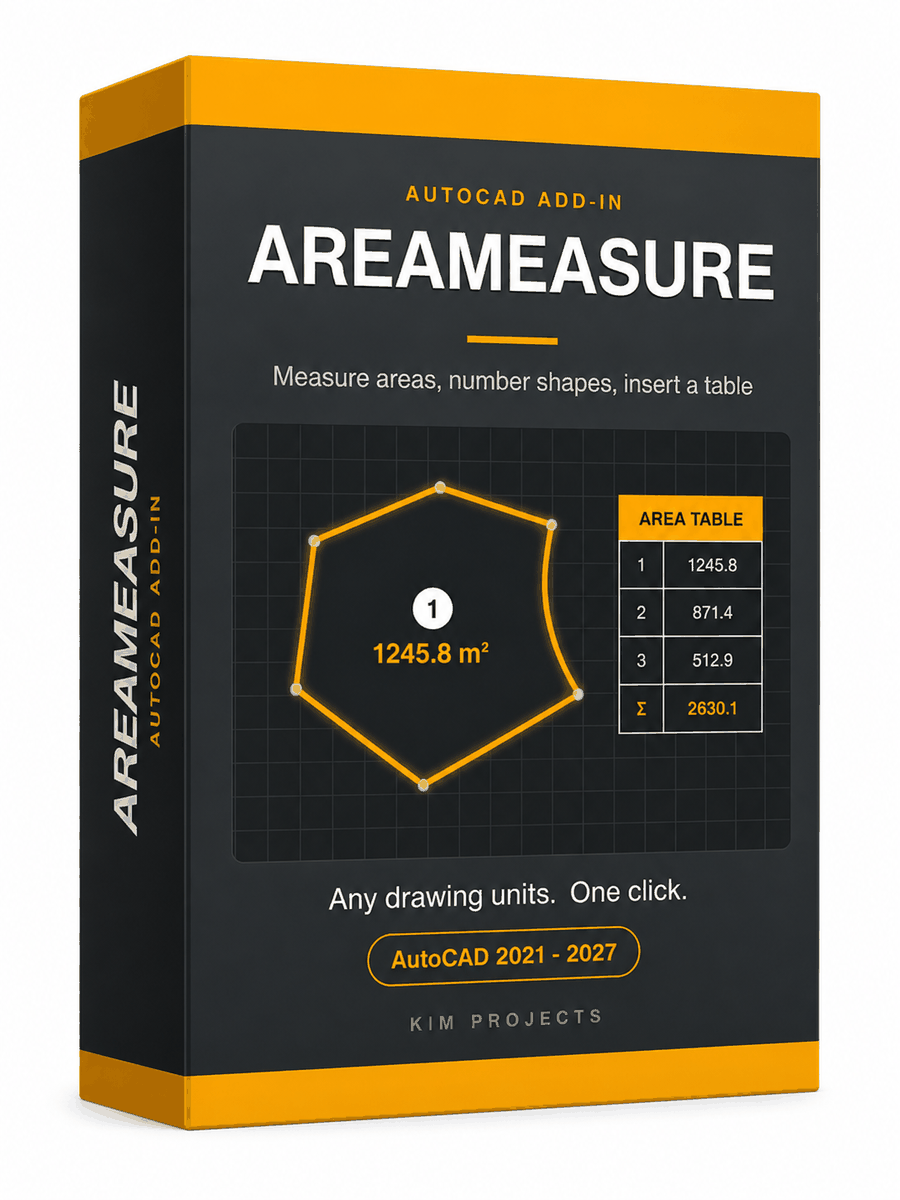
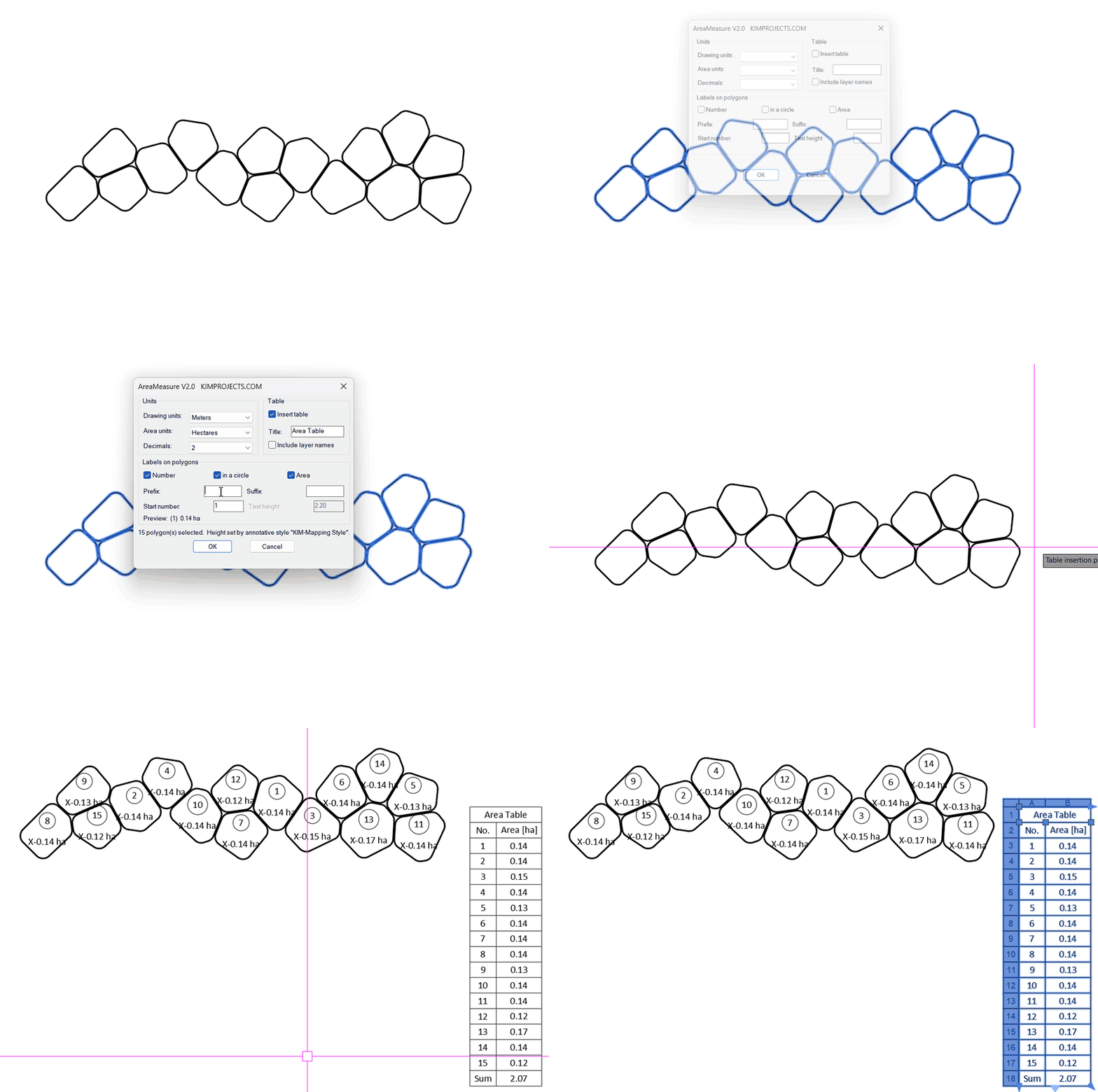
This tool is part of our free AutoCAD LISP collection — 20+ routines, all free, all tested on real projects.

IRRLINE – Irrigation Line Parallel to a Plot Border (Free AutoCAD LISP)
FREE AUTOCAD LISP IRRLINE — the irrigation ...

SPEED – Dirt Jump Trajectory Calculator (Free AutoCAD LISP)
FREE AUTOCAD LISP SPEED — draw the ...