

RMO – Rotate Multiple Objects Around Their Centre (Free AutoCAD LISP)
RMO – Rotate Multiple Objects Around Their Centre (Free AutoCAD LISP)
11th August 2026
FREE AUTOCAD LISP
RMO — rotate many texts, blocks and tables around their own centres
RMO rotates or aligns every selected object to a direction you choose — but each object turns around its own centre, staying exactly where it belongs in the drawing.
It works on TEXT, MTEXT, blocks and AutoCAD tables (anything else in the selection is ignored). Texts, mtexts and tables rotate about the middle of their bounding box; blocks about their insertion point. Alignment can follow the WCS, the current UCS, or two points you pick — the fastest way to tidy a drawing where every label points a different way.

Download RMO (free, .zip)
No sign-up.
How to use it
- Unzip, then load the .vlx with
APPLOAD. - Type
RMO. - Select the texts, blocks or tables – a window selection is fine.
- Choose the alignment: WCS, UCS or two points.
Good to know
| Works on | TEXT, MTEXT, blocks and AutoCAD tables – other objects are ignored |
| Rotation point | Bounding-box centre for text, mtext and tables; insertion point for blocks |
| Alignment | WCS, current UCS, or a direction from two picked points |
| File type | Compiled .vlx – load it like any .lsp |
| Command | RMO |
From the same workshop — watch what the paid add-ons do
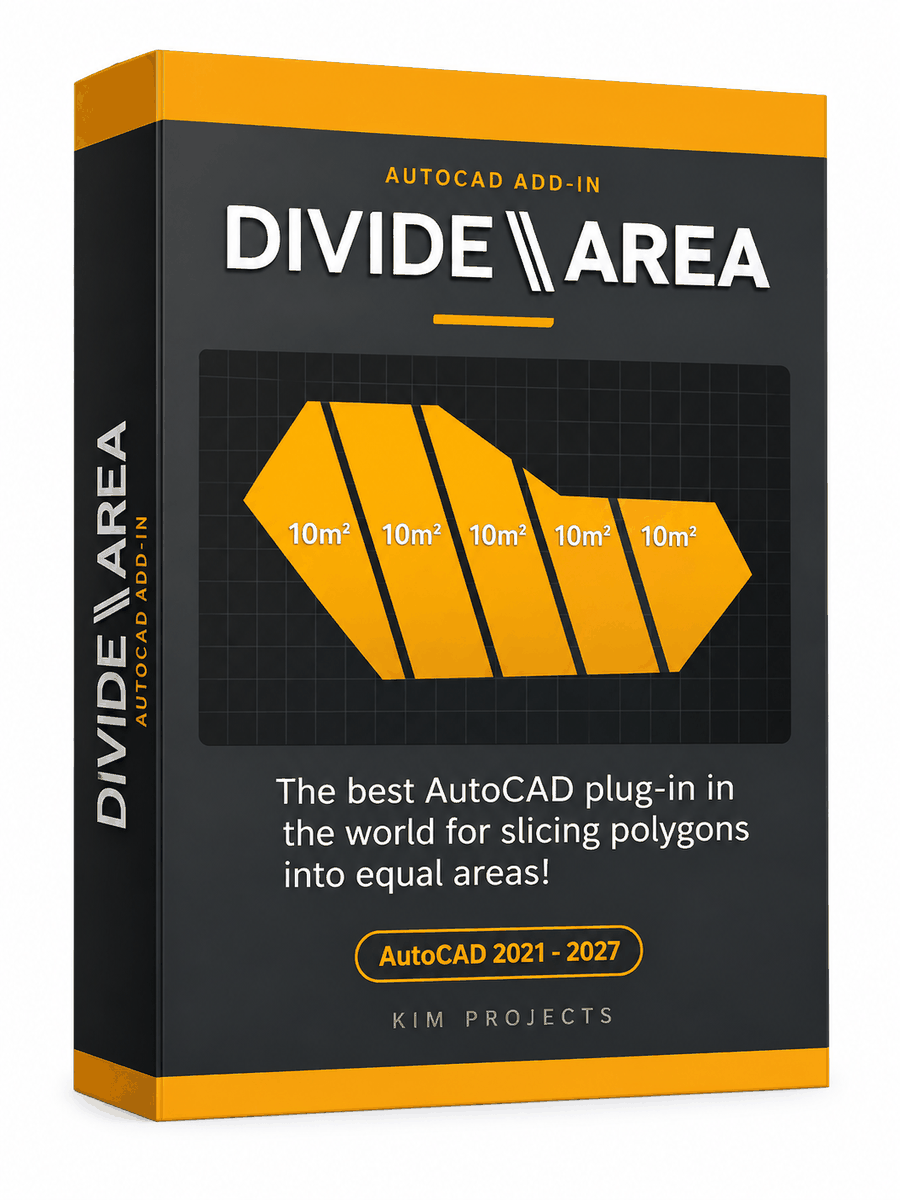
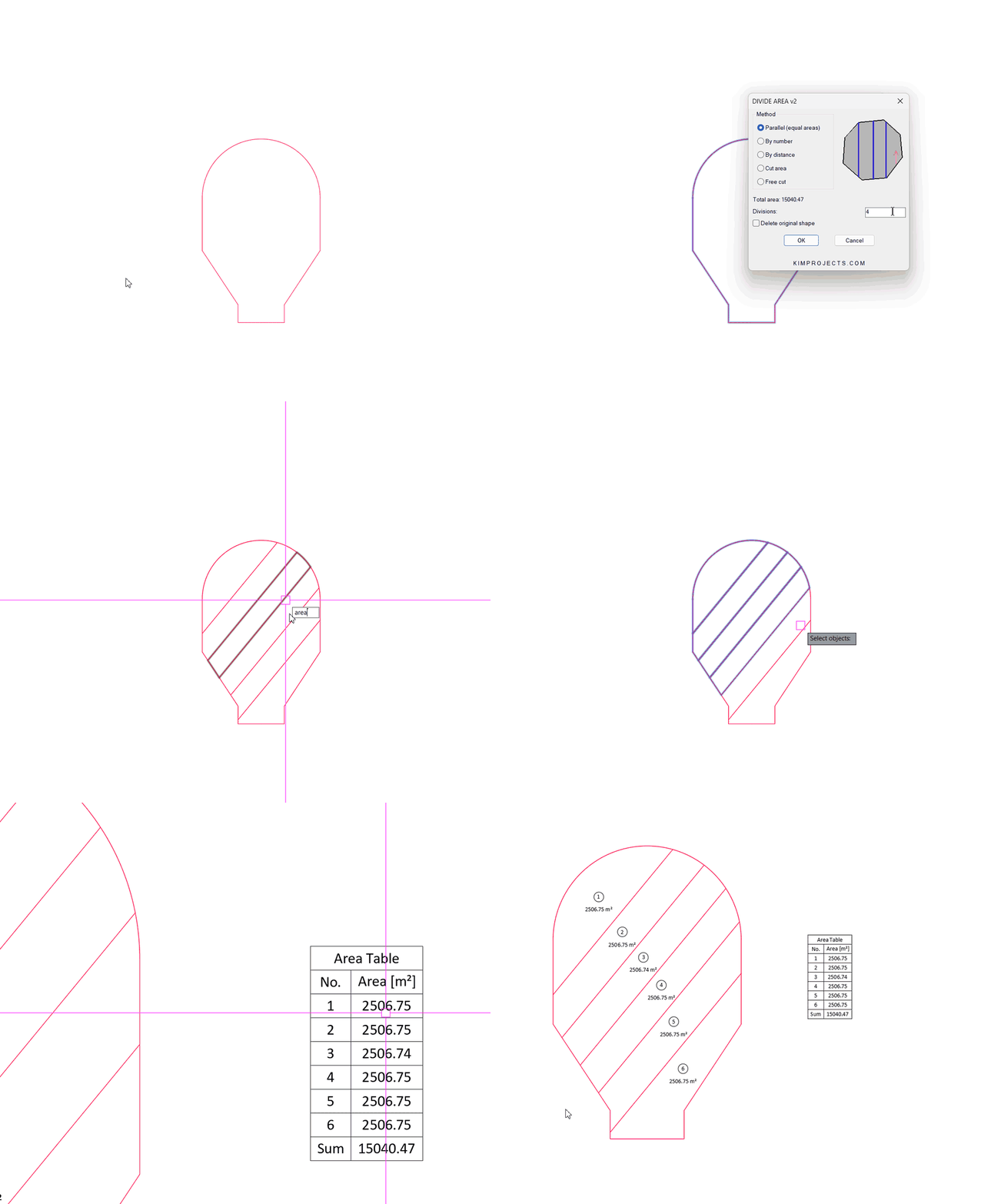

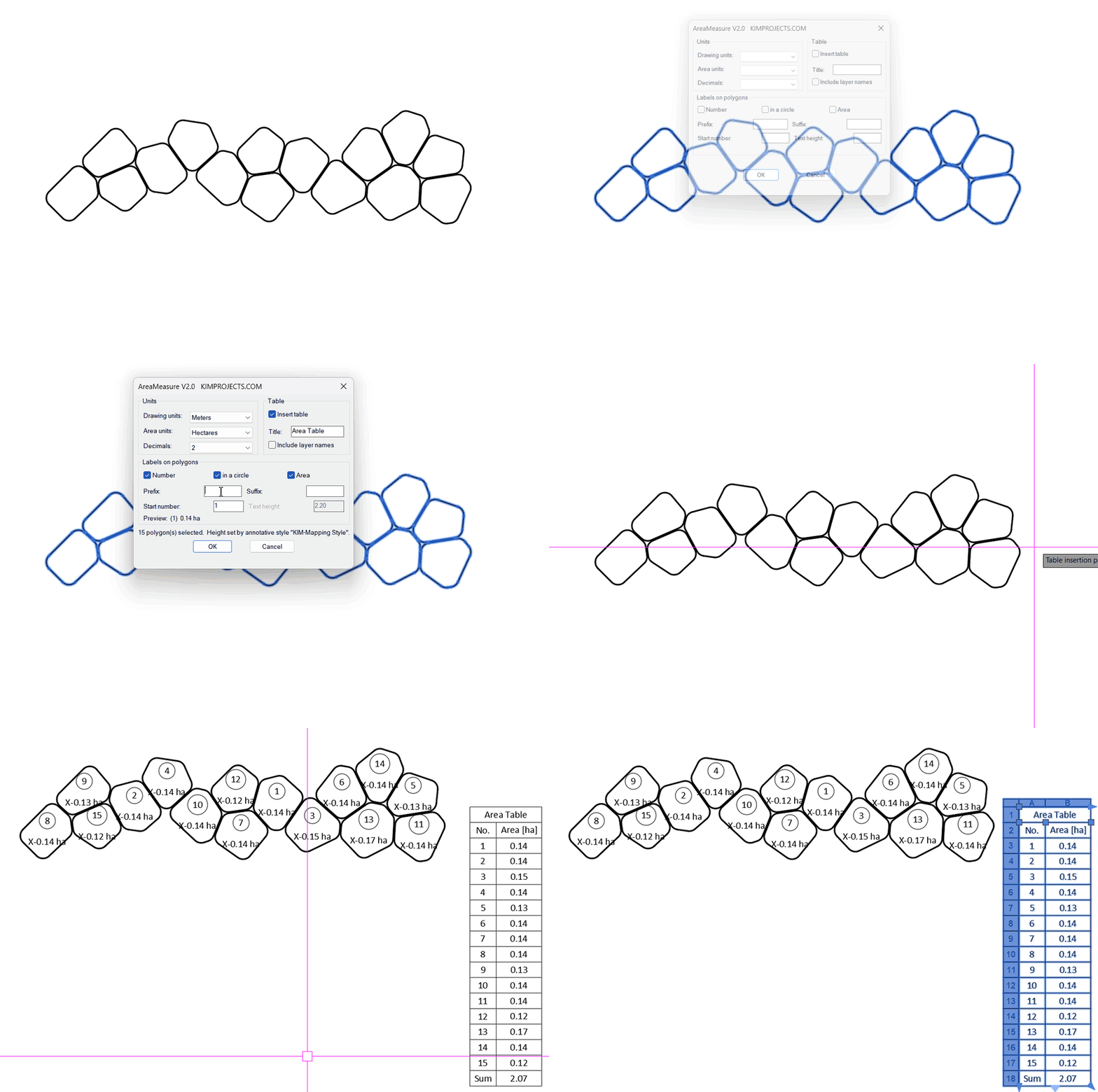


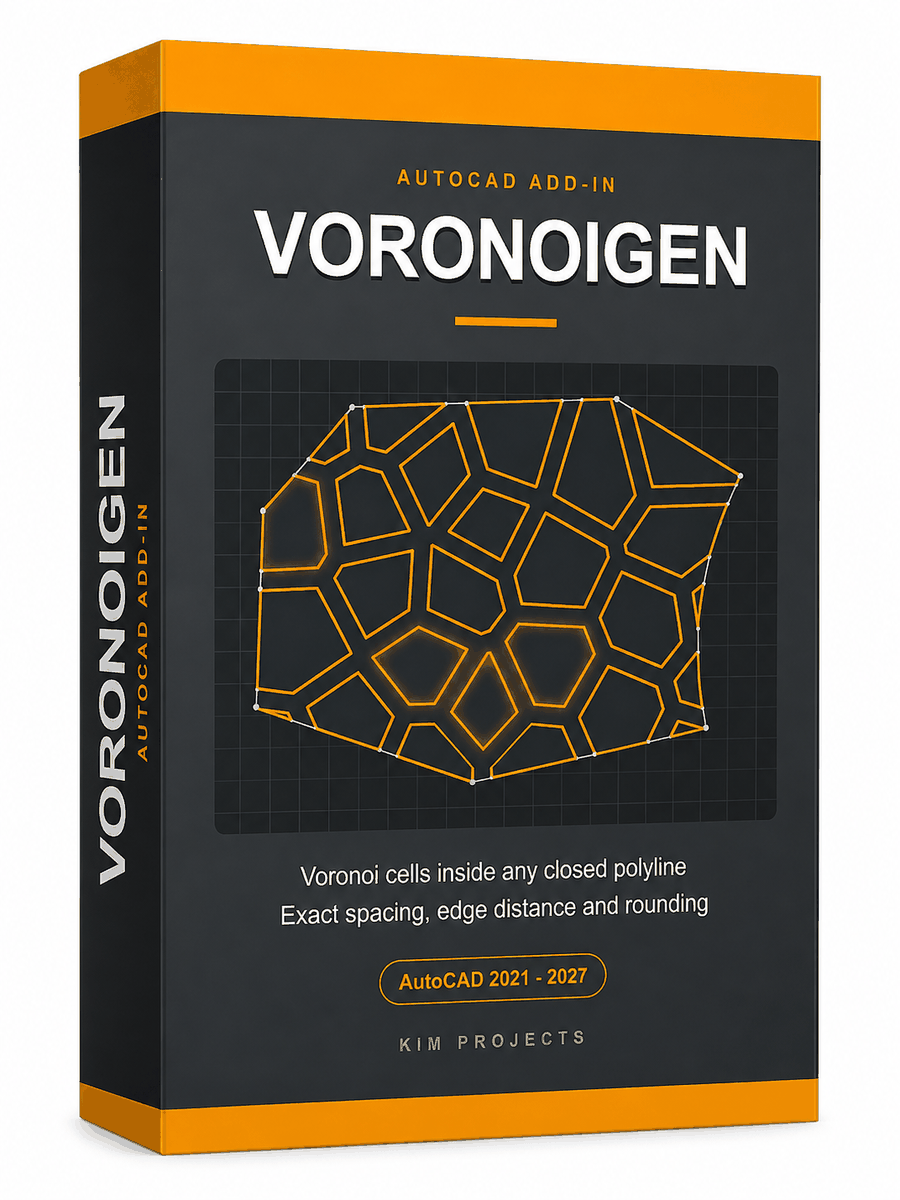


This tool is part of our free AutoCAD LISP collection — 20+ routines, all free, all tested on real projects.

RINGCLEAR – Erase Everything Between Two Boundaries (Free AutoCAD LISP)
FREE AUTOCAD LISP RINGCLEAR — empty the ...

RANDHATCH – Fill Closed Shapes with Random Colors (Free AutoCAD LISP)
FREE AUTOCAD LISP RANDHATCH — every shape ...