

RANDHATCH – Fill Closed Shapes with Random Colors (Free AutoCAD LISP)
RANDHATCH – Fill Closed Shapes with Random Colors (Free AutoCAD LISP)
FREE AUTOCAD LISP
RANDHATCH — every shape a different color, in one selection
Select your closed shapes, and each one gets a solid hatch in its own random color. Plots, zones, rooms, parcels, mosaic patterns — one command and the whole drawing reads at a glance.
The colors are not just random: the hue steps around the wheel by the golden angle, so neighboring shapes never come out in near-identical tones, and saturation and brightness are held in a range that never produces black, white or gray. Every hatch is sent to the back of the draw order, so your boundary lines, text and dimensions stay on top.
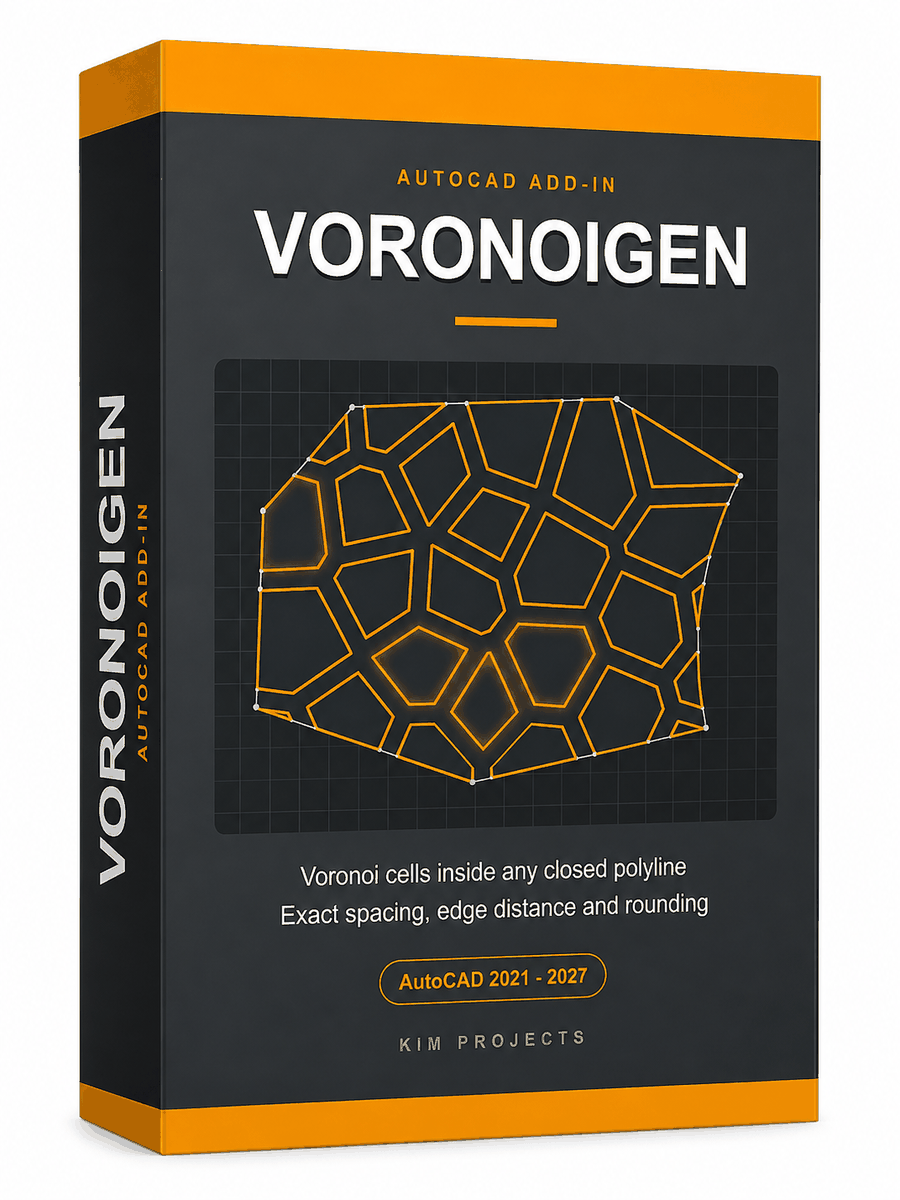
Only what you select gets filled — as the demo shows, the window selection catches the cells it encloses and the rest stay clear. The pattern itself was generated with our Voronoi Generator add-on; RANDHATCH then colored every selected cell in one go.

How to use it
- Unzip, then load the .lsp with
APPLOAD. - Type
RANDHATCH. - Select the closed shapes — polylines, circles, ellipses, closed splines or regions. Open objects in the selection are simply skipped.
- Press Enter. Every selected shape is filled, and the command line reports how many.
- Don’t like the result? One U undoes the entire run.
Good to know
| Works on | Closed polylines, circles, ellipses, closed splines and regions – open objects are skipped and counted |
| Colors | True-color RGB, hue stepped by the golden angle so neighbors differ clearly; never black, white or gray |
| Hatch | SOLID, non-associative, one per shape, placed at the BACK of the draw order so boundaries stay visible |
| Safety | A self-intersecting or unhatchable boundary is rolled back and reported, not left half-done |
| Undo | The whole run is one undo mark – a single U reverses everything |
| Command | RANDHATCH |
From the same workshop — watch what the paid add-ons do
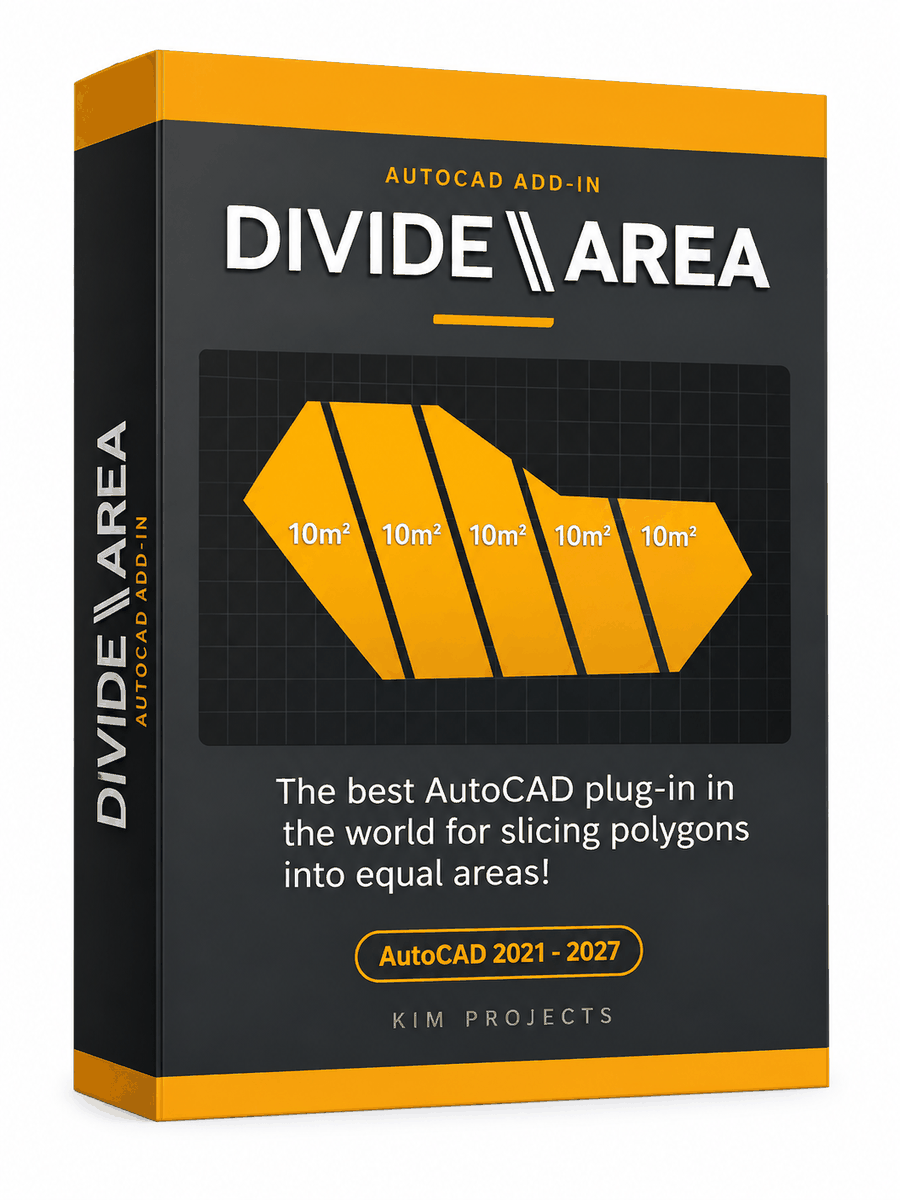
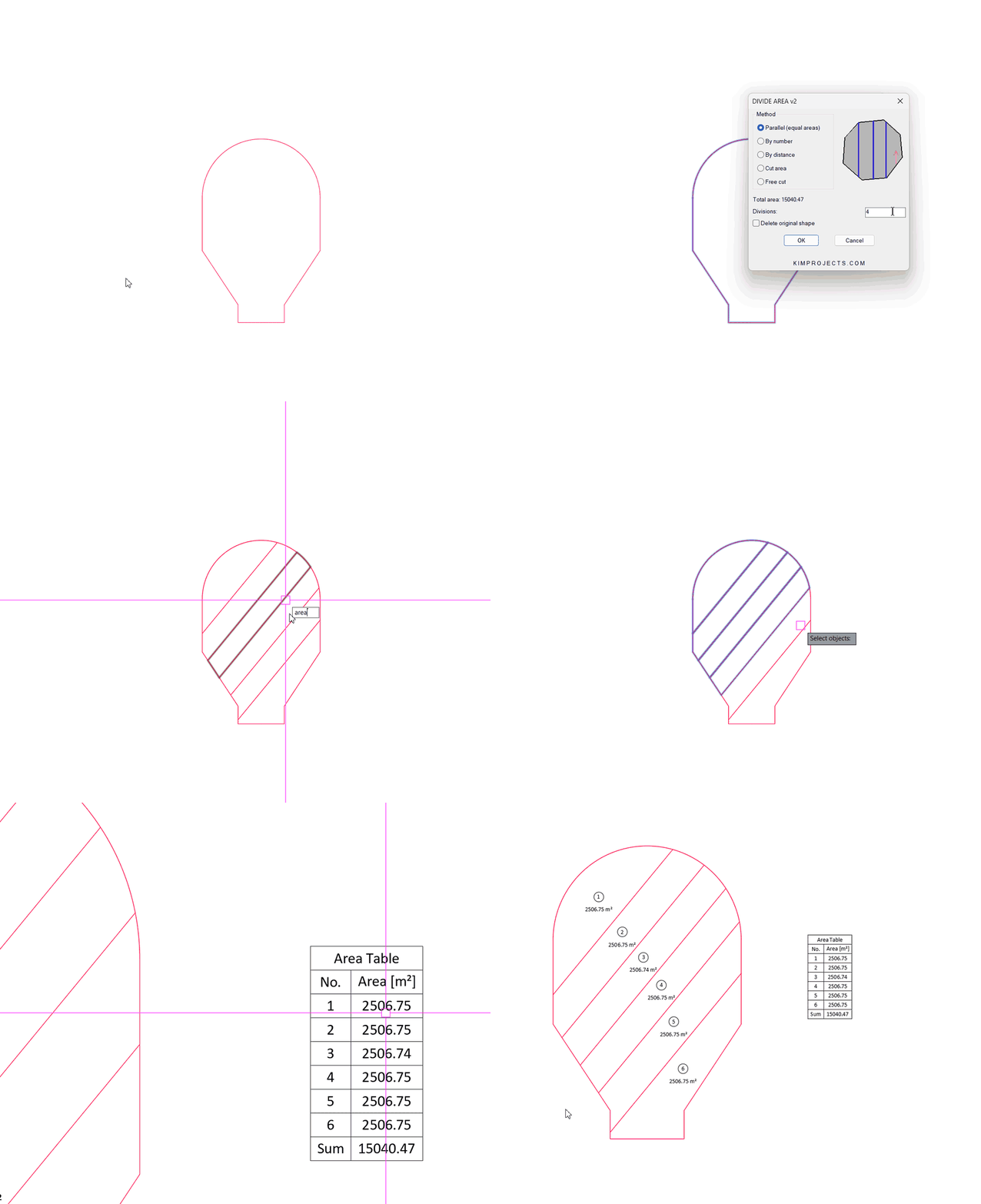
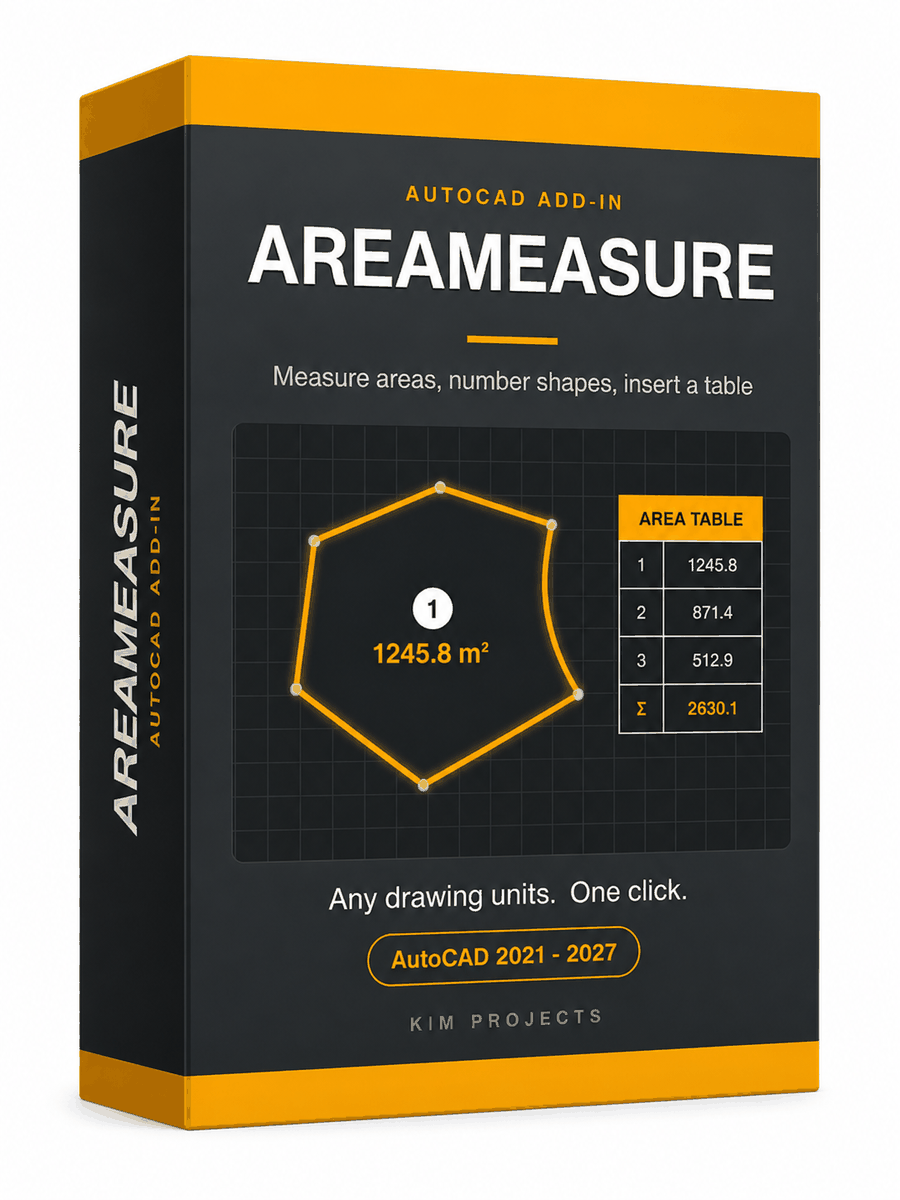
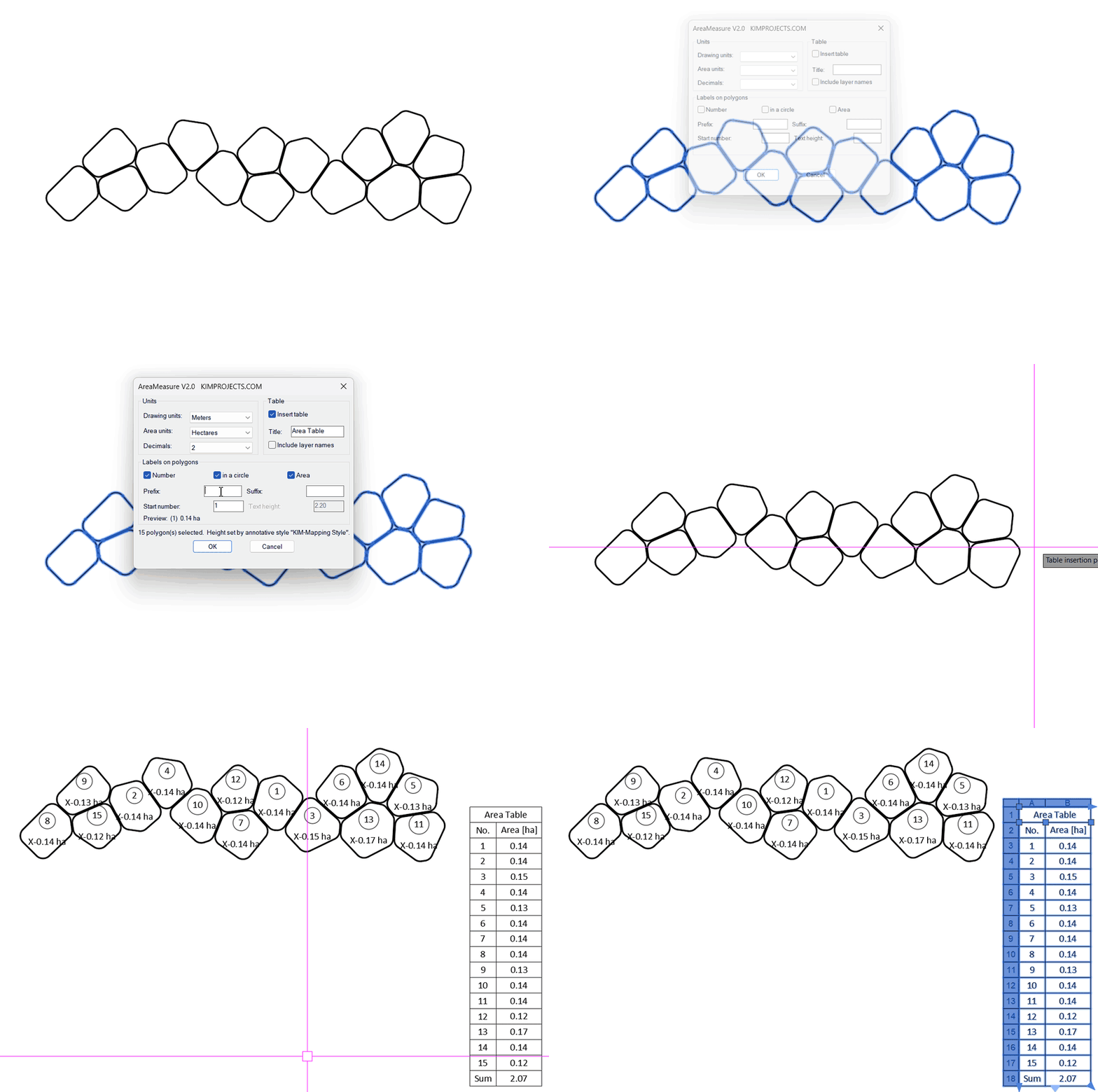




This tool is part of our free AutoCAD LISP collection — 20+ routines, all free, all tested on real projects.

RINGCLEAR – Erase Everything Between Two Boundaries (Free AutoCAD LISP)
