

43 – Offset One Polyline Segment (Free AutoCAD LISP)
43 – Offset One Polyline Segment (Free AutoCAD LISP)
11th August 2026
FREE AUTOCAD LISP
43 — offset a single segment of a polyline, nothing exploded
OFFSET copies the whole polyline; exploding it wrecks the drawing. Command 43 offsets just the segment you pick — straight or arc — as a new short polyline at your distance, and the original stays untouched.
The copy keeps the source polyline’s layer, colour and width properties, so it drops straight into the drawing’s standards.

Download 43 (free, .zip)
No sign-up.
How to use it
- Unzip, then load the .lsp with
APPLOAD. - Type
43. - Type the offset distance (or accept the last one).
- Pick the polyline on the segment you want – the offset side is the side you’ll pick.
Good to know
| Works on | One segment of a polyline – straight or arc – without exploding |
| Keeps | The source polyline’s layer, colour, width and linetype properties |
| Undo | One undo step |
| Command | 43 |
Take it further — measure and split areas automatically
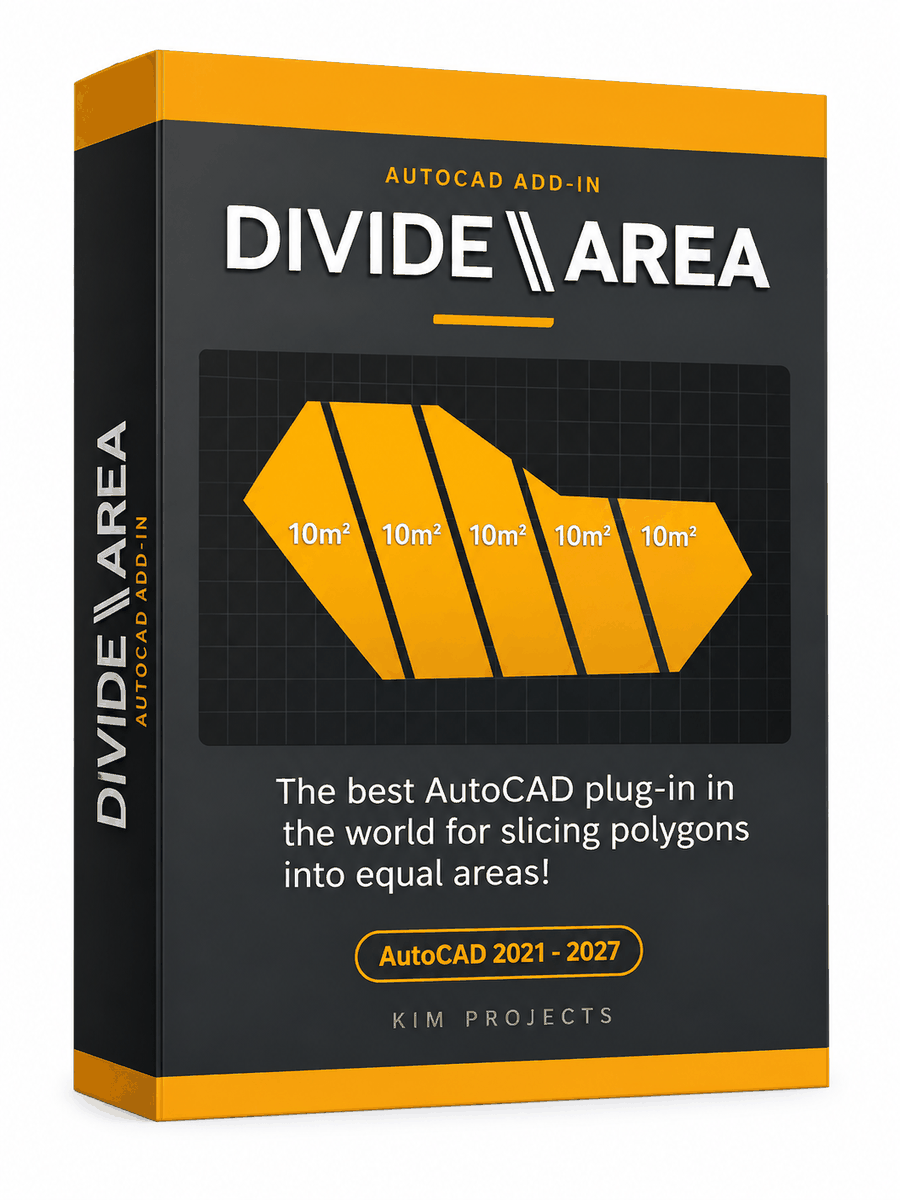
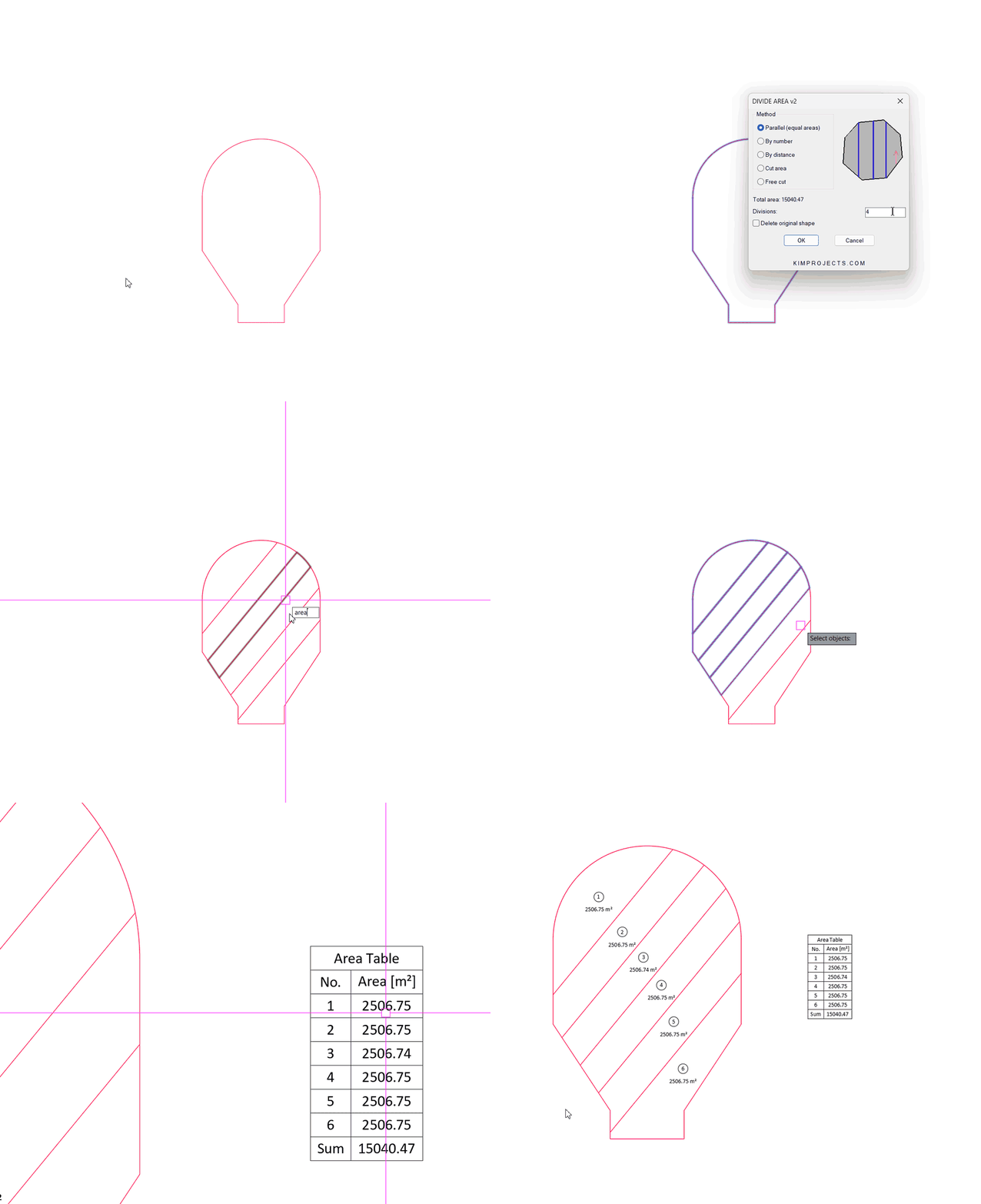

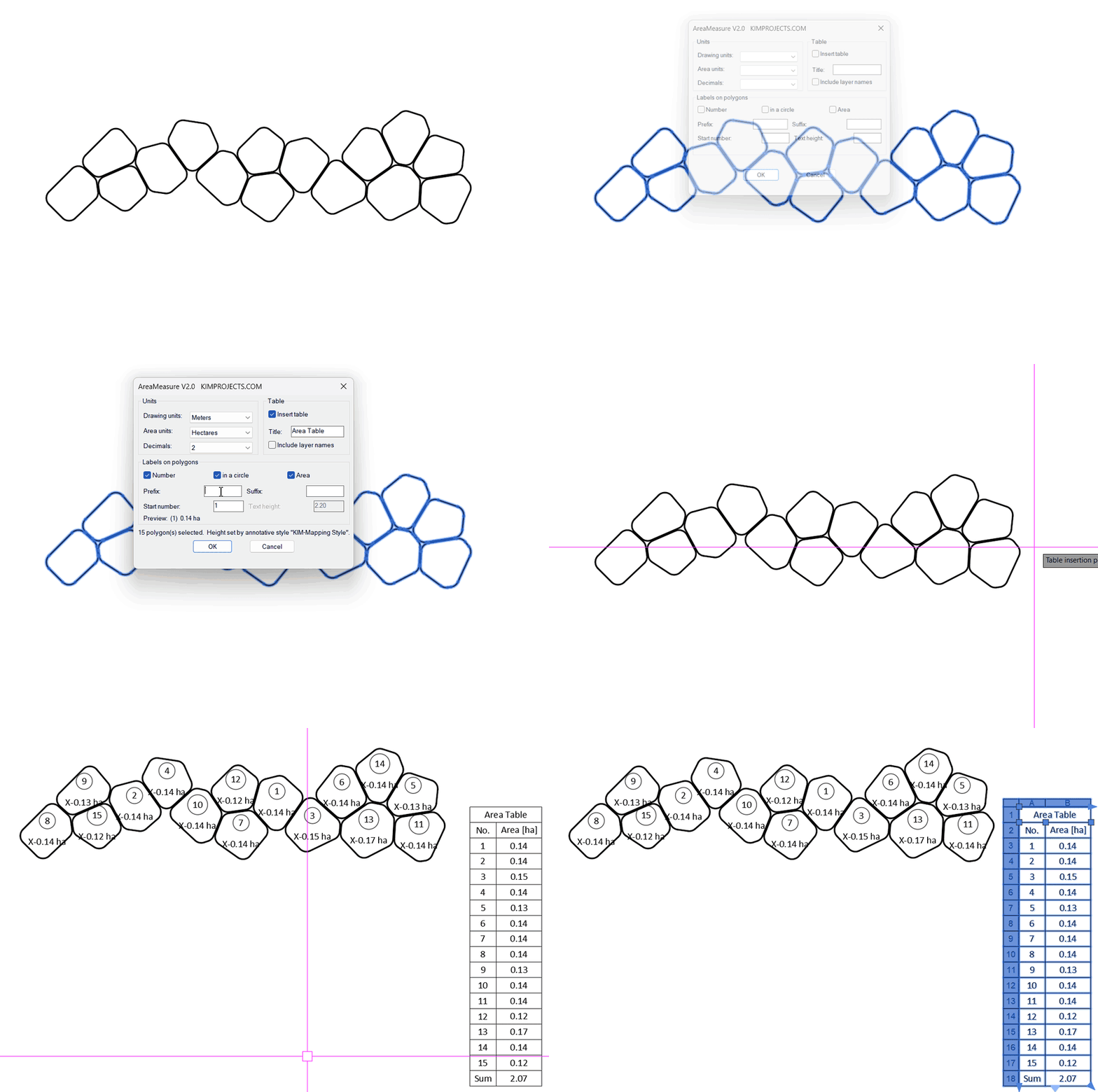


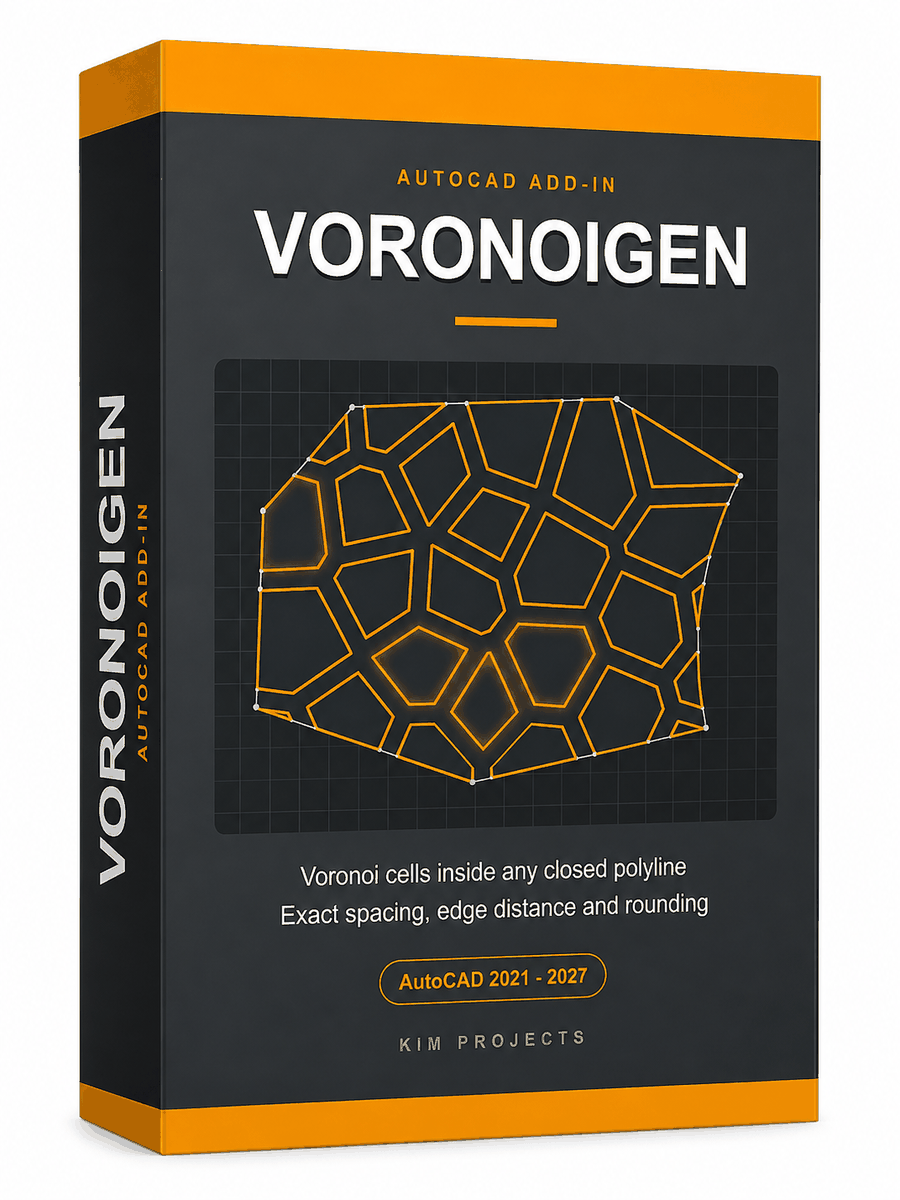


This tool is part of our free AutoCAD LISP collection — 20+ routines, all free, all tested on real projects.

RINGCLEAR – Erase Everything Between Two Boundaries (Free AutoCAD LISP)
FREE AUTOCAD LISP RINGCLEAR — empty the ...

RANDHATCH – Fill Closed Shapes with Random Colors (Free AutoCAD LISP)
FREE AUTOCAD LISP RANDHATCH — every shape ...