


RPS – Layout Paper Size from a Rectangle (Free AutoCAD LISP)
RPS – Layout Paper Size from a Rectangle (Free AutoCAD LISP)
11th August 2026
FREE AUTOCAD LISP
RPS — make the layout’s paper size match your rectangle
Draw the rectangle that represents your sheet, run RPS, and the current layout’s paper size becomes exactly that rectangle — set up through the DWG To PDF.pc3 plotter in millimetres.
No digging through the Page Setup Manager for a custom paper size: the drawing itself defines the sheet.

Download RPS (free, .zip)
No sign-up.
How to use it
- Unzip, then load the .lsp with
APPLOAD. - Open the paper-space layout tab you want to size.
- Type
RPSand select the rectangle that defines the sheet.
Good to know
| Sets | The current layout’s paper size to the selected rectangle’s dimensions |
| Plotter | DWG To PDF.pc3, millimetres |
| Command | RPS |
From the same workshop — watch what the paid add-ons do
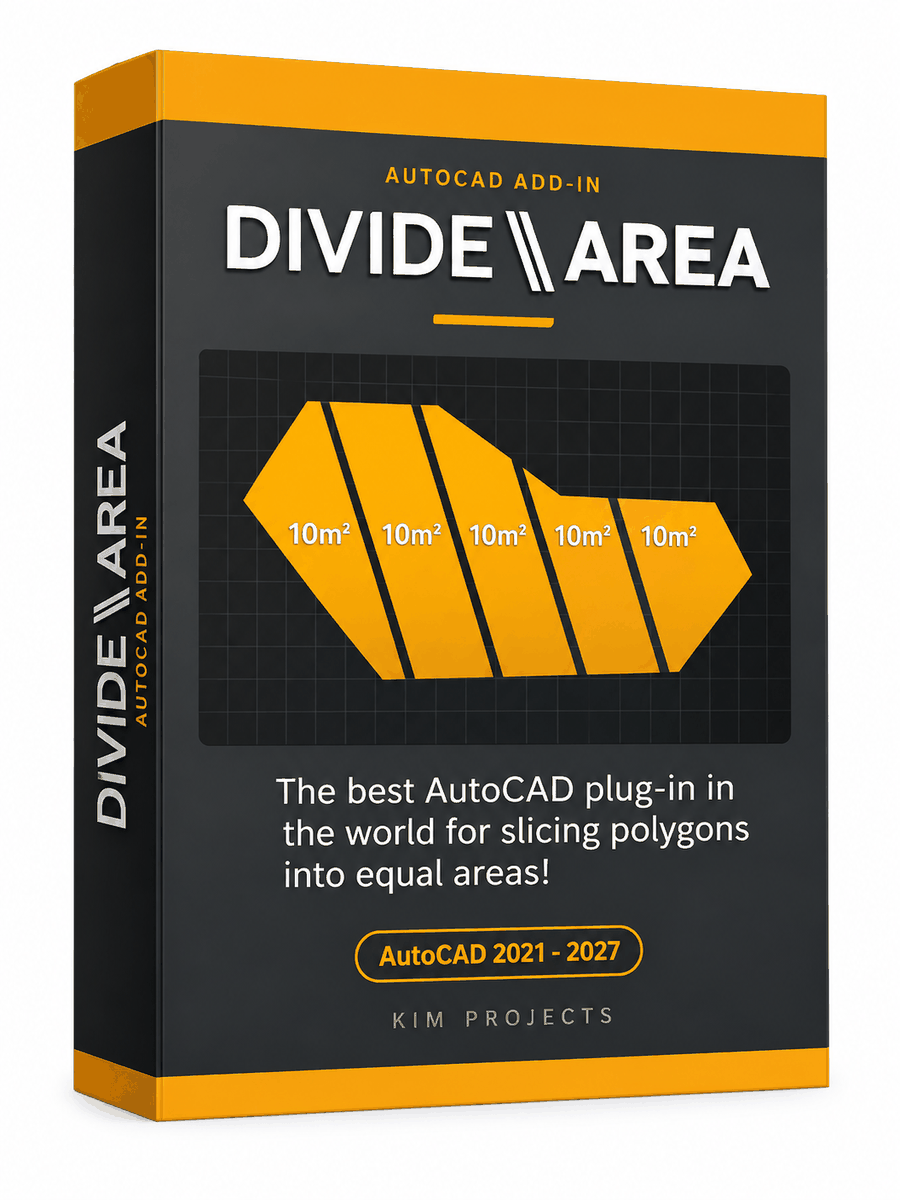
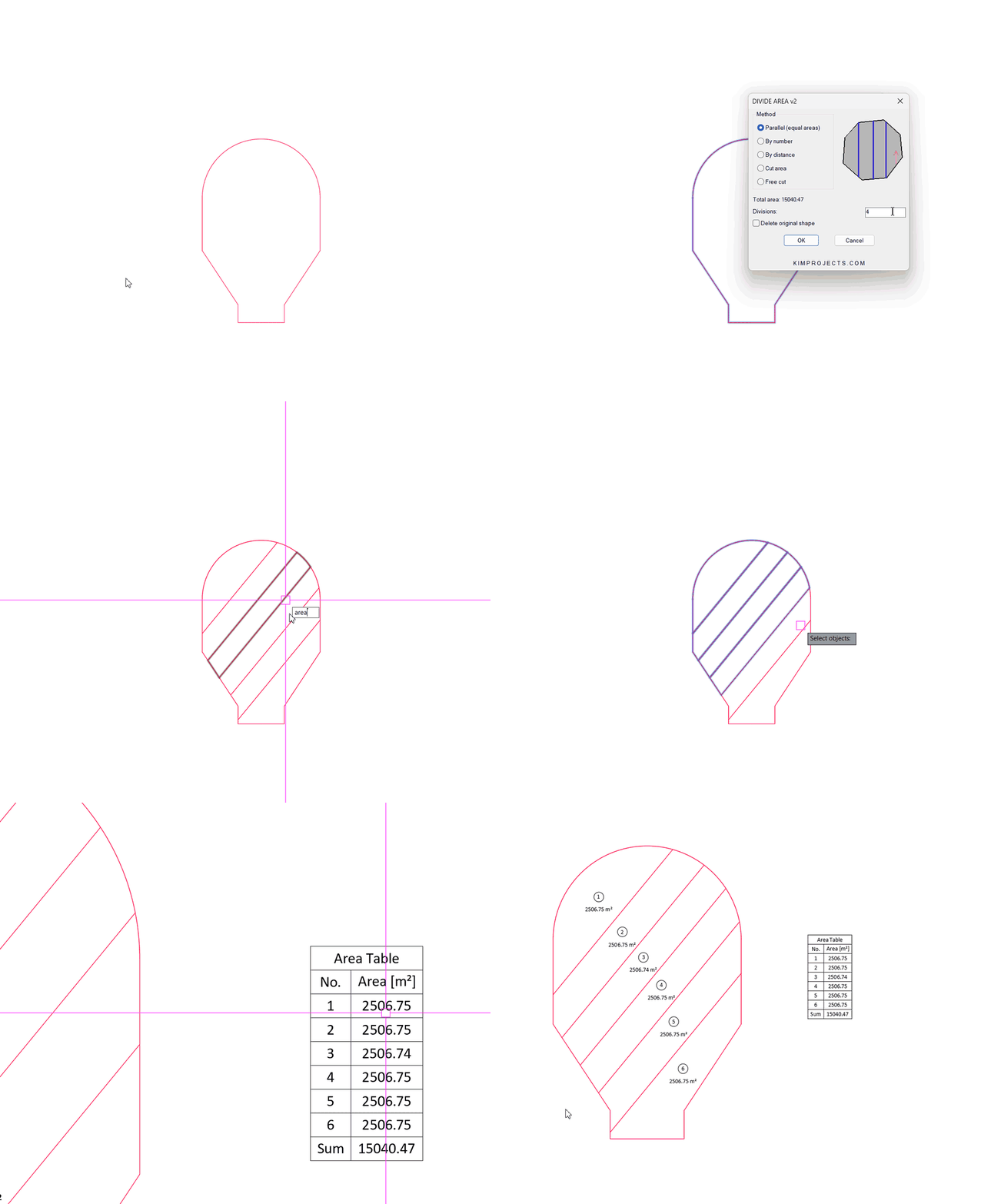
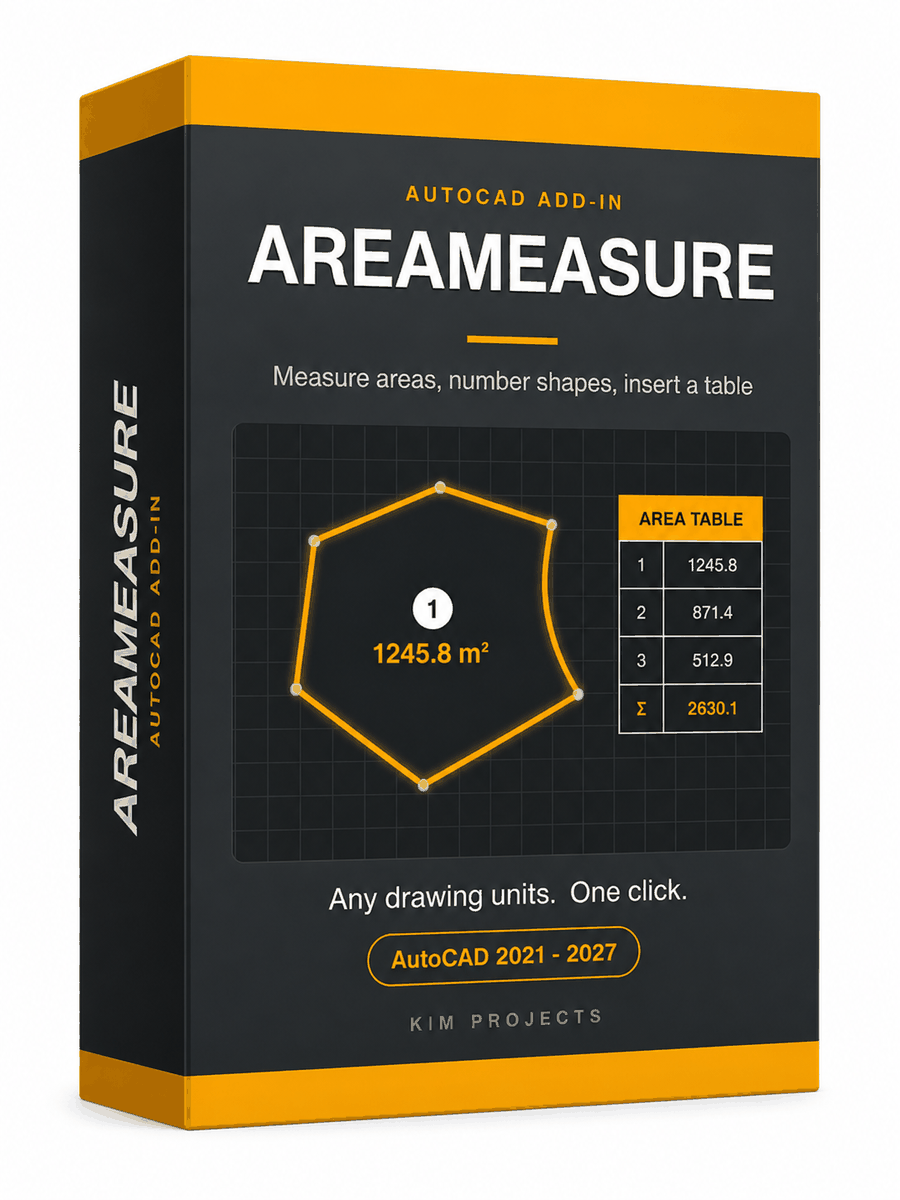
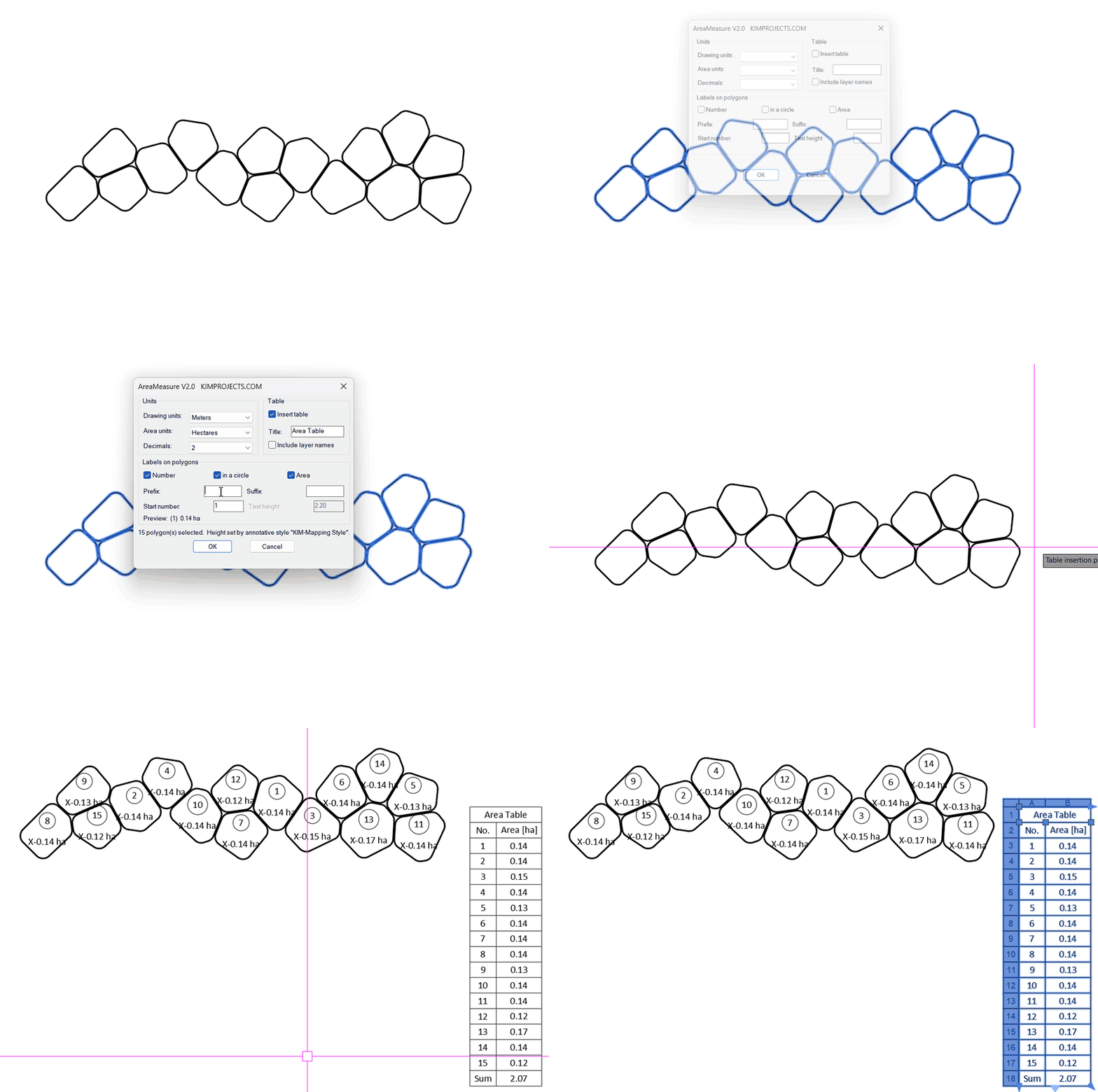
This tool is part of our free AutoCAD LISP collection — 20+ routines, all free, all tested on real projects.

IRRLINE – Irrigation Line Parallel to a Plot Border (Free AutoCAD LISP)
FREE AUTOCAD LISP IRRLINE — the irrigation ...

SPEED – Dirt Jump Trajectory Calculator (Free AutoCAD LISP)
FREE AUTOCAD LISP SPEED — draw the ...