

PUT – Insert a Block at a Set Distance Along a Curve (Free AutoCAD LISP)
PUT – Insert a Block at a Set Distance Along a Curve (Free AutoCAD LISP)
11th August 2026
FREE AUTOCAD LISP
PUT — drop a named block at an exact distance along any curve
PUT places a block you name at a specified distance measured along a polyline, line, spline or arc — not offset from it, but on it, exactly where the tape measure says.
For valve symbols every 50 metres, poles along an alignment, or any ‘put one there, at that chainage’ job.

Download PUT (free, .rar)
No sign-up.
How to use it
- Unzip, then load the .lsp with
APPLOAD. - Type
PUT. - Name the block, pick the curve, type the distance.
Good to know
| Works on | Polylines, lines, splines and arcs |
| Places | Any block in the drawing, by name, at the distance you type |
| Command | PUT |
| Credit | PUT.LSP v2.0 by Tee Square Graphics (2005) |
From the same workshop — watch what the paid add-ons do
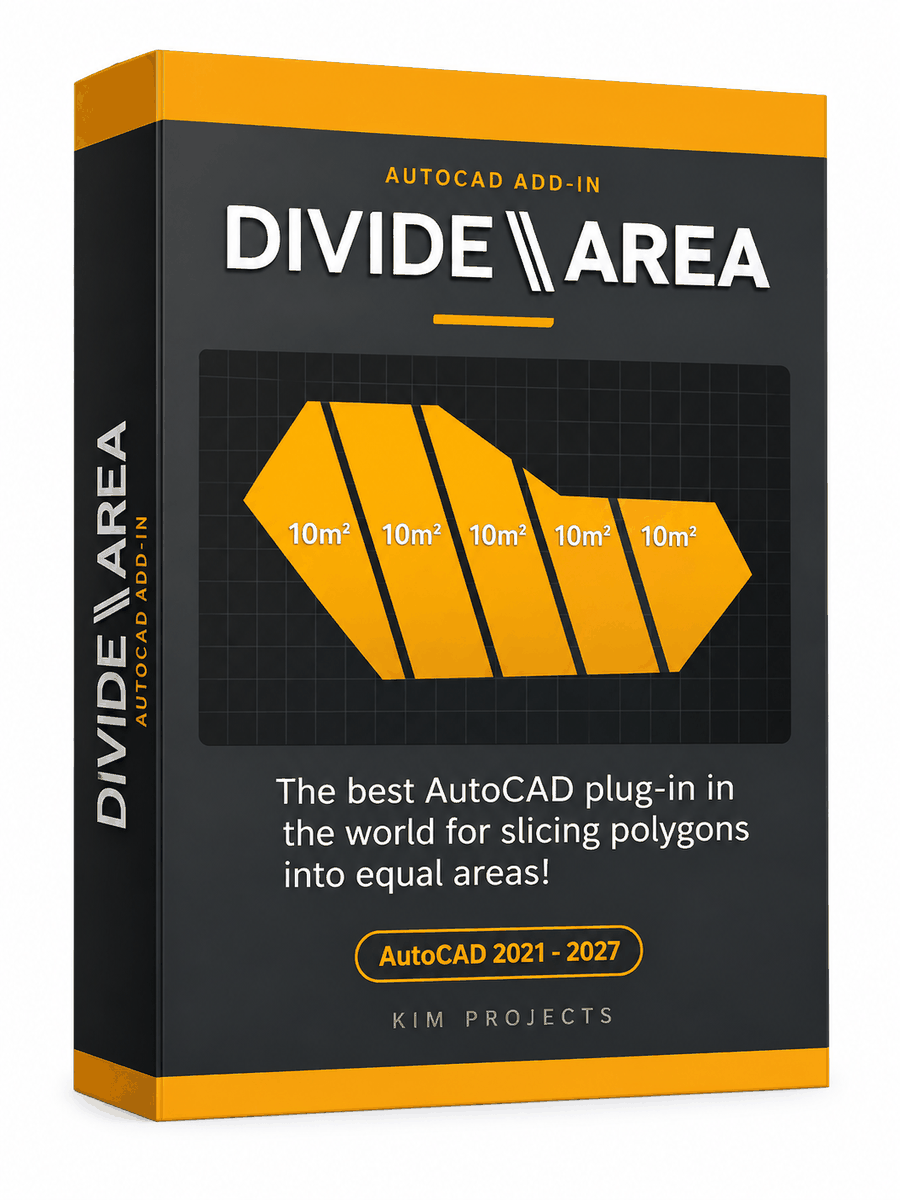
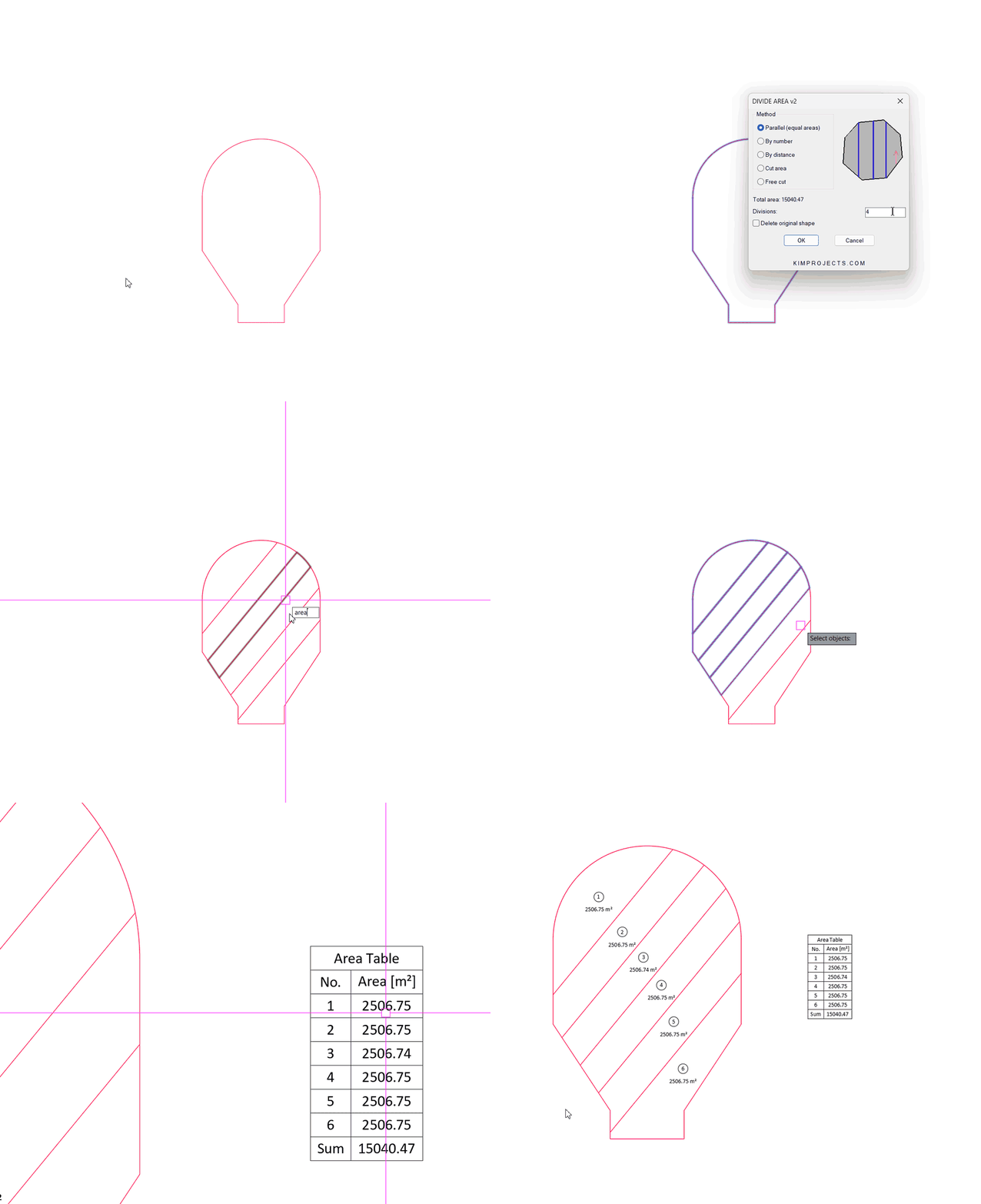
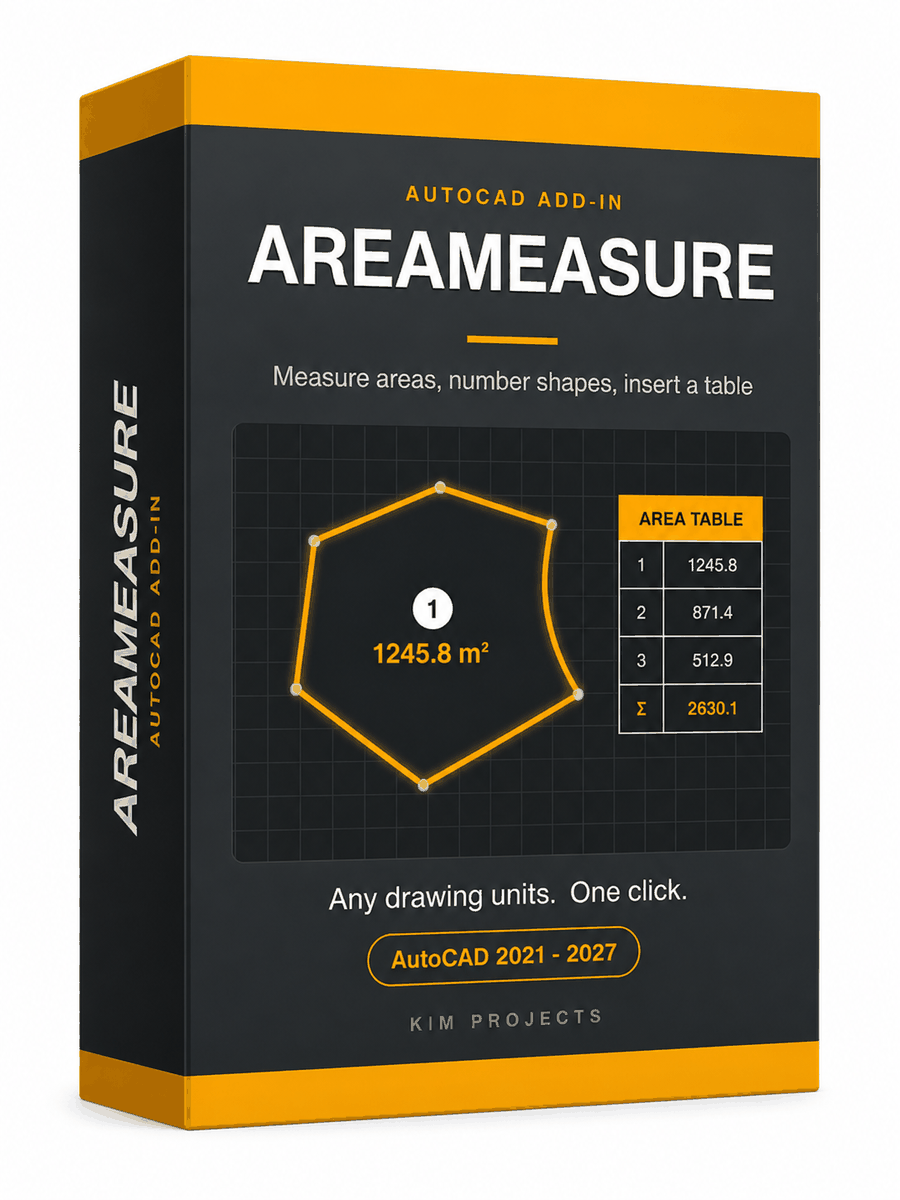
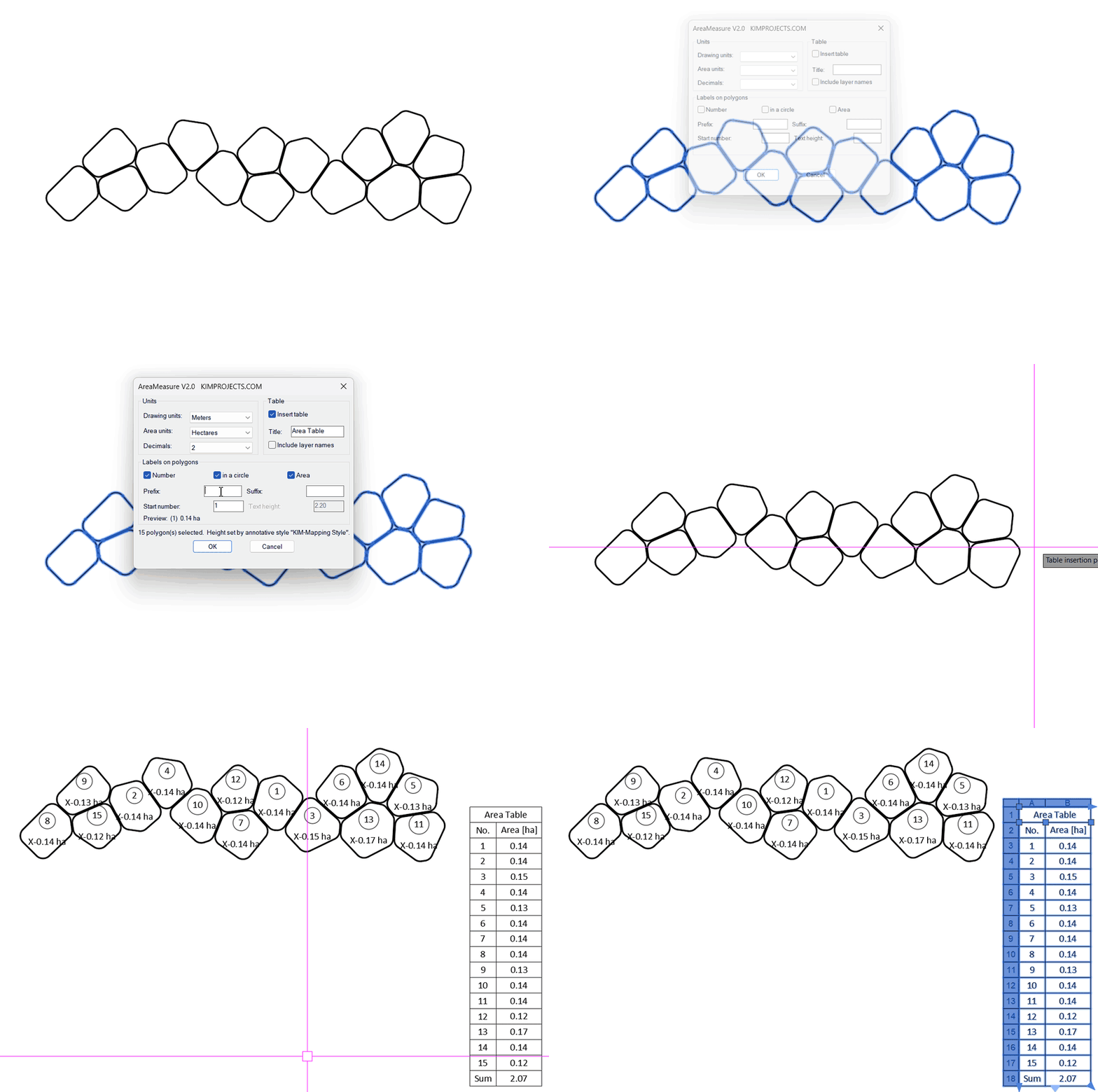




This tool is part of our free AutoCAD LISP collection — 20+ routines, all free, all tested on real projects.

RINGCLEAR – Erase Everything Between Two Boundaries (Free AutoCAD LISP)
FREE AUTOCAD LISP RINGCLEAR — empty the ...

RANDHATCH – Fill Closed Shapes with Random Colors (Free AutoCAD LISP)
FREE AUTOCAD LISP RANDHATCH — every shape ...