

DBN – Dog-Bone Fillets for CNC on a Polyline (Free AutoCAD LISP)
DBN – Dog-Bone Fillets for CNC on a Polyline (Free AutoCAD LISP)
11th August 2026
FREE AUTOCAD LISP
DBN — dog-bone every interior corner of a polyline, at bit diameter
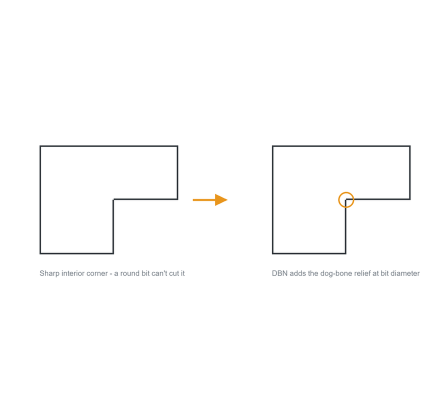
A round router bit cannot cut a sharp interior corner — the corner keeps a radius, and the mating part will not fit. The dog-bone relief is the standard fix, and DBN adds it to every interior corner of a polyline at once.
Select the closed polyline of your part, type the bit diameter, and each inside corner gets its relief — ready for the DXF export to the CNC router.

Download DBN (free, .zip)
No sign-up.
How to use it
- Unzip, then load the .lsp with
APPLOAD. - Type
DBN. - Select the polyline.
- Type the bit diameter. Every interior corner gets its dog-bone.
Good to know
| Works on | LWPOLYLINE interior corners |
| Input | Your CNC bit diameter – the relief is sized to it |
| Made for | CNC routing: parts that must slot together after cutting |
| Command | DBN |
From the same workshop — watch what the paid add-ons do

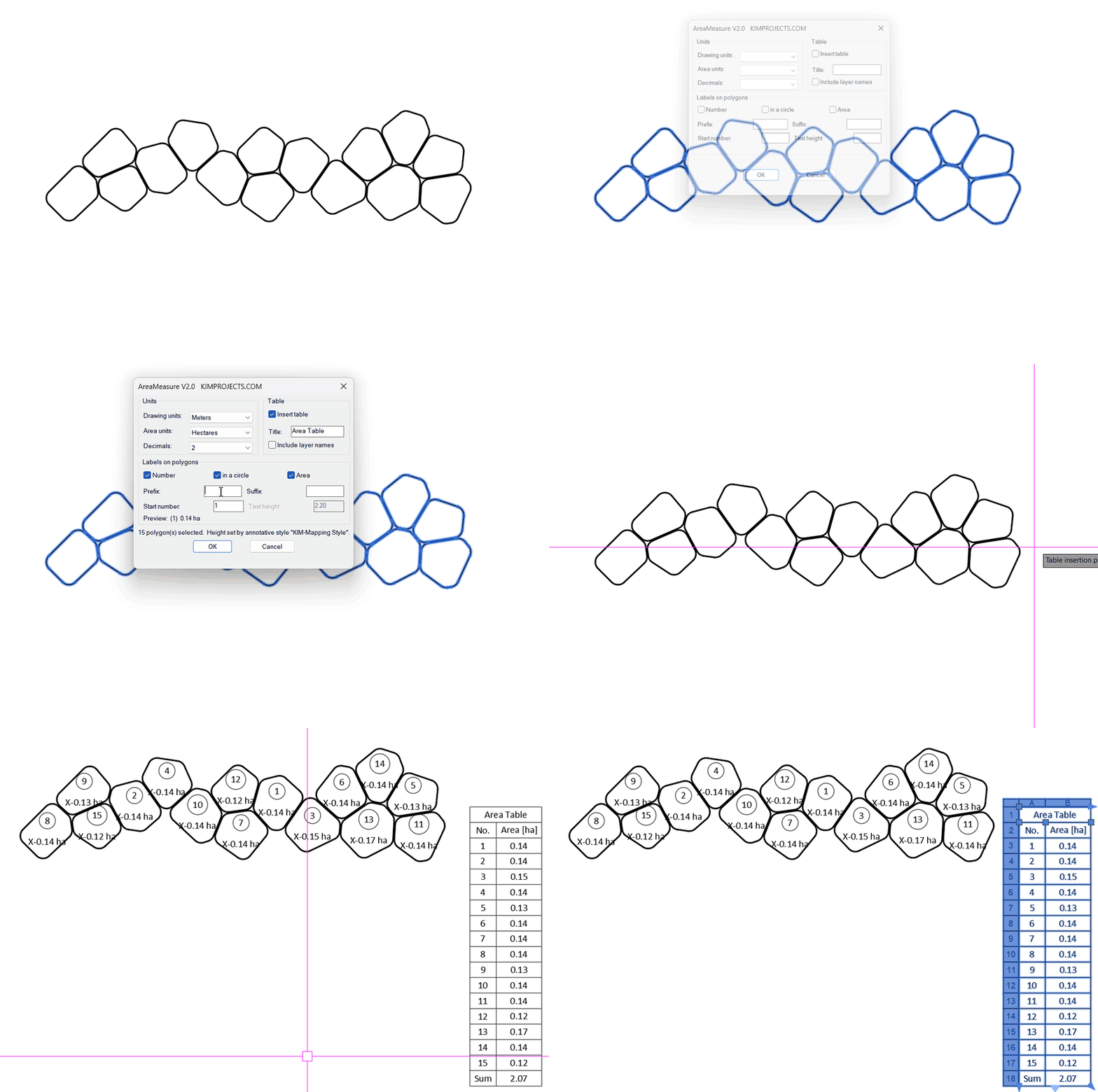
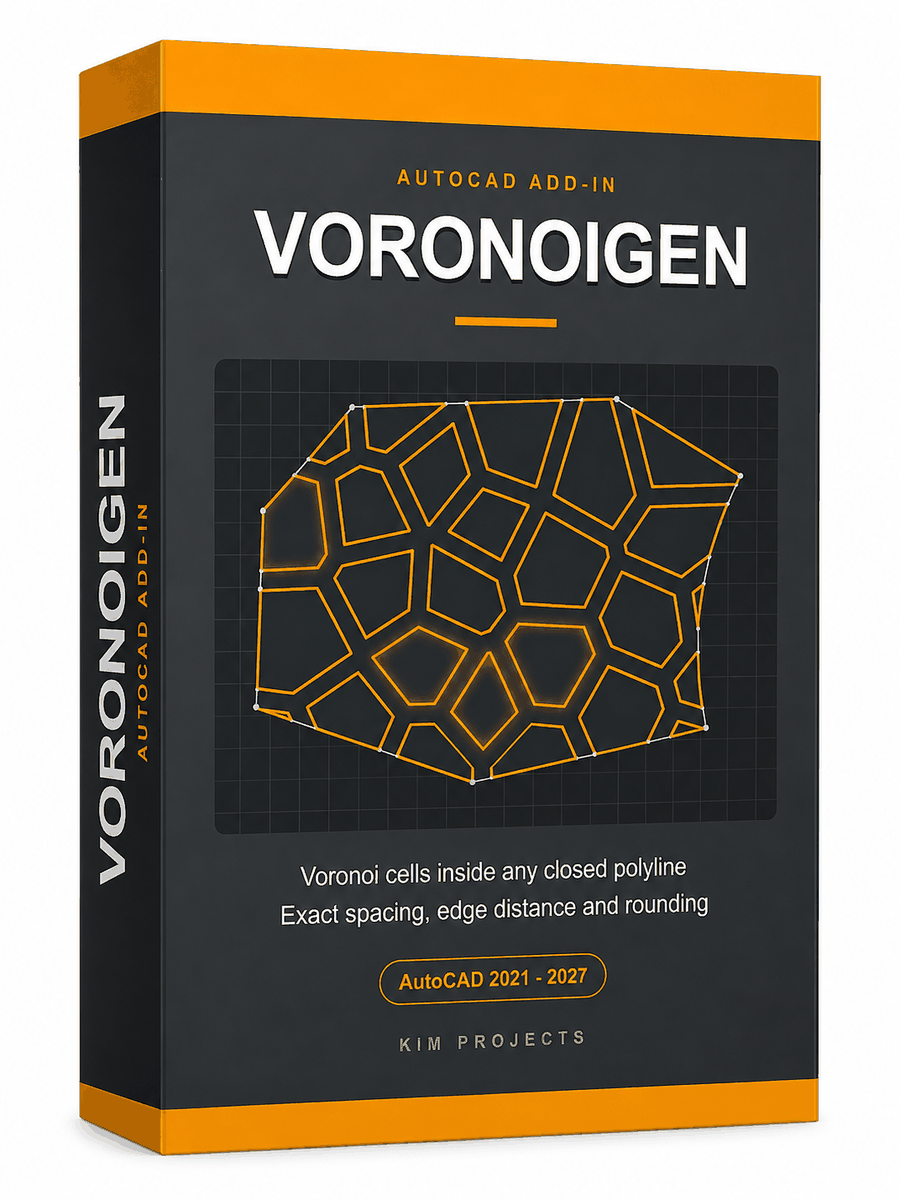
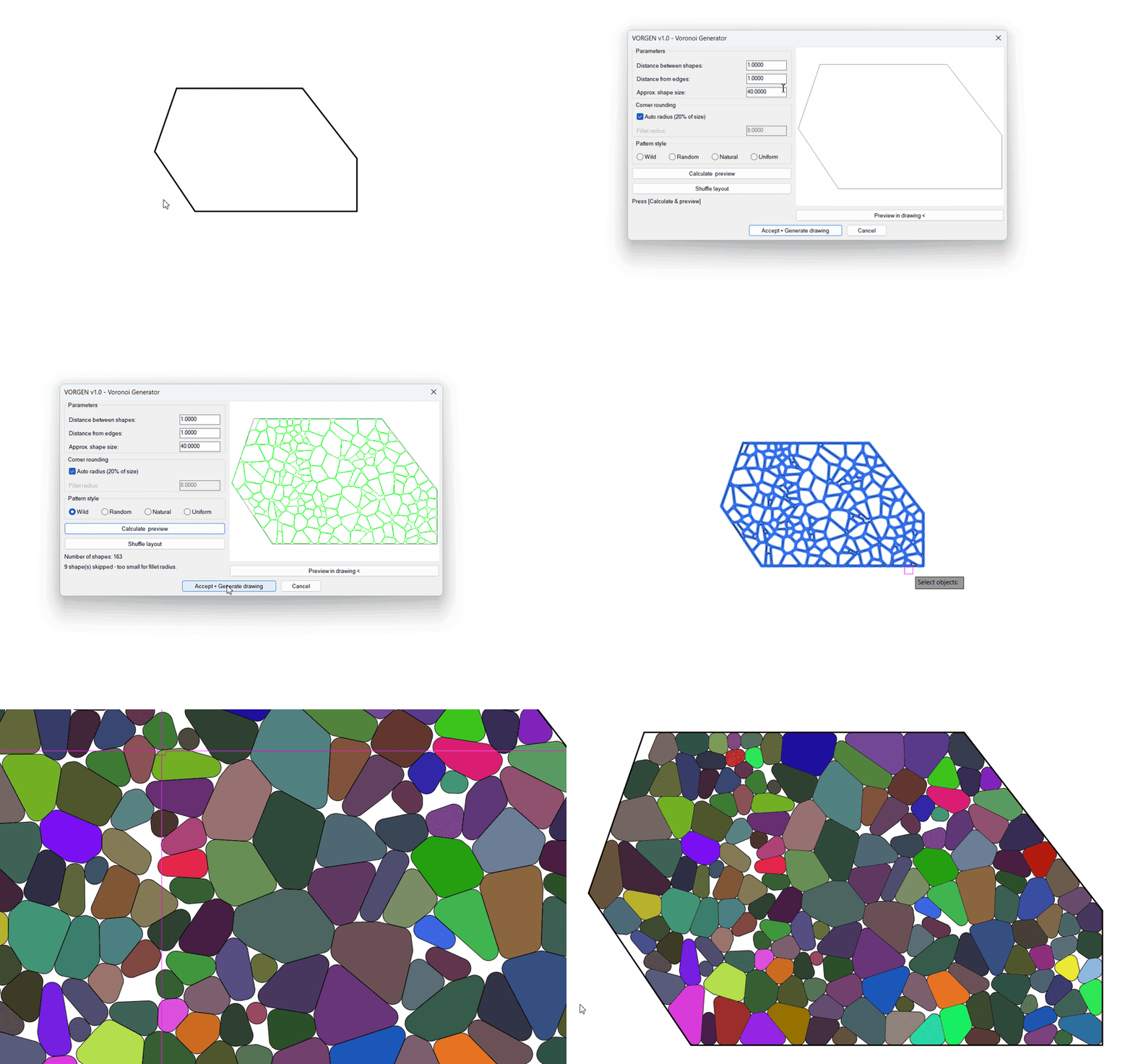
This tool is part of our free AutoCAD LISP collection — 20+ routines, all free, all tested on real projects.

IRRLINE – Irrigation Line Parallel to a Plot Border (Free AutoCAD LISP)
FREE AUTOCAD LISP IRRLINE — the irrigation ...

SPEED – Dirt Jump Trajectory Calculator (Free AutoCAD LISP)
FREE AUTOCAD LISP SPEED — draw the ...