


NL – New Layer, Fast (Free AutoCAD LISP)
NL – New Layer, Fast (Free AutoCAD LISP)
11th August 2026
FREE AUTOCAD LISP
NL — name it, colour it, you’re drawing on it
Type NL, enter the layer name in the small dialog, pick a colour — and the layer exists, has your colour, and is current. No Layer Properties Manager expedition.
Even better: select objects first, and NL moves them onto the new layer as it creates it — and if the layer already exists it just switches to it (thawing it if needed). Illegal characters are caught as you type.

Download NL (free, .rar)
No sign-up.
How to use it
- (Optional) select the objects that should move to the new layer.
- Type
NL, enter the name, pick the colour. The layer is created and set current.
Good to know
| Creates | The layer, with your colour, set current – existing layers are switched to and thawed |
| With a selection | Selected objects move to the layer automatically |
| Validates | Illegal layer-name characters as you type |
| Command | NL |
| Credit | Written by Stefan M. – thank you, Stefan |
From the same workshop — watch what the paid add-ons do
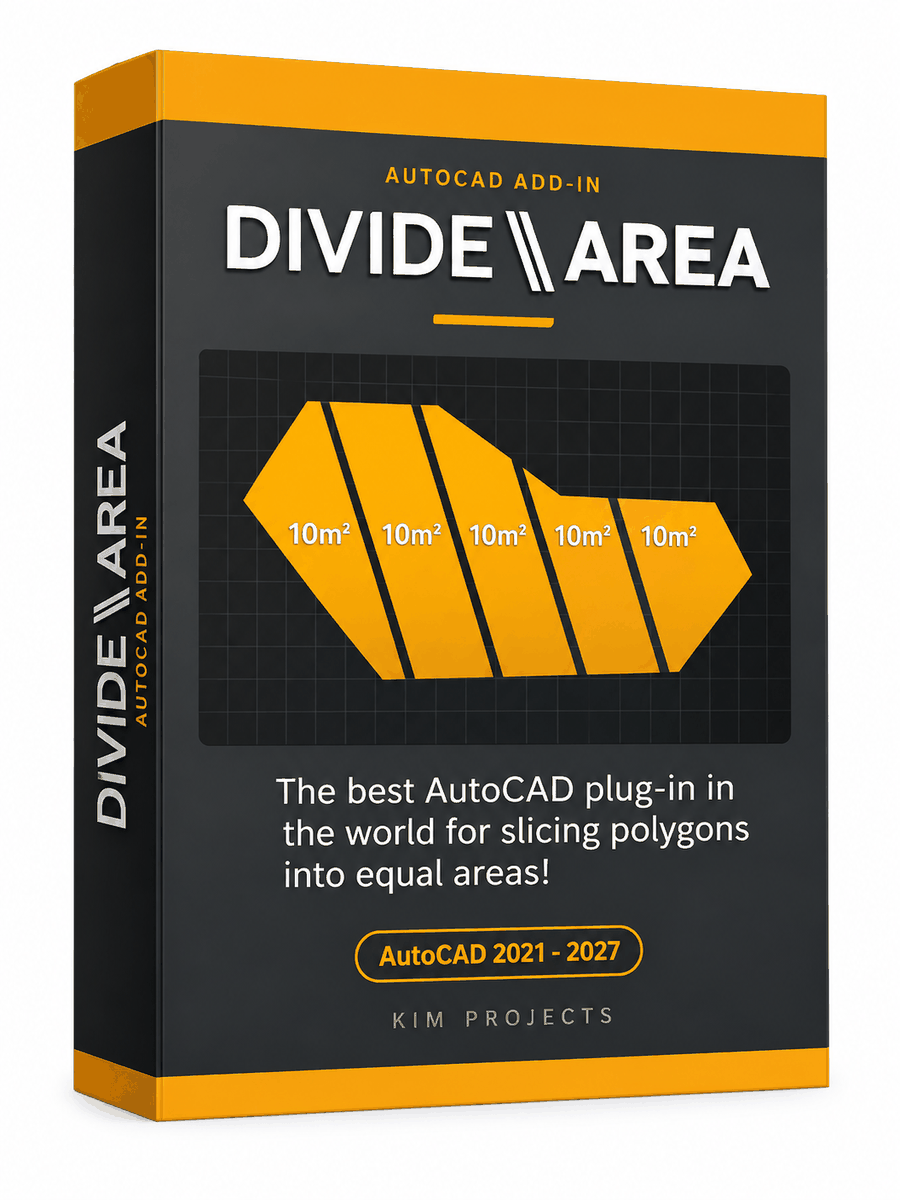

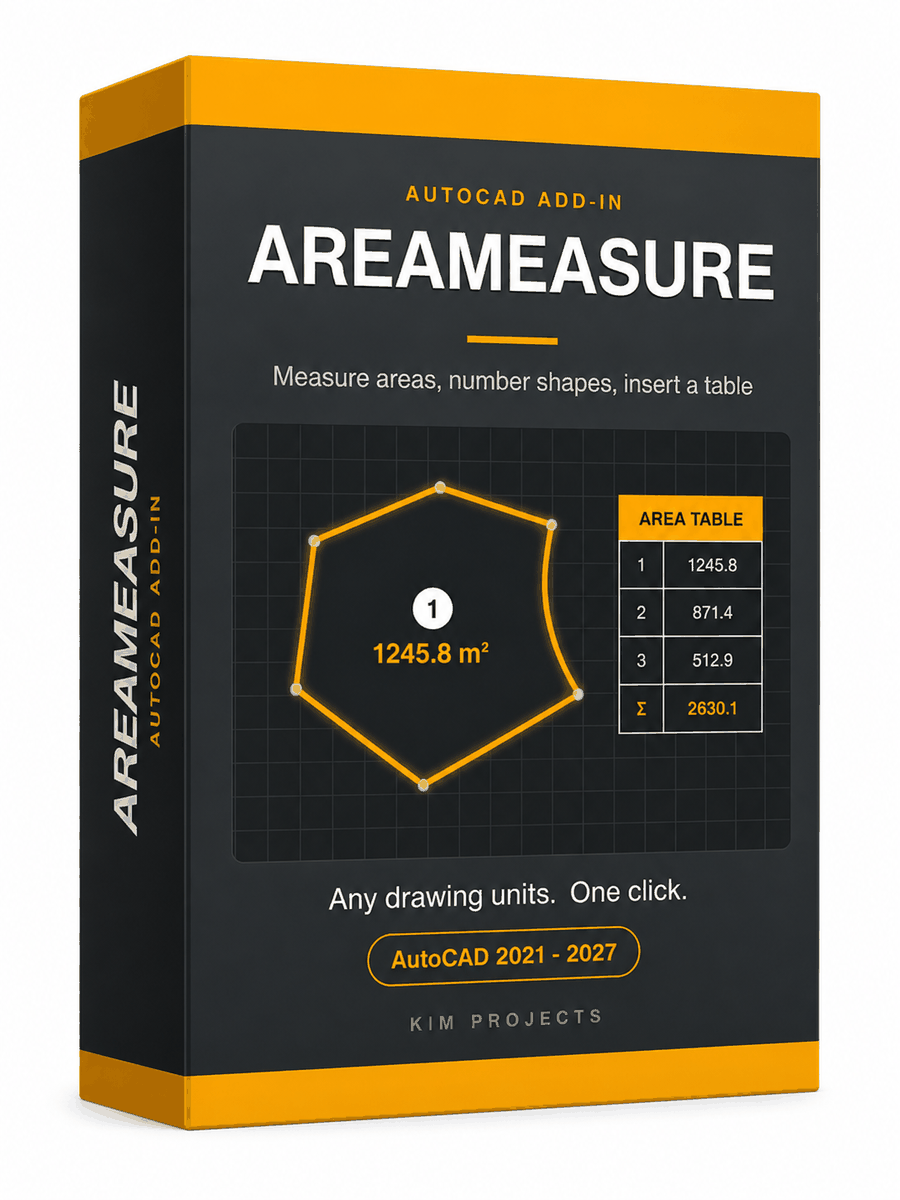
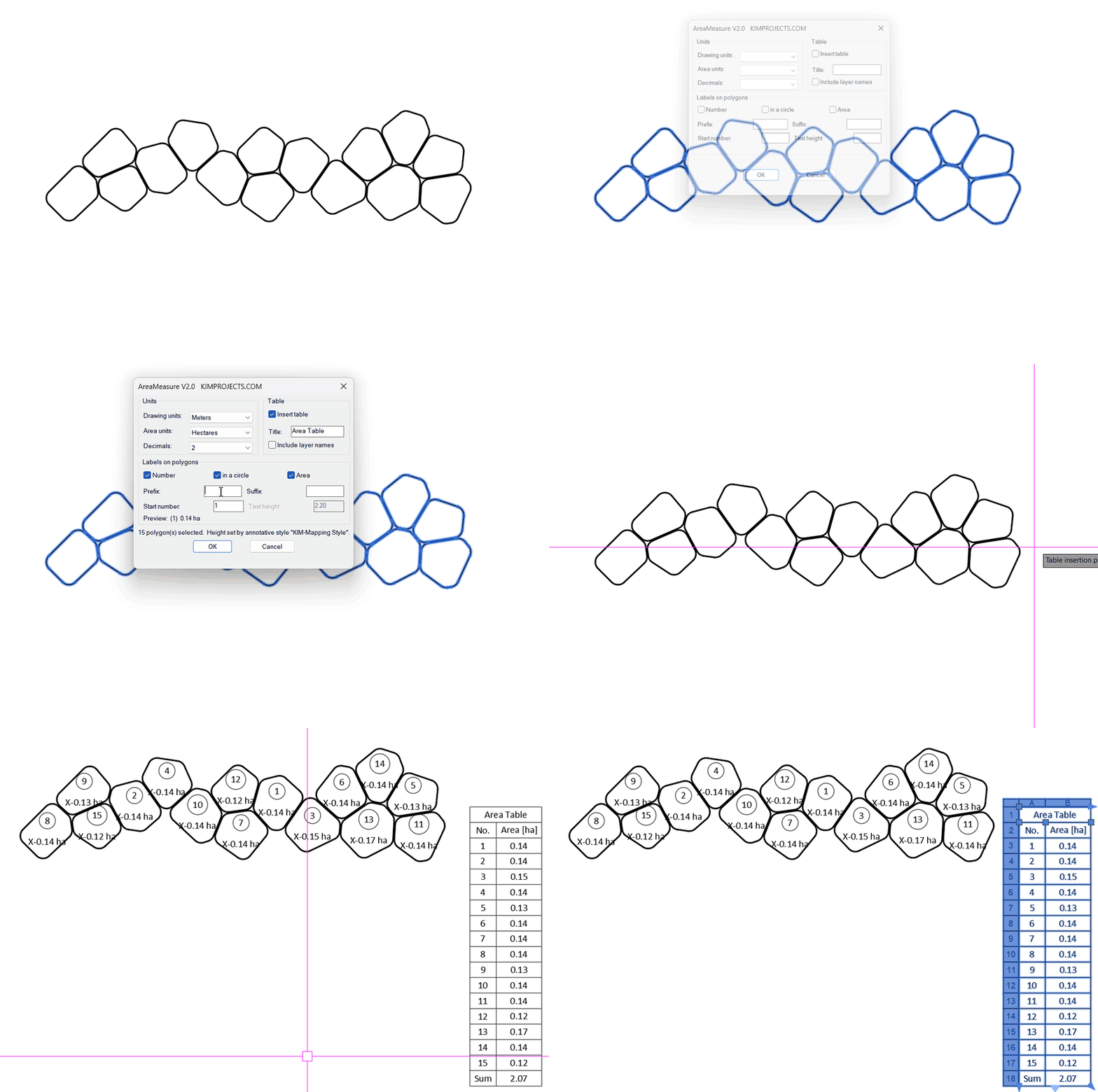
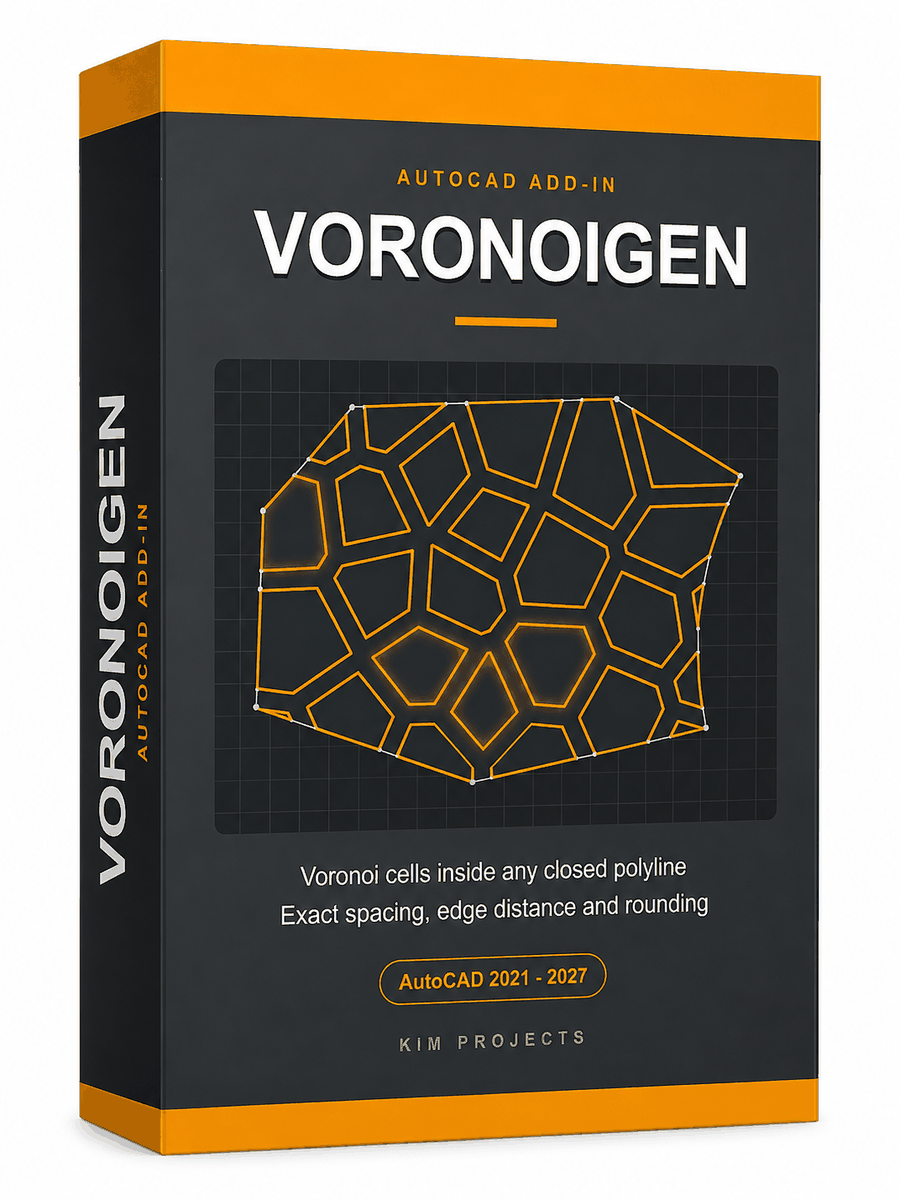
This tool is part of our free AutoCAD LISP collection — 20+ routines, all free, all tested on real projects.

IRRLINE – Irrigation Line Parallel to a Plot Border (Free AutoCAD LISP)
FREE AUTOCAD LISP IRRLINE — the irrigation ...

SPEED – Dirt Jump Trajectory Calculator (Free AutoCAD LISP)
FREE AUTOCAD LISP SPEED — draw the ...