


PJ – Convert Lines to Polylines (Free AutoCAD LISP)
PJ – Convert Lines to Polylines (Free AutoCAD LISP)
11th August 2026
FREE AUTOCAD LISP
PJ — lines in, joined polylines out
Select any number of LINE entities and PJ converts them to polylines and joins everything that touches — one command instead of the PEDIT → Multiple → Join ritual.
The classic first step before anything that needs closed or continuous polylines: area measurement, offsets, extrusions, CNC export.

Download PJ (free, .zip)
No sign-up.
How to use it
- Unzip, then load the .lsp with
APPLOAD. - Type
PJ. - Select the lines. It reports how many were converted.
Good to know
| Works on | LINE entities – joined where endpoints touch (exact join, zero fuzz) |
| Output | Polylines; your PEDIT settings are restored afterwards |
| Command | PJ |
Take it further — measure and split areas automatically
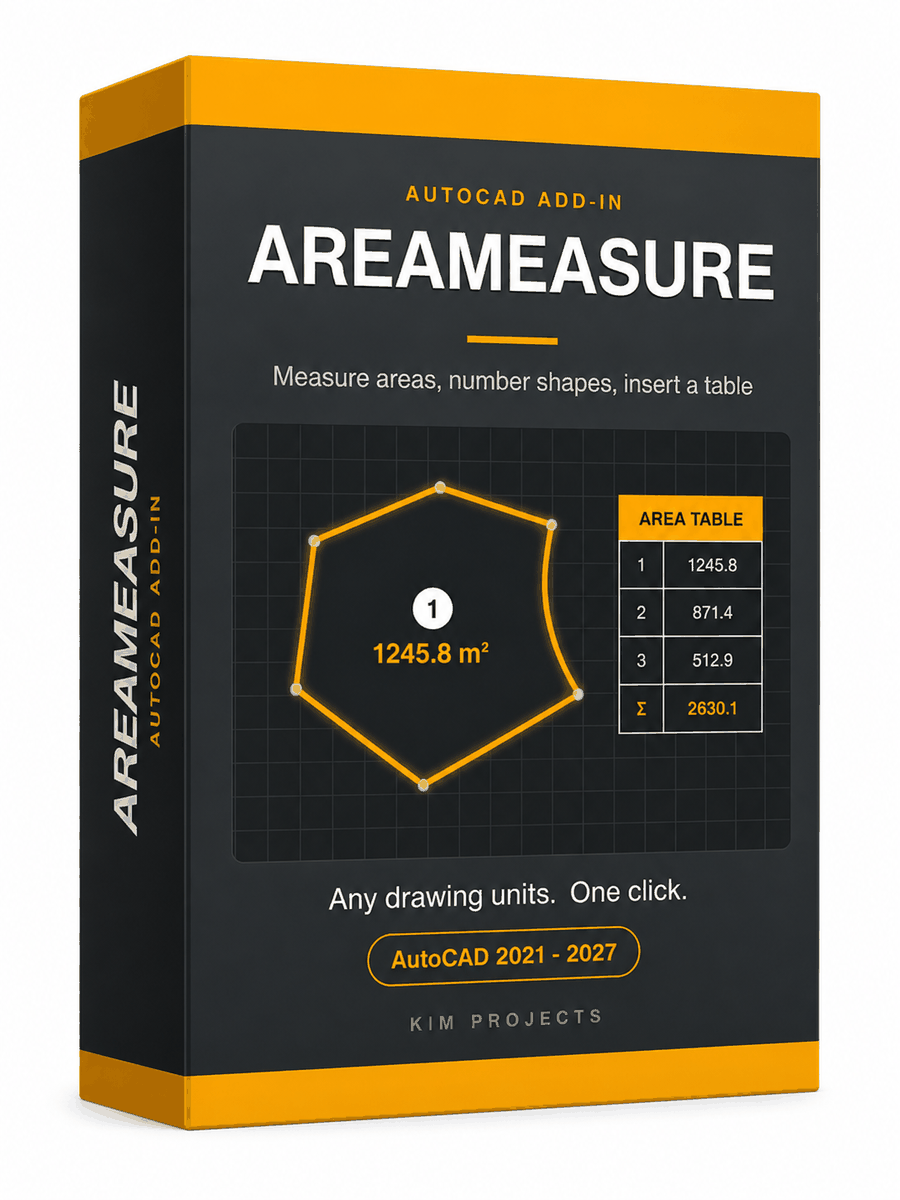
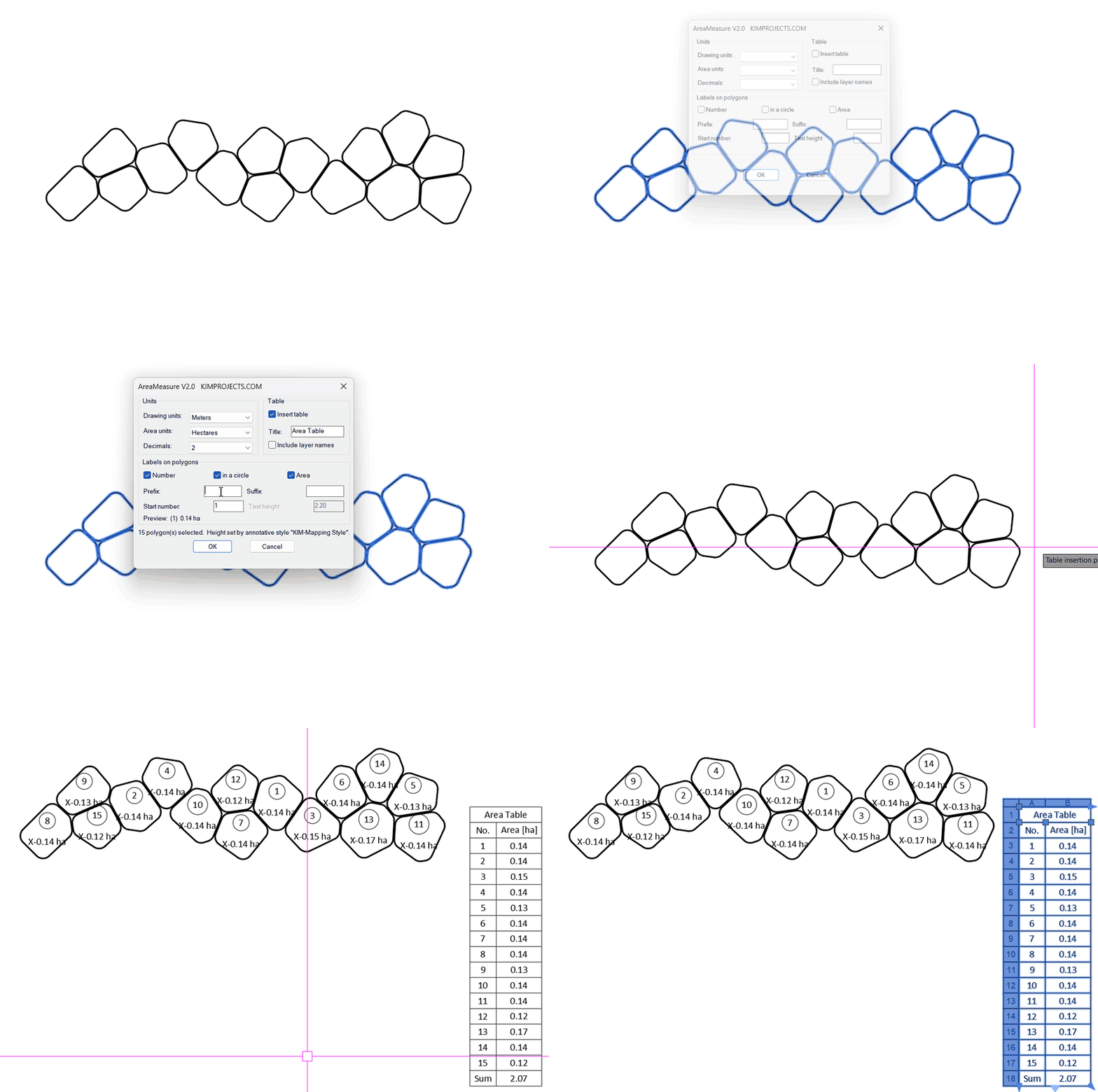
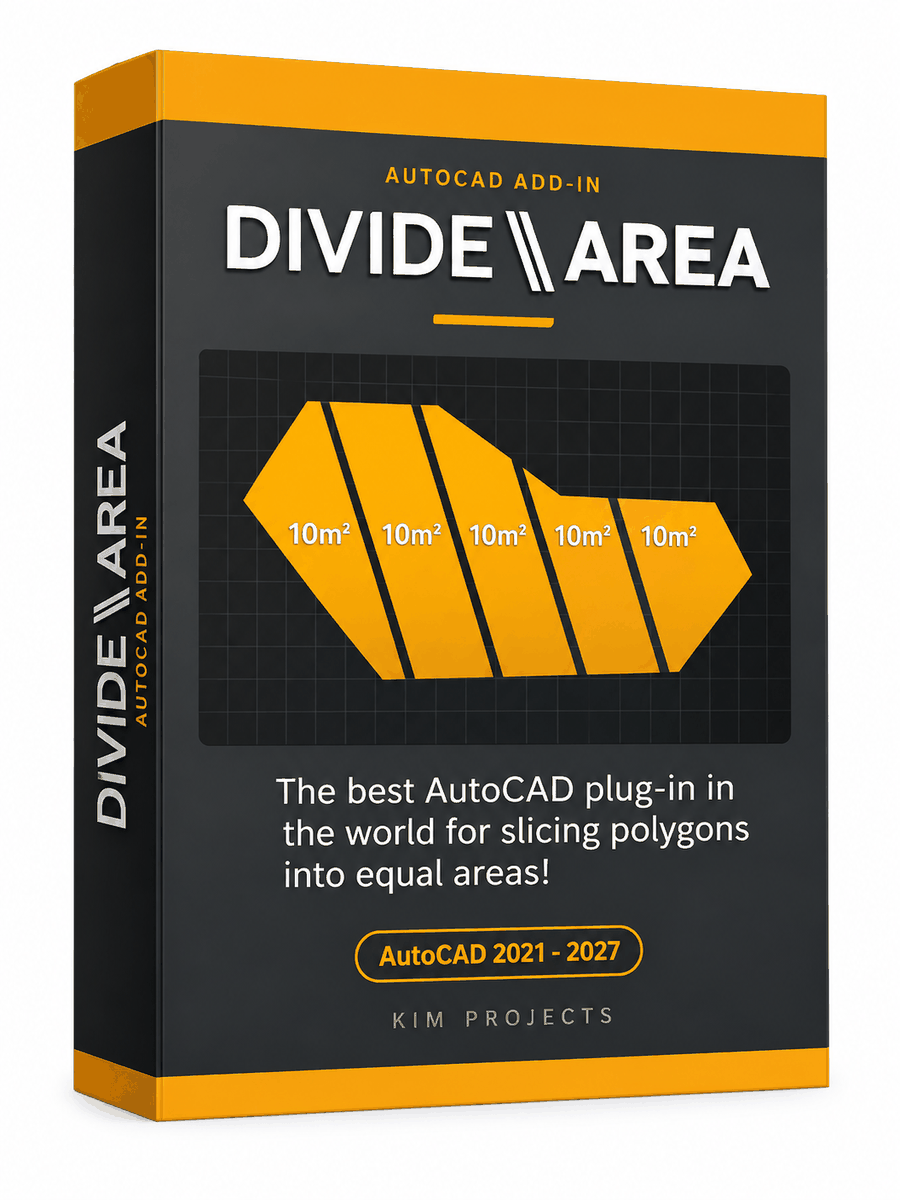

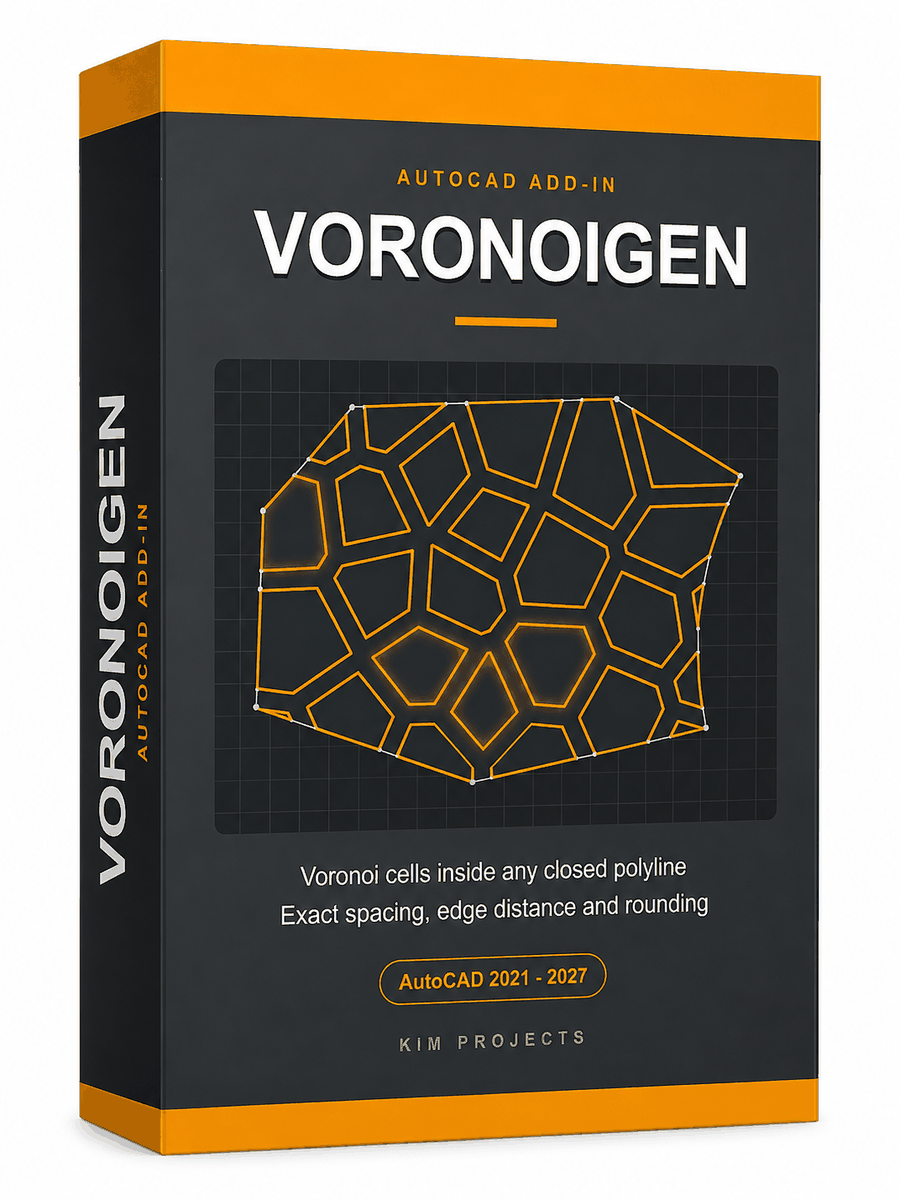
This tool is part of our free AutoCAD LISP collection — 20+ routines, all free, all tested on real projects.

IRRLINE – Irrigation Line Parallel to a Plot Border (Free AutoCAD LISP)
FREE AUTOCAD LISP IRRLINE — the irrigation ...

SPEED – Dirt Jump Trajectory Calculator (Free AutoCAD LISP)
FREE AUTOCAD LISP SPEED — draw the ...