


BAD – Break a Curve at a Typed Distance (Free AutoCAD LISP)
BAD – Break a Curve at a Typed Distance (Free AutoCAD LISP)
11th August 2026
FREE AUTOCAD LISP
BAD — break exactly at the distance you type
Pick a line, polyline, spline or arc and BAD shows you its total length, then breaks it at exactly the distance you type — measured along the curve from its start, no construction geometry, no guessing with BREAK.
Chainage work, cutting cable runs to length, splitting a road centreline at a station – anywhere ‘break it at 137.50’ is the actual requirement.

Download BAD (free, .rar)
No sign-up.
How to use it
- Unzip, then load the .lsp with
APPLOAD. - Type
BAD. - Select the curve – its total length is shown.
- Type the distance at which to break.
Good to know
| Works on | Arcs, lines, polylines and splines |
| Shows | The curve’s total length before you type the break distance |
| Command | BAD |
| Credit | By Alan J. Thompson (2011) |
Take it further — measure and split areas automatically
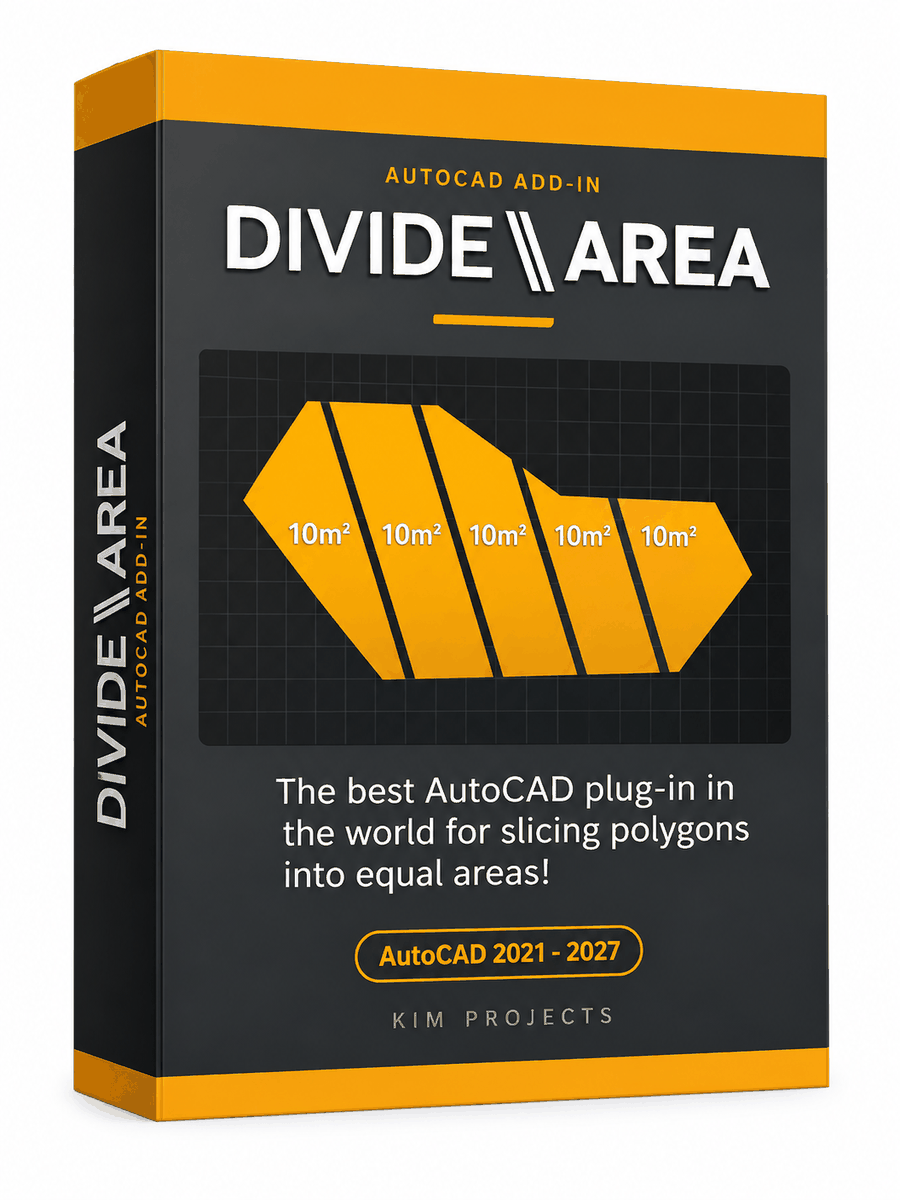
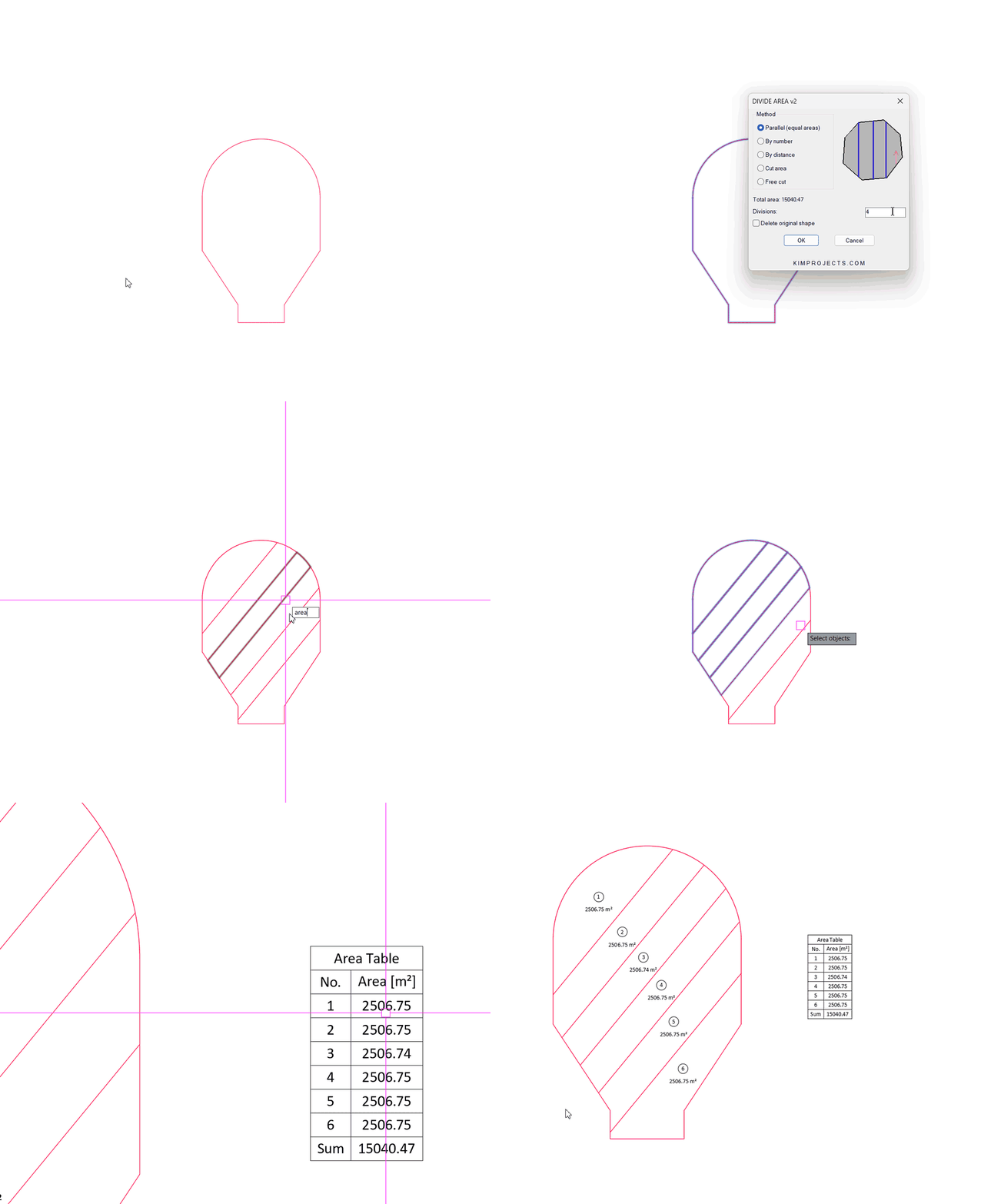
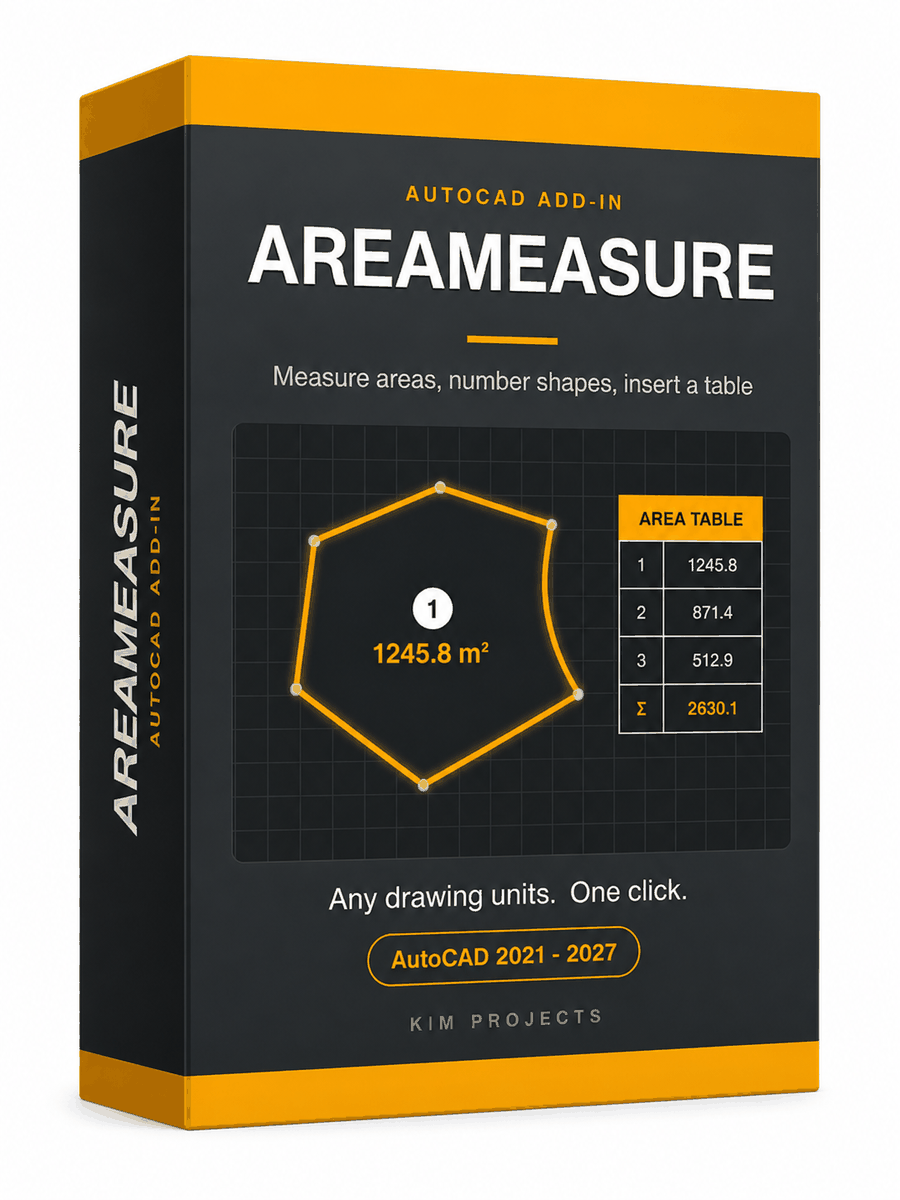
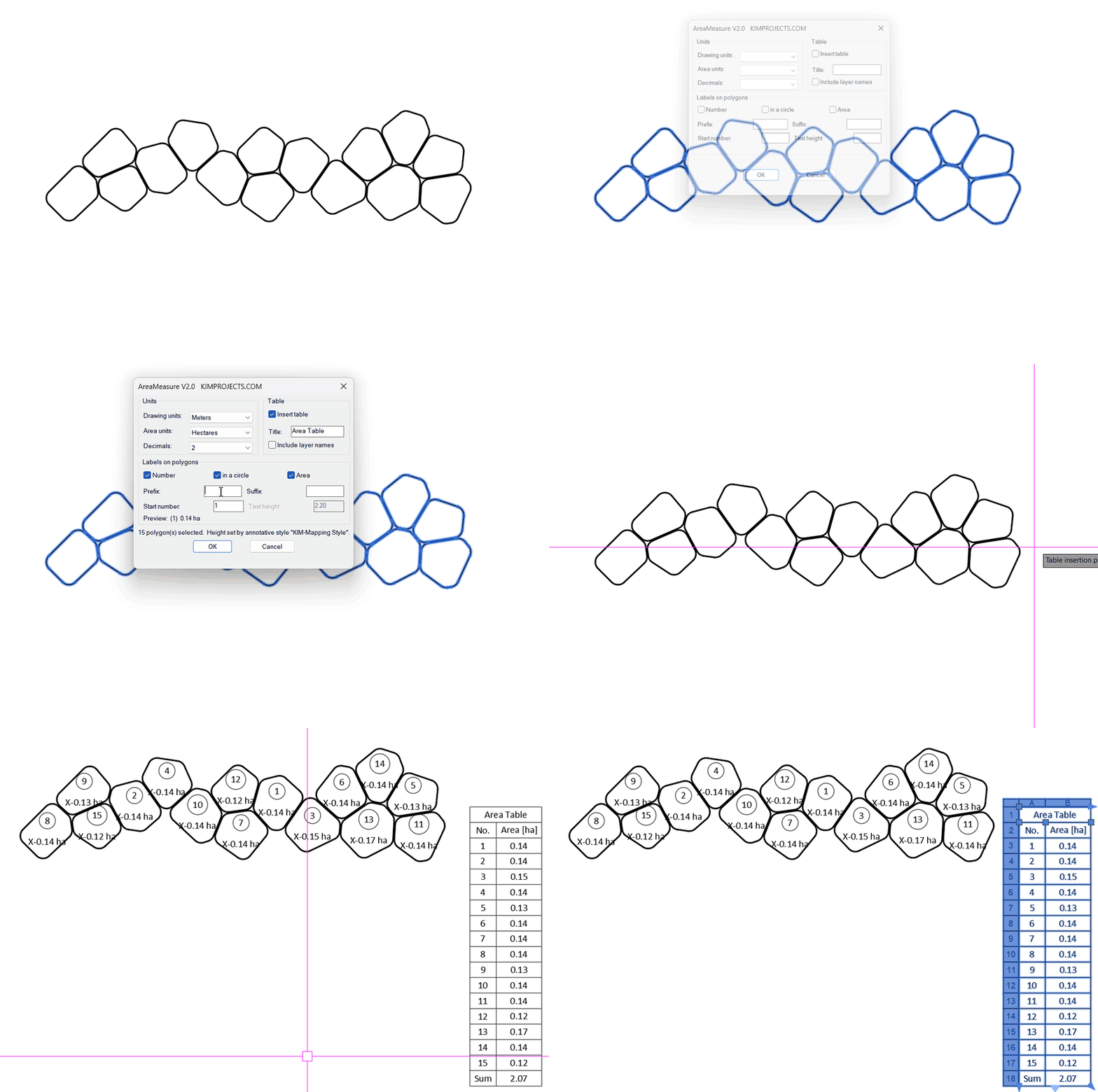
This tool is part of our free AutoCAD LISP collection — 20+ routines, all free, all tested on real projects.

IRRLINE – Irrigation Line Parallel to a Plot Border (Free AutoCAD LISP)
FREE AUTOCAD LISP IRRLINE — the irrigation ...

SPEED – Dirt Jump Trajectory Calculator (Free AutoCAD LISP)
FREE AUTOCAD LISP SPEED — draw the ...