

AD – Automatic Dimensions for Polylines (Free AutoCAD LISP)
AD – Automatic Dimensions for Polylines (Free AutoCAD LISP)
FREE AUTOCAD LISP
AD — pick a polyline, get a dimension on every segment
Pick one polyline and AD dimensions every segment of it, end to end. You do not place anything by hand.
Where the polyline curves, it dimensions the real arc length measured along the curve — not the straight line across it, which is what you get if you dimension a bend by eye.
Nothing to set up: no dialog, no options to learn. Pick the object, the dimensions appear, in your current dimension style and at your current scale. One object per run.
Need a whole drawing done at once? AUTODIM is the paid version of this tool: box-select everything, break at crossings as well as turns, total a whole polyline including its bends, and write the layer name above each length.

Free AD or AUTODIM?
| Free (this page) | AUTODIM | |
|---|---|---|
| What you pick | One polyline, line or arc per run | A whole selection – box-select the drawing |
| Where it breaks | At every vertex | At turns, at crossings, or one total per object |
| Curves | True arc length | True arc length, and totals that include the bends |
| Output | Dimensions | Real dimensions or text labels |
| Layer name | — | Written above each length |
| Price | Free | $29 |

How to use it
- Unzip, then load the .lsp with
APPLO.AD - Type
AD. - Pick one polyline, line or arc. Every segment gets its dimension.
- Doing this on run after run? That is what AUTODIM is for.
Good to know
| What it dimensions | Every segment of the object you pick, vertex to vertex |
| Curves | True arc length along the curve, not the chord across it |
| How much at a time | One polyline, line or arc per run – AUTODIM takes a whole selection |
| Style and size | Your current dimension style and scale, annotative included |
| Space | Model space and paper space |
| Command | AD |
| Credit | Based on the original by Stefan M. (2015) for kimprojects.com |
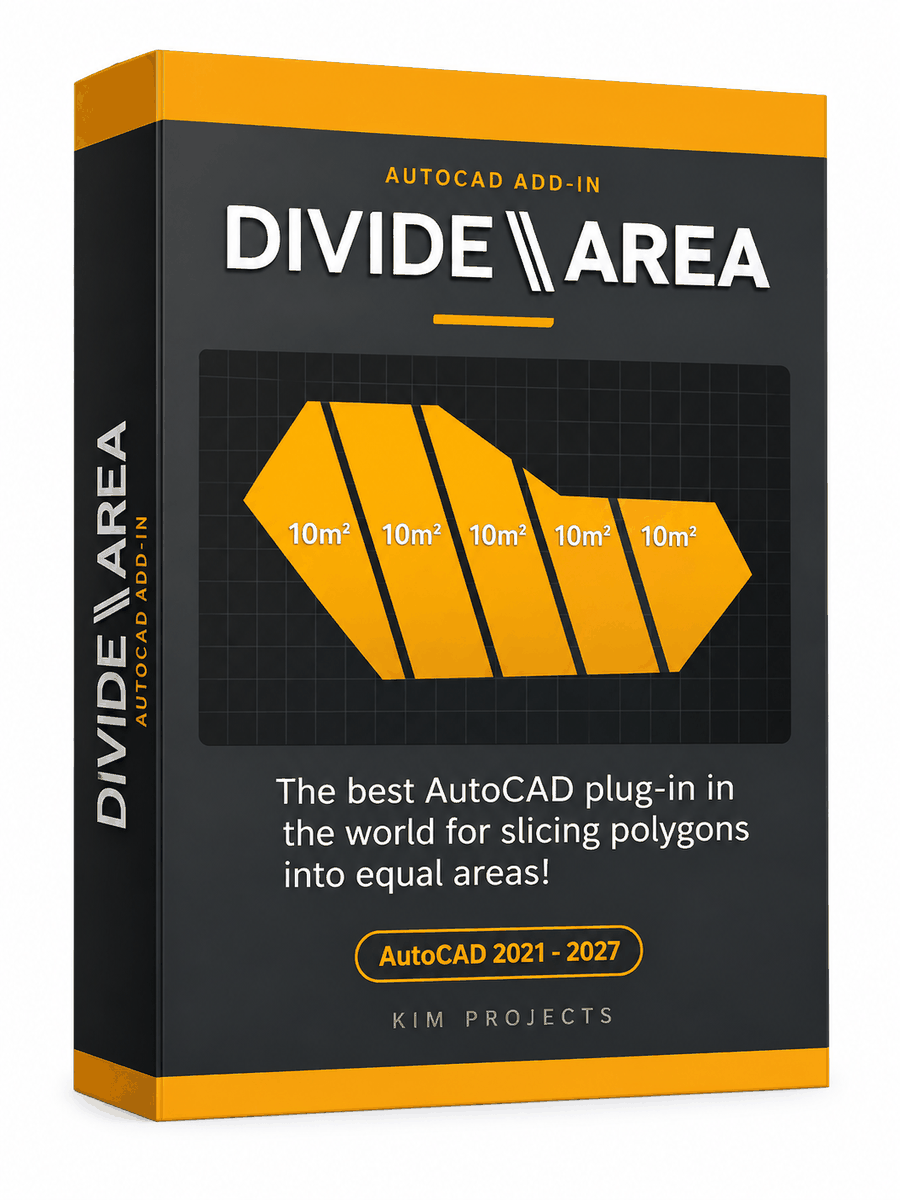
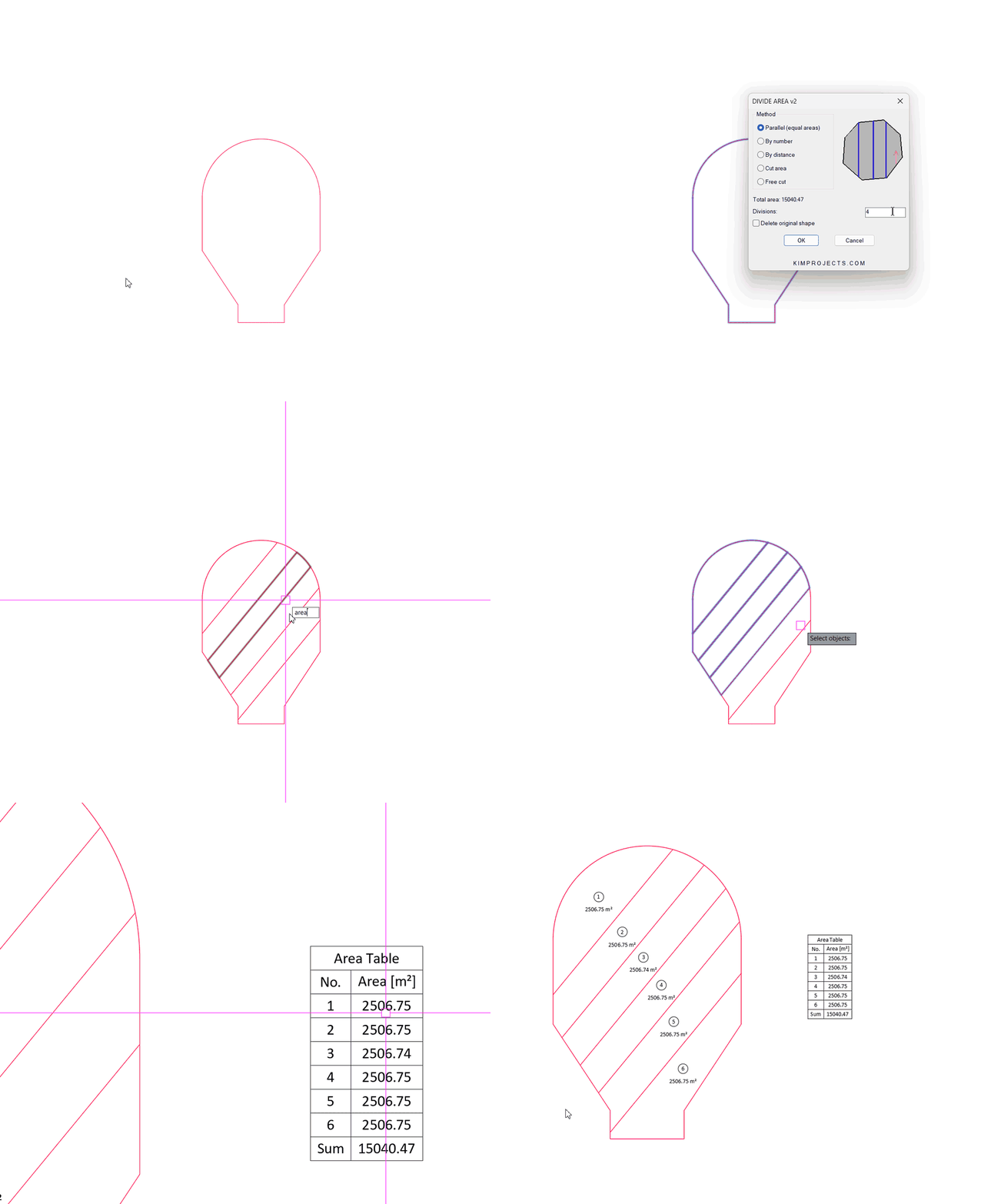
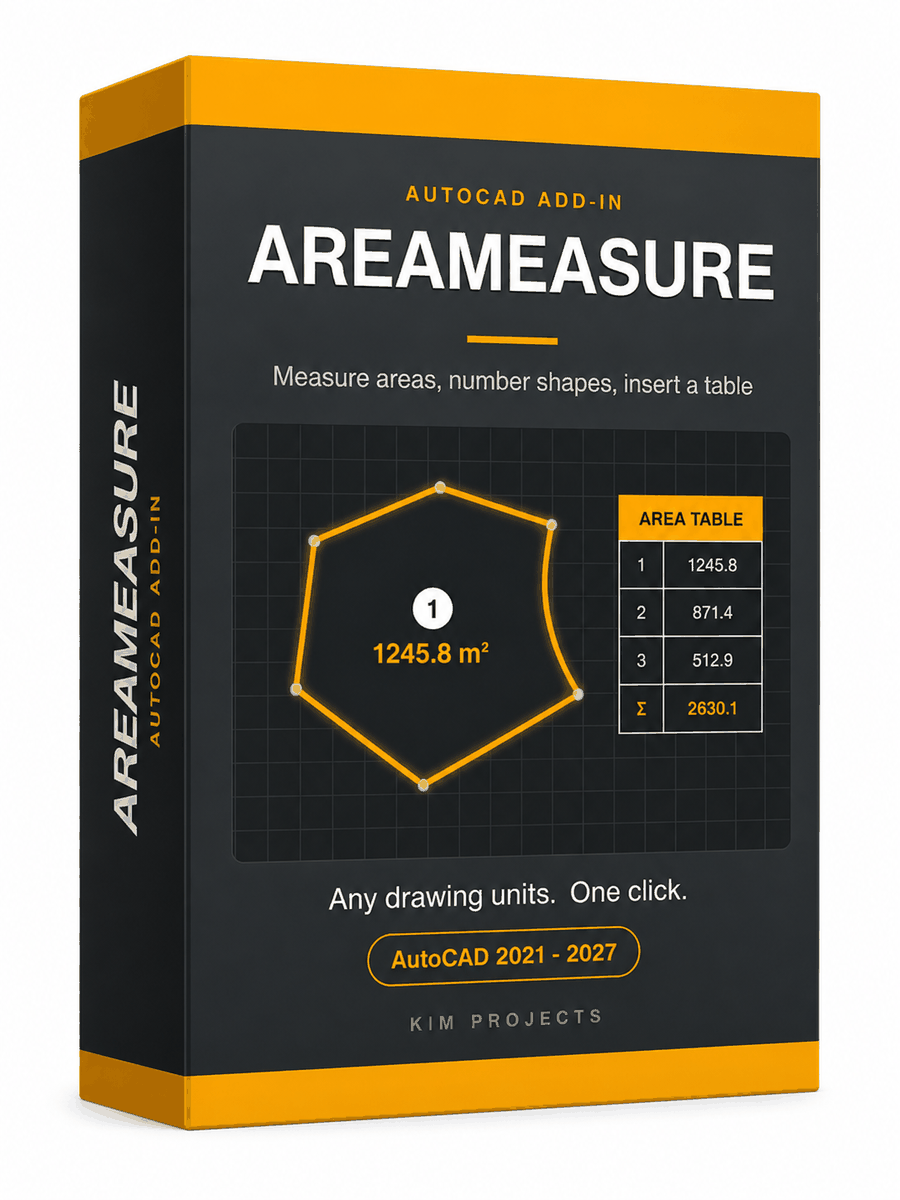
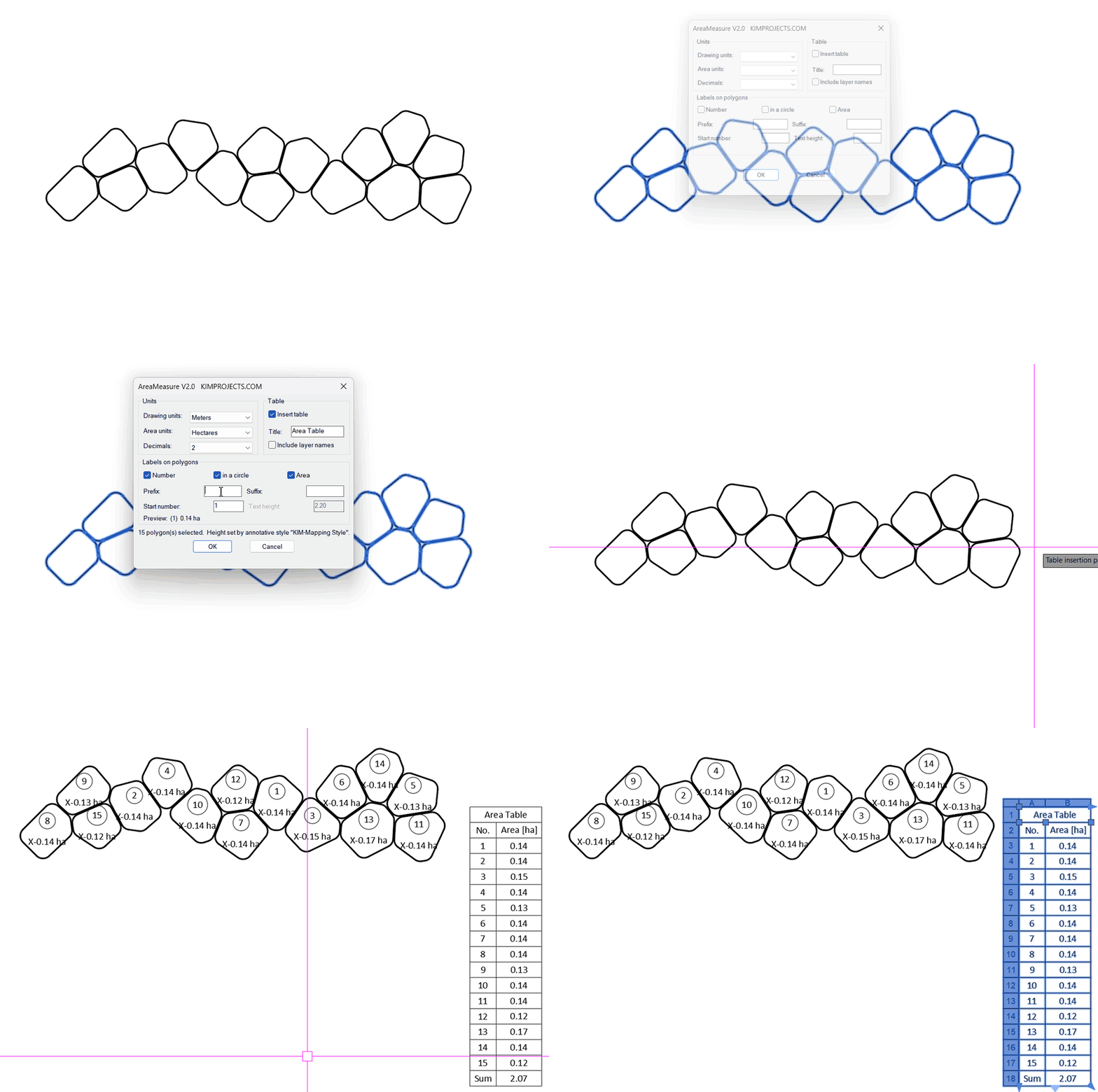
From the same workshop — watch what the paid add-ons do




This tool is part of our free AutoCAD LISP collection — 20+ routines, all free, all tested on real projects.

RINGCLEAR – Erase Everything Between Two Boundaries (Free AutoCAD LISP)
