

How to Divide a Polygon into Equal Parts in AutoCAD (3 Ways)
How to Divide a Polygon into Equal Parts in AutoCAD (3 Ways)
AUTOCAD GUIDE
How to divide a polygon into equal parts in AutoCAD
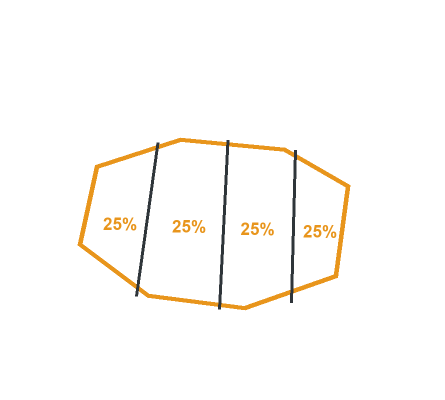
You have a closed shape — a plot, a parcel, a zone, a field — and you need to divide it into pieces of equal area. It is one of the most common questions in surveying and site planning, and one of the most frustrating, because AutoCAD has no command for it.
This guide covers the three ways to do it: what the built-in commands actually do, the manual workflow that works with nothing but AutoCAD, and the one-click way.
Why the DIVIDE command doesn’t divide areas
DIVIDE sounds like the right tool, but it only places points (or blocks) along a curve at equal segment lengths. MEASURE does the same at a fixed spacing. Neither splits the geometry, and equal lengths along the boundary have nothing to do with equal areas inside it — on an irregular polygon the two are completely different things. That is why every forum thread about “divide polygon equally” ends with the same answer: AutoCAD cannot do this natively.
Method 1 — by hand, with AREA and trial cuts (free)
The classic workflow, and it does work if you only need one or two cuts:
- Draw a cutting line roughly where you expect the split.
- Trim or
BOUNDARYa temporary piece and measure it withAREA(for shapes with arcs or splines, create aREGIONand readMASSPROP). - Move the cutting line, re-trim, re-measure.
- Repeat until the piece is close enough to the target area.
The pain is step 4. On an irregular plot the area does not change linearly as you move the line, so every nudge is a guess. Dividing one plot into five equal parcels means running that loop four times, and if the boundary changes tomorrow you start again from zero.
Method 2 — free LISP routines
For simple cases — typically halving a shape — free AutoLISP routines are shared on the CAD forums. You load one with APPLOAD and it automates the trial-and-error loop for you. Quality varies: many handle only straight-edged polylines, and few survive arcs, holes or multiple cuts. If you like the free-LISP route, we keep a curated, tested collection on our free AutoCAD LISP page — every routine there is documented and downloadable.
Method 3 — one click with DivideArea
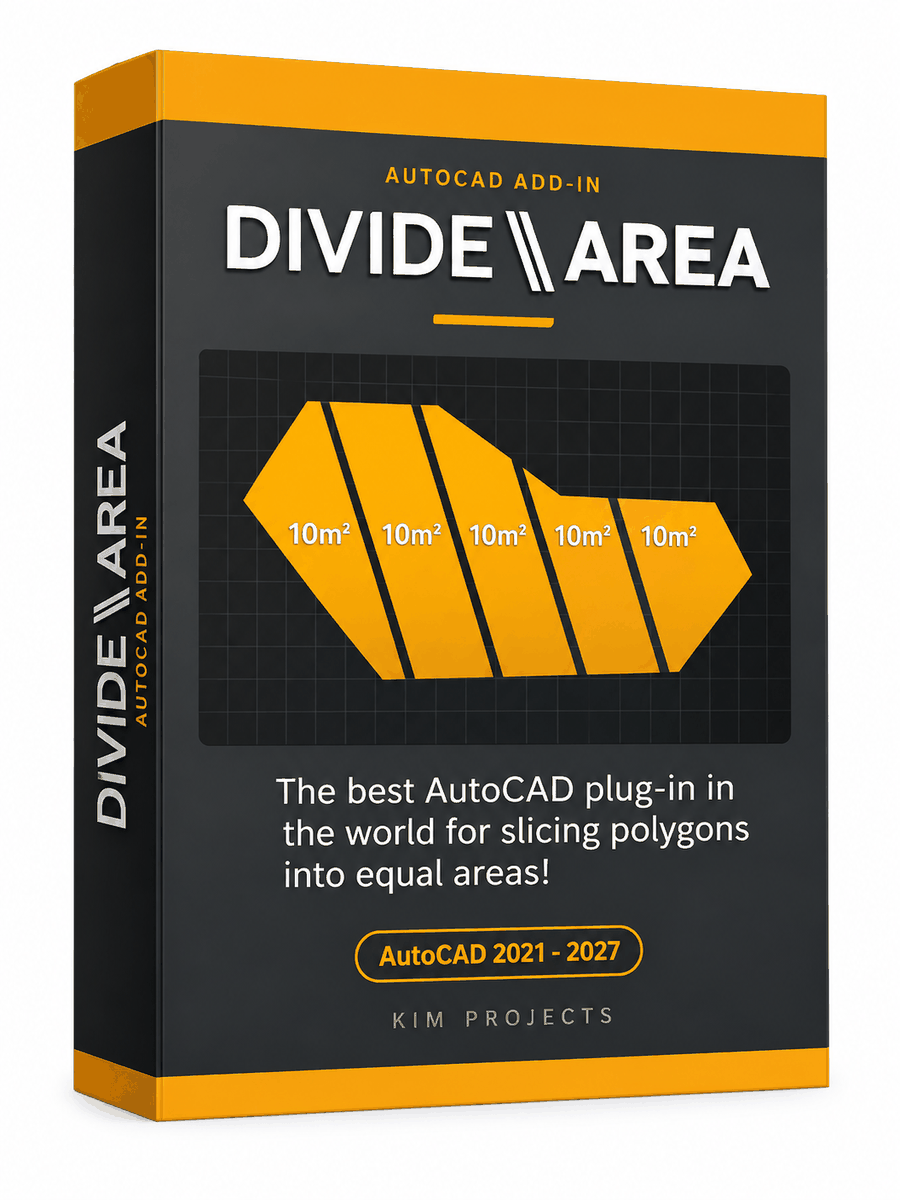
DivideArea is our AutoCAD add-in built for exactly this job. Select the closed shape, type the number of pieces, pick the cutting direction — done. The cut positions are computed exactly, so the parts are genuinely equal, and the whole operation is a single undo step.

Beyond equal parts it can also cut by a fixed distance, slice off a piece of exactly the area you type, or make one free cut through two points — five methods in one dialog. It works on closed polylines, circles, ellipses, splines and regions:

See DivideArea — $21.90, buy once
Frequently asked questions
Can AutoCAD divide a polygon into equal parts on its own?
No. The built-in DIVIDE command only places points along a curve at equal segment lengths – it never splits the geometry, and equal lengths along the boundary are not equal areas inside it. You need either the manual trial-and-error workflow or an add-in.
How do I split an irregular plot into equal parcels?
Pick a cutting direction (usually parallel to the road or a boundary), then cut the plot with lines parallel to it so every parcel encloses the same area. Doing that by hand means measuring and nudging each line repeatedly; an equal-area tool computes the exact cut positions in one pass.
Does this work on circles, ellipses and splines?
Manually, yes – but measuring gets harder (you’ll need REGION and MASSPROP). DivideArea handles closed polylines, circles, ellipses, splines and regions directly; pieces bounded by lines and arcs come back as polylines.
Are the resulting areas exactly equal?
With the manual method you stop when the difference is small enough. An equal-area solver computes the cut positions mathematically, so the pieces match to drawing precision – and the whole operation is one undo step.
From the same workshop
Prefer free tools? Browse our free AutoCAD LISP collection — 30+ routines, all free, all tested on real projects.

How to Make a Voronoi Pattern in AutoCAD (3 Ways)
