


CX – Crop an Xref with a Comic-Style Callout (Free AutoCAD LISP)
CX – Crop an Xref with a Comic-Style Callout (Free AutoCAD LISP)
11th August 2026
FREE AUTOCAD LISP
CX — crop any xref and frame it like a comic callout
CX clips an image, PDF or DWG xref and frames the chosen area as a comic-style callout bubble — the fastest way to crop a reference and point at the detail that matters, with some drawing-sheet charm thrown in.
Choose the rectangular option for a plain frame without clipping, or the clipping option to crop the xref to the callout.

Download CX (free, .rar)
No sign-up.
How to use it
- Unzip, then load the .vlx with
APPLOAD(loads exactly like a .lsp; if your antivirus frowns at the compiled file, it is as safe as any .lsp). - Type
CX. - Choose rectangular or clipping mode, then frame the area.
Good to know
| Works on | Image, PDF and DWG xrefs |
| Modes | Rectangular frame (no clipping) or clip-and-frame |
| File type | Compiled .vlx – load it like any .lsp |
| Command | CX |
From the same workshop — watch what the paid add-ons do
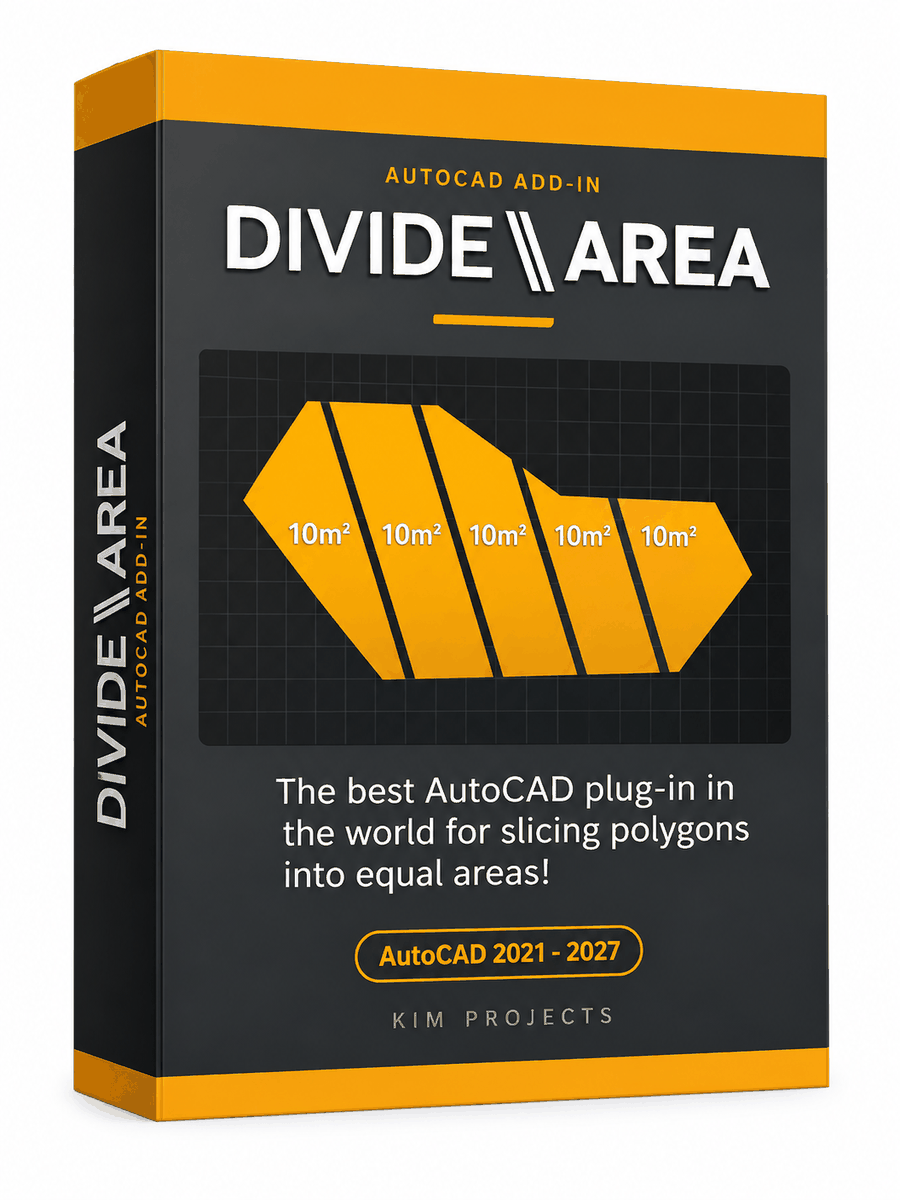


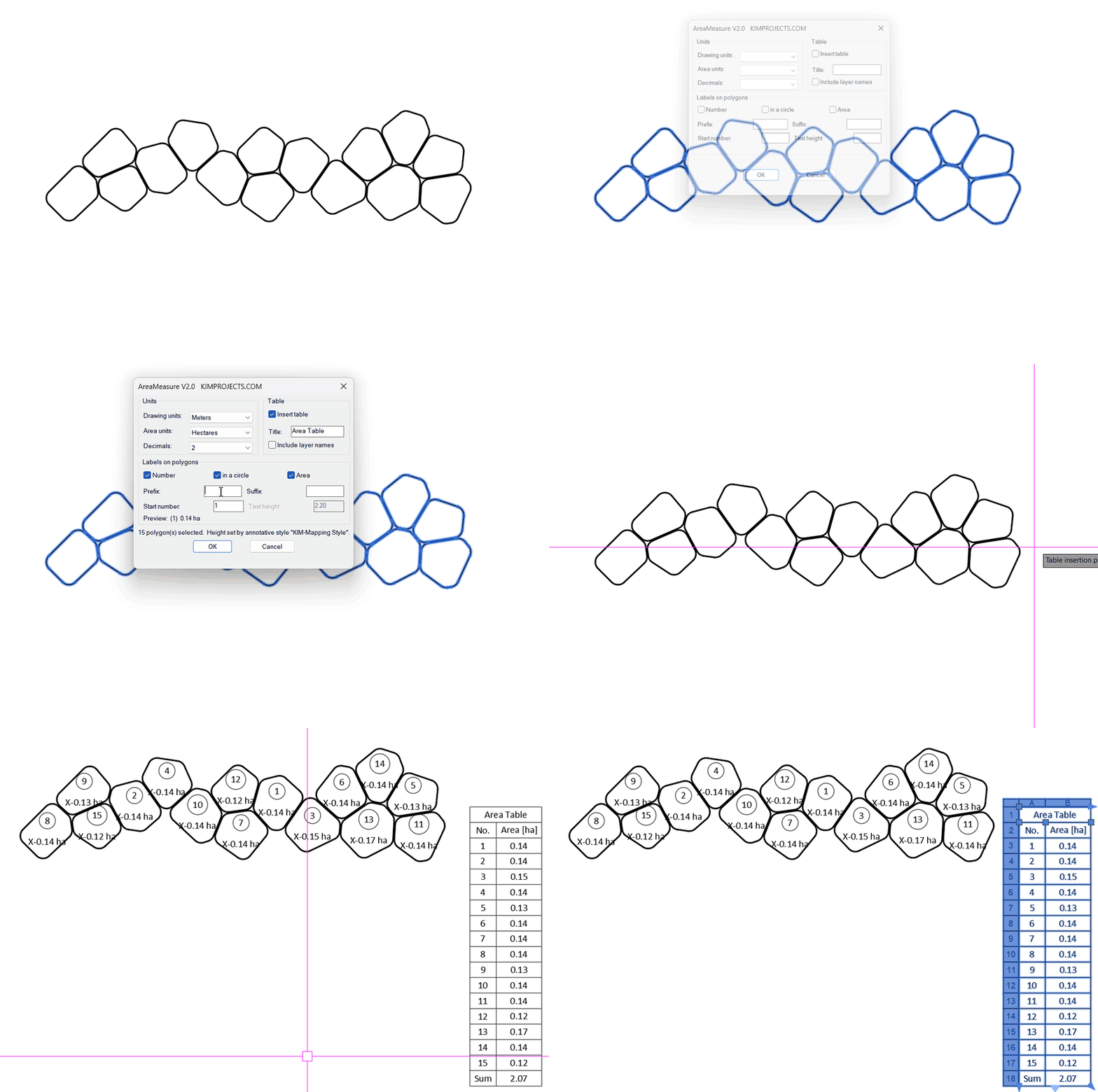
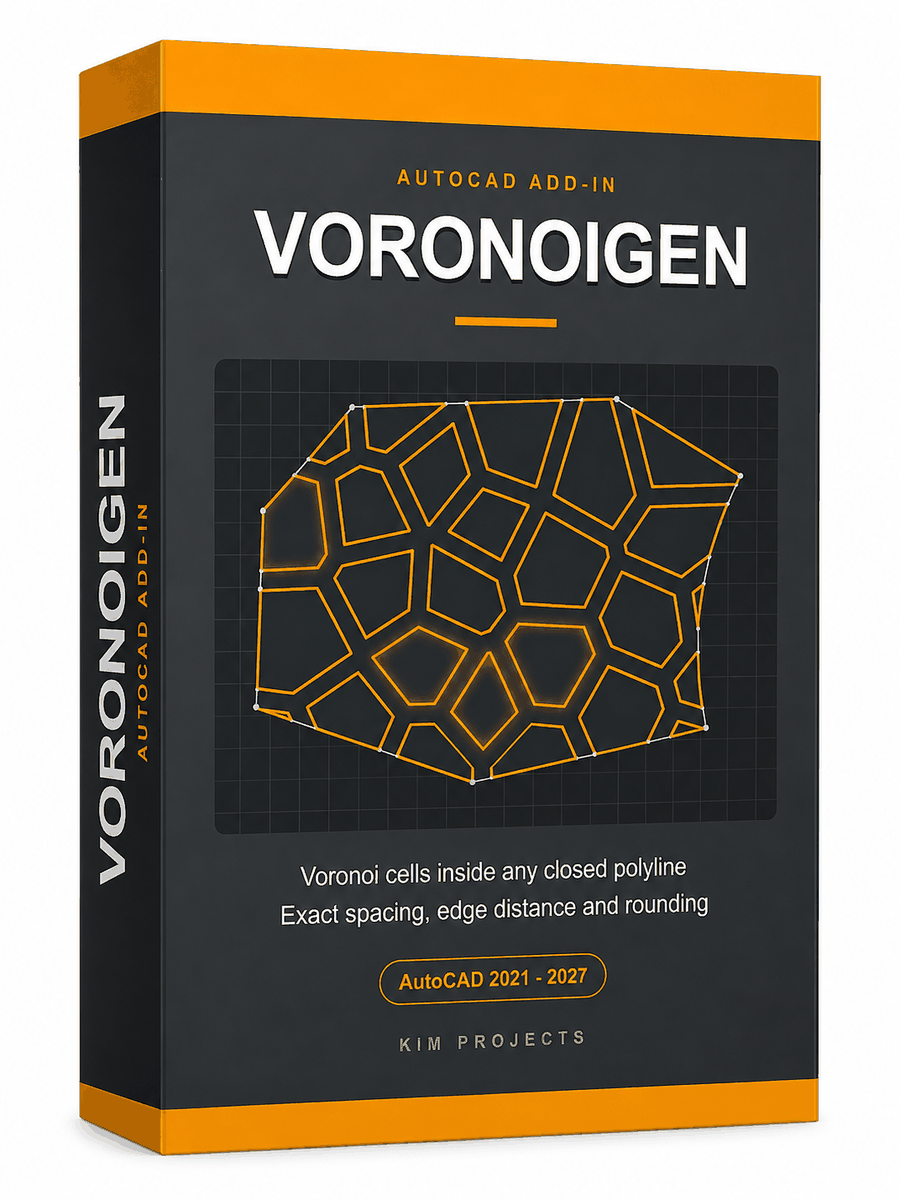
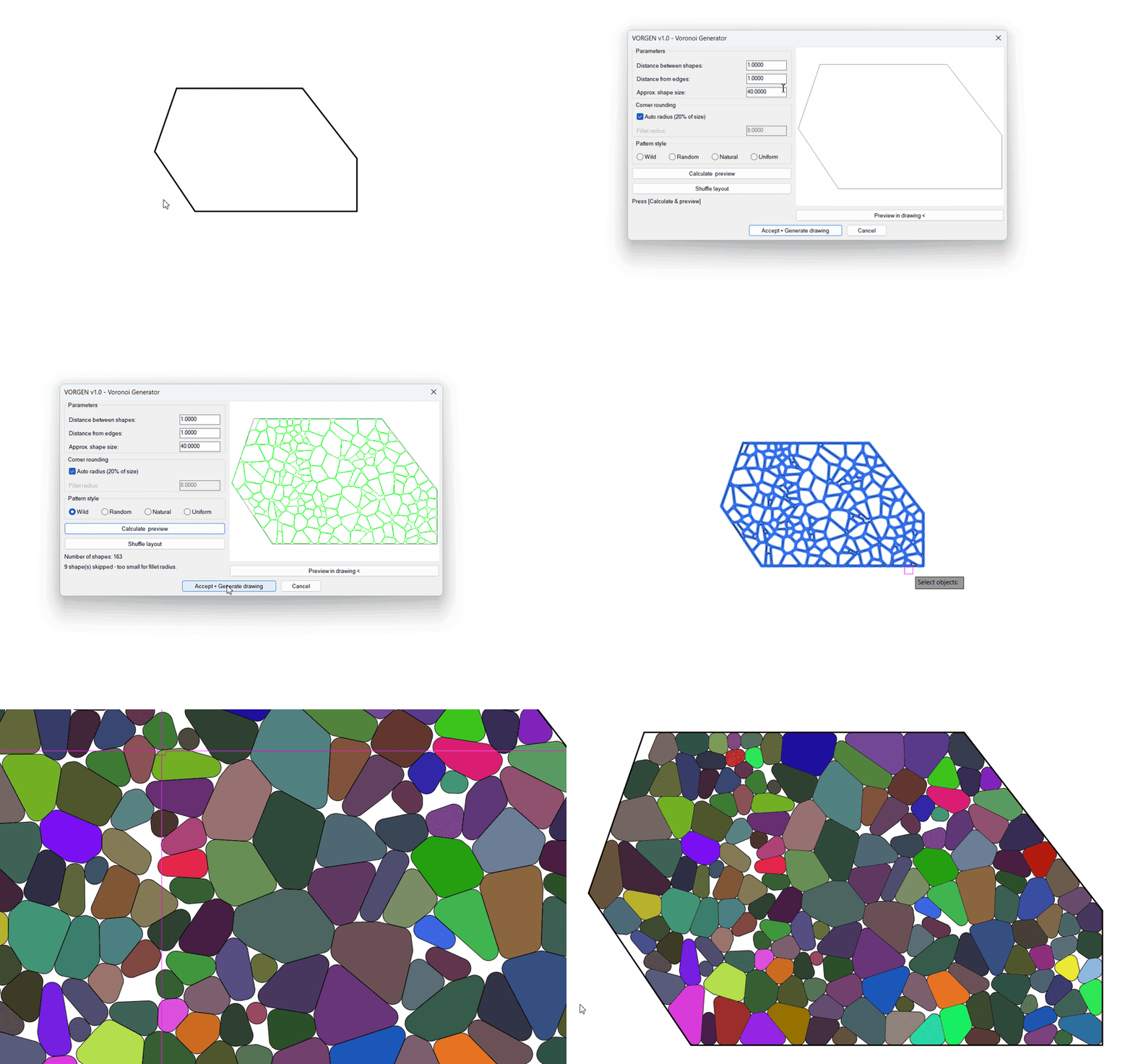
This tool is part of our free AutoCAD LISP collection — 20+ routines, all free, all tested on real projects.

IRRLINE – Irrigation Line Parallel to a Plot Border (Free AutoCAD LISP)
FREE AUTOCAD LISP IRRLINE — the irrigation ...

SPEED – Dirt Jump Trajectory Calculator (Free AutoCAD LISP)
FREE AUTOCAD LISP SPEED — draw the ...