

RECDIMS – Count Rectangles by Size into a Table (Free AutoCAD LISP)
RECDIMS – Count Rectangles by Size into a Table (Free AutoCAD LISP)
11th August 2026
FREE AUTOCAD LISP
RECDIMS — count your rectangles by size, straight into a table
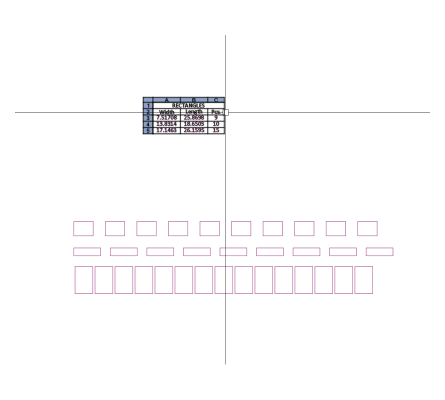
Select your rectangles and RECDIMS counts them by dimension — and by colour — then inserts a table with every size and its count, arranged largest to smallest. Columns for a BOM from a construction sketch, panels for a price quote, or a quick check of what sheet size a 1:1 drawing needs.
The table follows your current TABLESTYLE and text style, annotative included.

Download RECDIMS (free, .rar)
No sign-up.
How to use it
- Unzip, then load the .lsp with
APPLOAD. - Type
RECDIMS. - Select the rectangles.
- Pick the table insertion point.
Good to know
| Counts | Rectangles by their dimensions, with a separate count per colour |
| Output | A native AutoCAD table in your TABLESTYLE, sorted by size |
| Text | Your current text style, annotative supported |
| Command | RECDIMS |
| Credit | Written by Stefan M. – thank you, Stefan |
Take it further — measure and split areas automatically
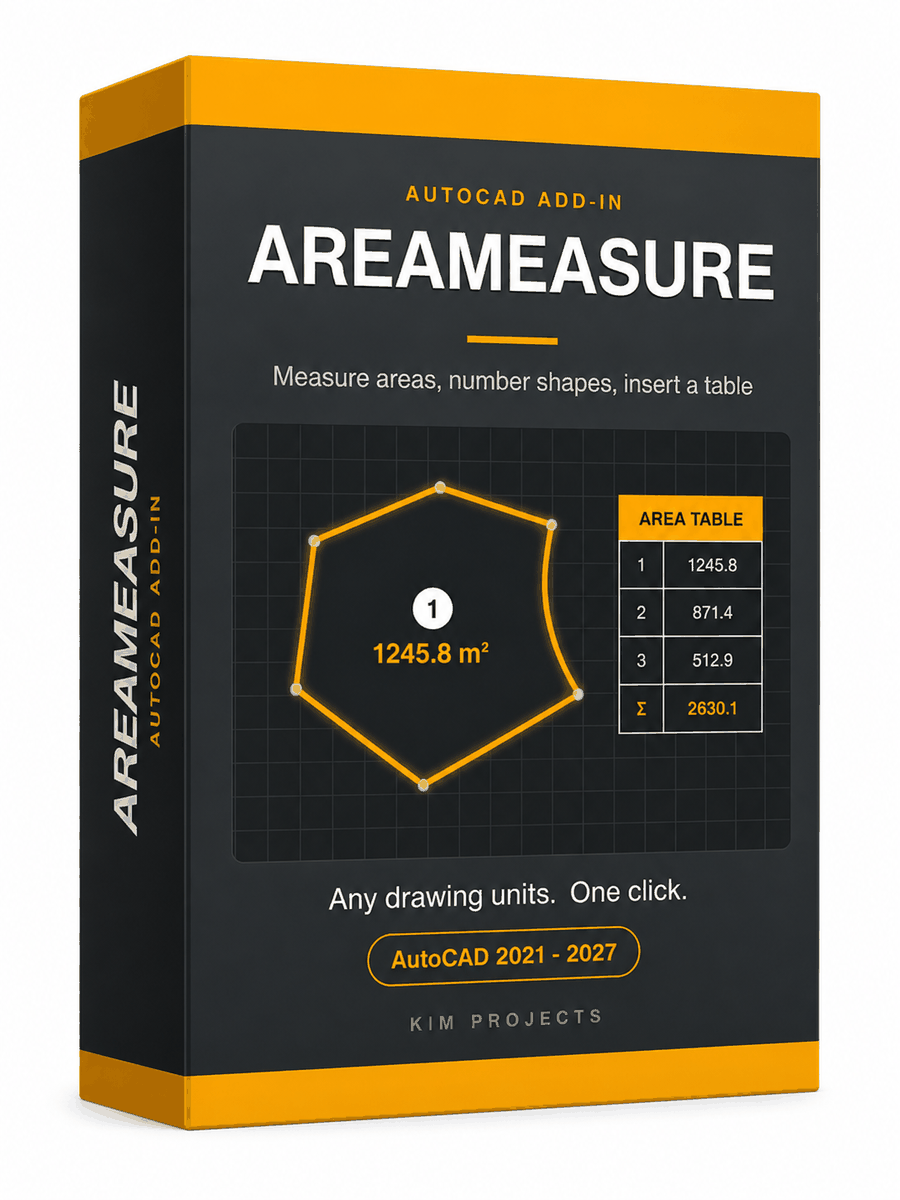
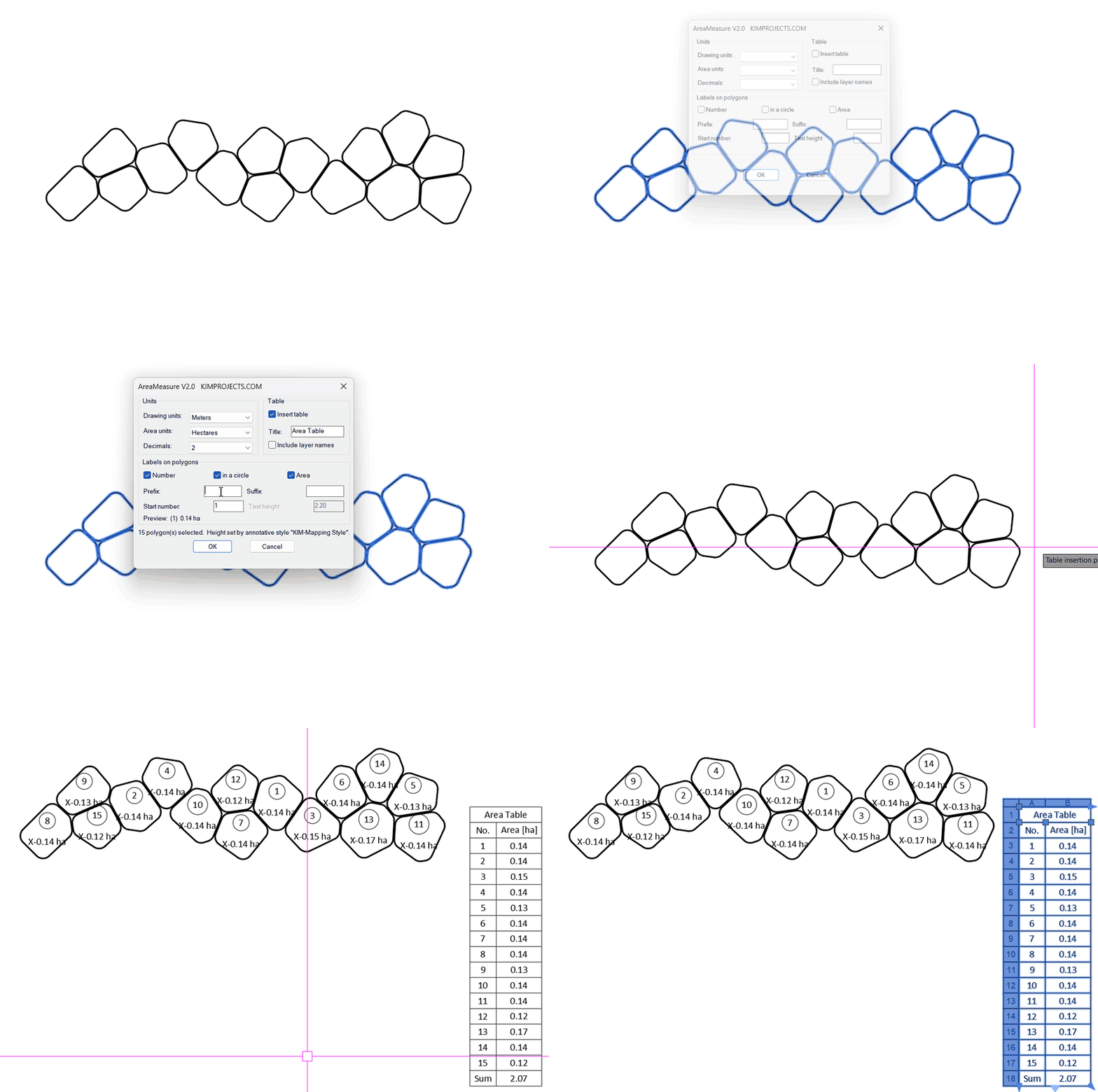
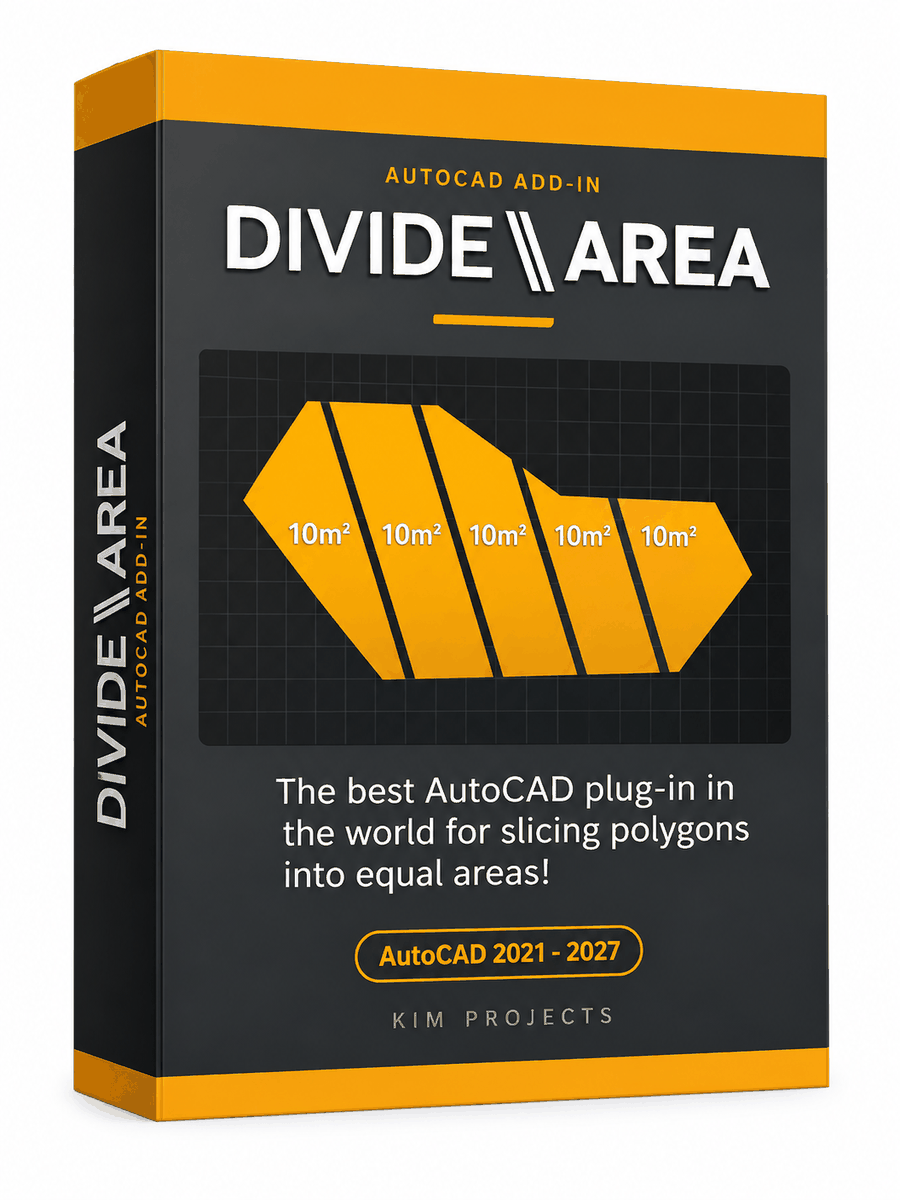

This tool is part of our free AutoCAD LISP collection — 20+ routines, all free, all tested on real projects.

IRRLINE – Irrigation Line Parallel to a Plot Border (Free AutoCAD LISP)
FREE AUTOCAD LISP IRRLINE — the irrigation ...

SPEED – Dirt Jump Trajectory Calculator (Free AutoCAD LISP)
FREE AUTOCAD LISP SPEED — draw the ...