

LPL – Sum Lengths and Label the Total (Free AutoCAD LISP)
LPL – Sum Lengths and Label the Total (Free AutoCAD LISP)
11th August 2026
FREE AUTOCAD LISP
LPL — total length of your selection, placed as a label
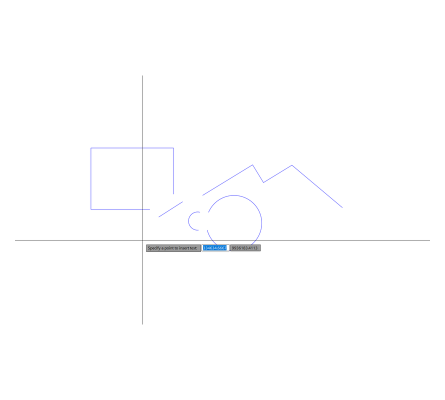
Select any mix of lines, polylines, splines, arcs, circles and ellipses, and LPL adds up their true curve length and places the total as a text label wherever you point.
Skip the point and it prints the total on the command line instead. The label height follows your annotation scale.

Download LPL (free, .rar)
No sign-up.
How to use it
- Unzip, then load the .lsp with
APPLOAD. - Type
LPL. - Select the linework.
- Pick a point for the total – or press Enter to read it on the command line.
Good to know
| Measures | Lines, polylines, splines, arcs, circles, ellipses – true curve length |
| Output | A text label with the total, sized by the annotation scale |
| Command | LPL |
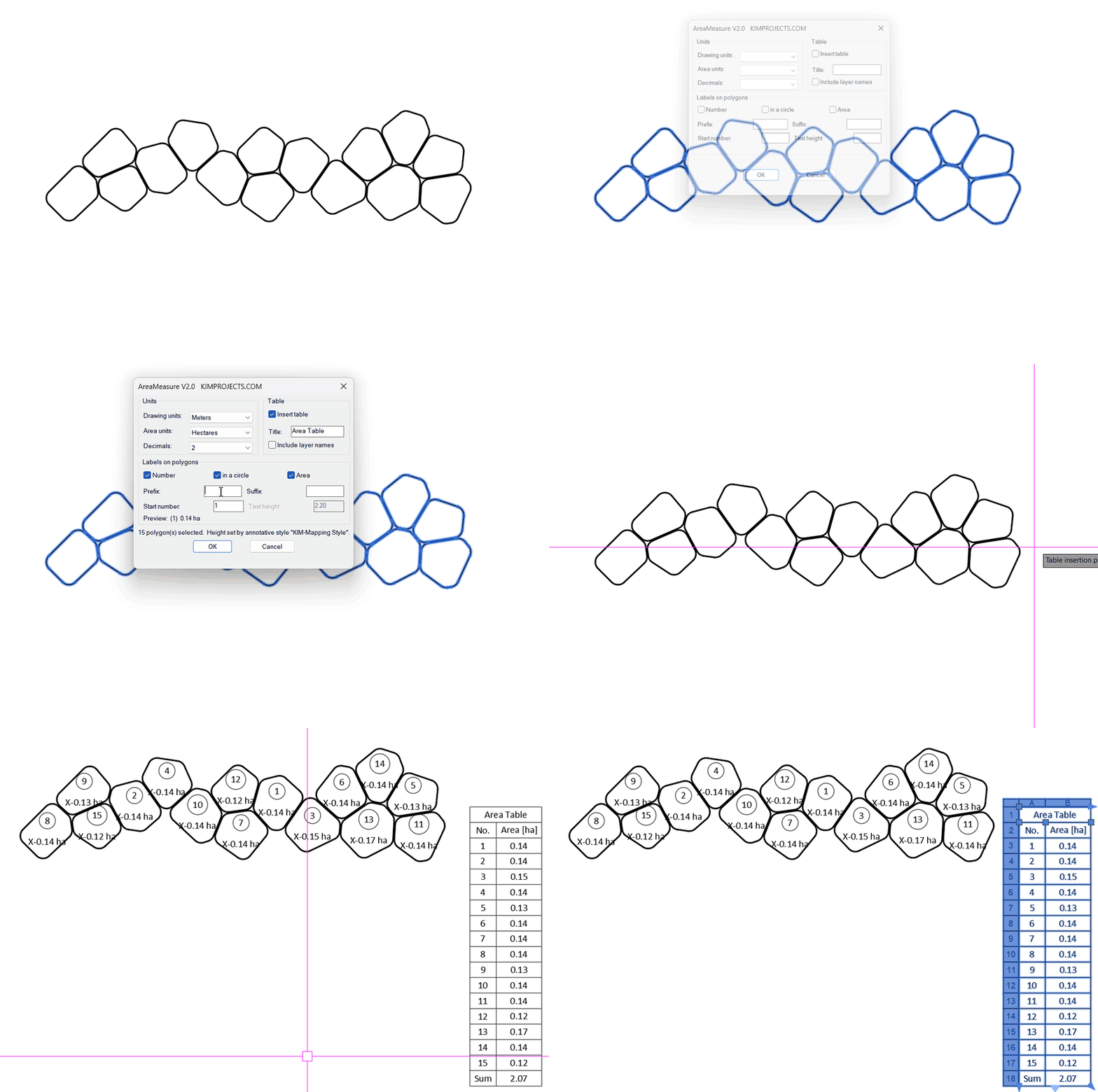
Take it further — measure and split areas automatically


This tool is part of our free AutoCAD LISP collection — 20+ routines, all free, all tested on real projects.

IRRLINE – Irrigation Line Parallel to a Plot Border (Free AutoCAD LISP)
FREE AUTOCAD LISP IRRLINE — the irrigation ...

SPEED – Dirt Jump Trajectory Calculator (Free AutoCAD LISP)
FREE AUTOCAD LISP SPEED — draw the ...