

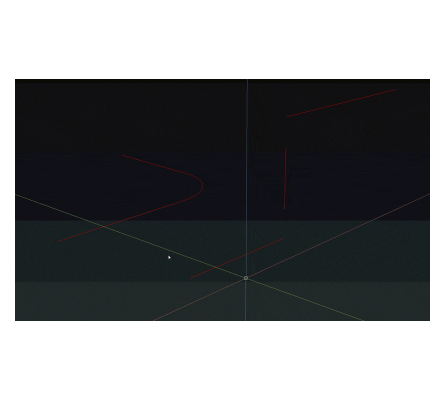
XPIPE – 3D Pipes from a Diameter (Free AutoCAD LISP)
XPIPE – 3D Pipes from a Diameter (Free AutoCAD LISP)
11th August 2026
FREE AUTOCAD LISP
XPIPE — 3D solid pipes from a diameter, no SWEEP gymnastics
Type a diameter and XPIPE builds the pipe as a 3D solid along your path — the piping replacement for the standard SWEEP workflow. Wall thickness is an option, the path can be kept, and a two-point mode builds a pipe with no path drawn at all.
A CADTutor classic by ASMI that every 3D piper should have, majorly improved by Stefan M. in 2016.

Download XPIPE (free, .rar)
No sign-up.
How to use it
- Unzip, then load the .vlx with
APPLOAD(loads exactly like a .lsp). - Type
XPIPE. - Enter the diameter (and wall thickness if you want a hollow pipe).
- Pick the path – or two points for a straight pipe with no path.
Good to know
| Output | 3D solid pipes, solid or with wall thickness |
| Modes | Along an existing path (optionally kept), or between two picked points |
| File type | Compiled .vlx – load it like any .lsp |
| Command | XPIPE |
| Credit | By ASMI (CADTutor), improved by Stefan M. |
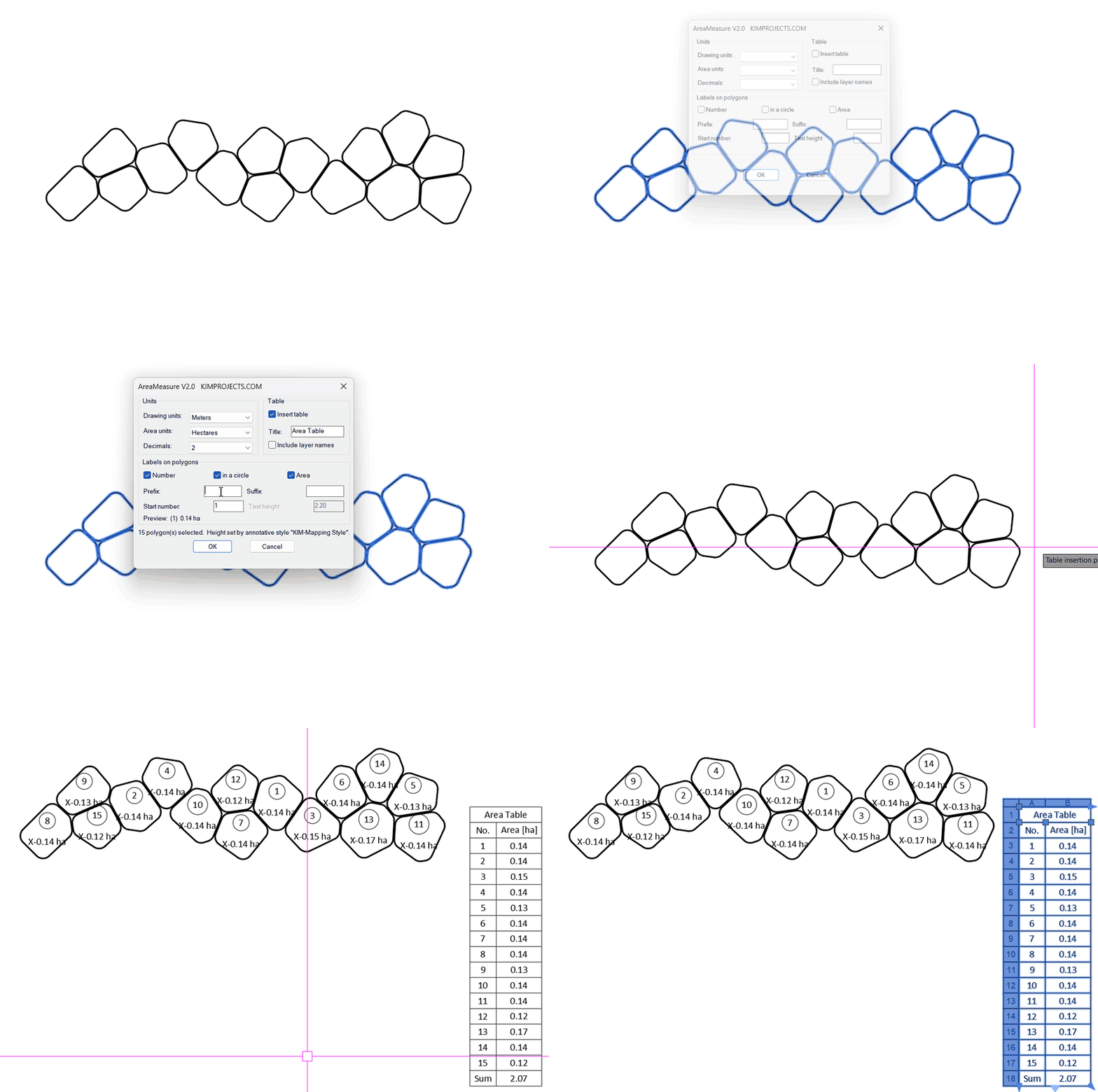
From the same workshop — watch what the paid add-ons do


This tool is part of our free AutoCAD LISP collection — 20+ routines, all free, all tested on real projects.

IRRLINE – Irrigation Line Parallel to a Plot Border (Free AutoCAD LISP)
FREE AUTOCAD LISP IRRLINE — the irrigation ...

SPEED – Dirt Jump Trajectory Calculator (Free AutoCAD LISP)
FREE AUTOCAD LISP SPEED — draw the ...